

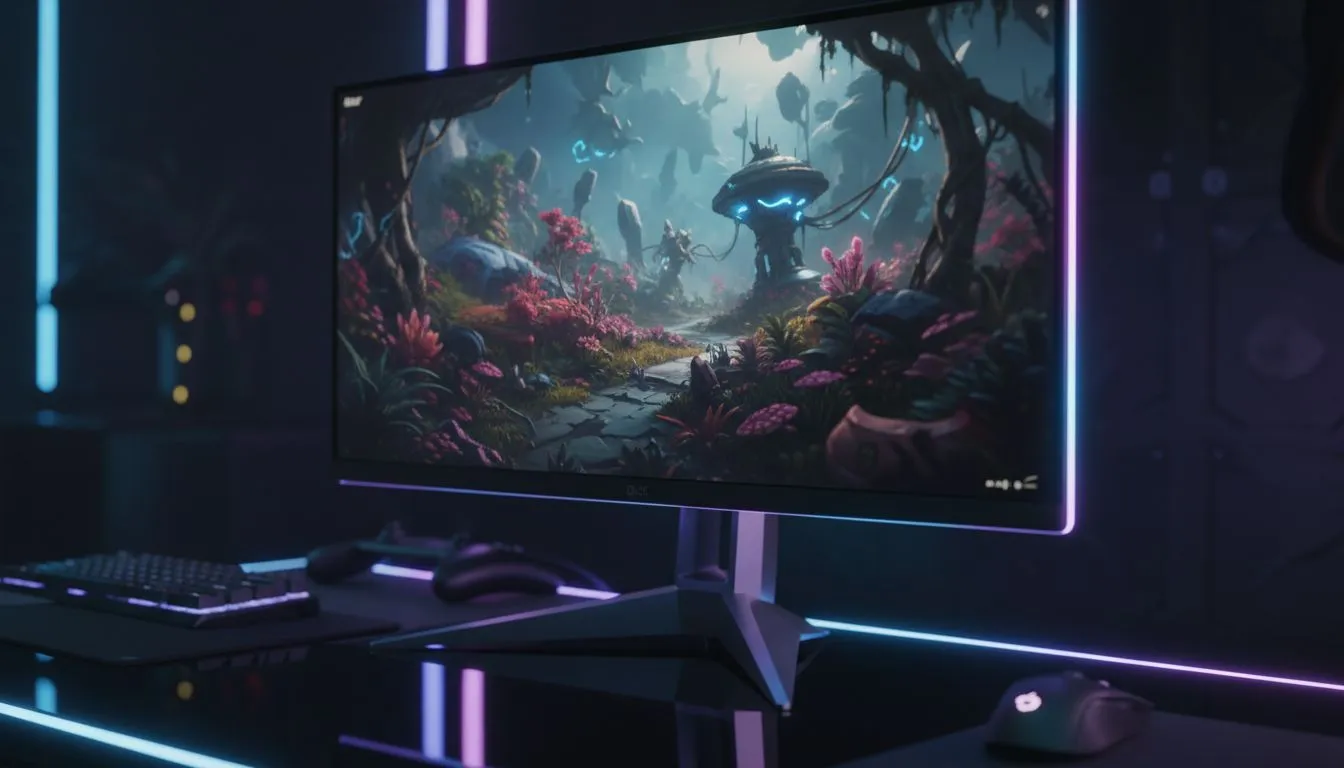
4K OLED Gaming Monitor Setup — Start Right 🔧✨
If you want cinema‑level blacks and PC gaming crispness on your desk, you’re in the right place. This 4K OLED gaming monitor setup guide is written for South African builders and gamers who want accurate colour, low latency, and a setup that actually performs in real titles... read this before you splash cash.
4K OLED Gaming Monitor Setup: Choose the Right Panel
Picking the panel is half the result. For true OLED benefits look for per‑pixel dimming, 4K resolution and at least a 120Hz refresh rate if you game competitively. Not all 4K OLEDs are equal; compare response time and HDR handling on Evetech’s monitor listings to match your needs — browse monitor specs at https://www.evetech.co.za/PC-Components/pc-monitors-89.aspx. If you want pure 4K or 5K options, check the dedicated range here: https://www.evetech.co.za/buy-5k-4k-monitors/x/1591.aspx.
4K OLED Gaming Monitor Setup: Connect and Configure
Cables and ports matter. Use DisplayPort 1.4 or HDMI 2.1 for high frame rates at 4K. Enable variable refresh (G‑Sync or FreeSync) to avoid stutter; most gaming OLEDs are listed on Evetech’s gaming monitors page so you can confirm features: https://www.evetech.co.za/all-gaming-monitors/x/1587.aspx. For best colour, start with the monitor’s factory sRGB or DCI‑P3 presets, then tweak with a calibration tool.
Calibration Tip ⚡
For the most accurate colours, set the monitor to its standard colour preset, turn off any dynamic contrast or HDR emulation, and use a simple colourimeter for one quick profile. This prevents oversaturated skins and blown highlights in darker scenes.
4K OLED Gaming Monitor Setup: Tweak In‑Game and System Settings
Match your GPU output to the monitor. In Windows, set the display scaling to 100% at 4K for sharp UI, or 125% if you prefer larger text. In graphics drivers, prioritise framerate stability over ray tracing if you want consistent 4K performance. Looking for deals on monitors and GPUs in ZAR? See the current promotions at Evetech’s monitor deals hub: https://www.evetech.co.za/best-pc-monitor-deals/x/047.aspx.
4K OLED Gaming Monitor Setup: Desk, Mounts and Extras ⚡
Think ergonomics. A robust VESA mount gives you height, tilt and swivel control to keep the screen perpendicular to your eyes. If you game on the move or need a second display, portable options exist — have a look at portable monitors here: https://www.evetech.co.za/buy-portable-monitors/x/1590.aspx. Curved OLEDs can enhance immersion for single‑player titles; compare curved options at https://www.evetech.co.za/buy-curved-monitors/x/1588.aspx. Don’t forget must‑have accessories like quality DisplayPort cables and monitor arms — find accessories at https://www.evetech.co.za/PC-Components/buy-monitor-accessories-368.aspx.
4K OLED Gaming Monitor Setup: Final Checks and Performance Notes
Before you finalise the purchase, verify HDR support, peak brightness and refresh rate on the product page. Test the monitor with both a PC and console if you plan cross‑platform play. Small tweaks—colour temperature, sharpness and black level—make massive visual differences.
Ready to Find Your Perfect Match? The Mac vs Windows debate is complex, but for maximum power, choice, and value in South Africa, Windows is hard to beat. Explore our massive range of laptop specials and find the perfect machine to conquer your world.











