

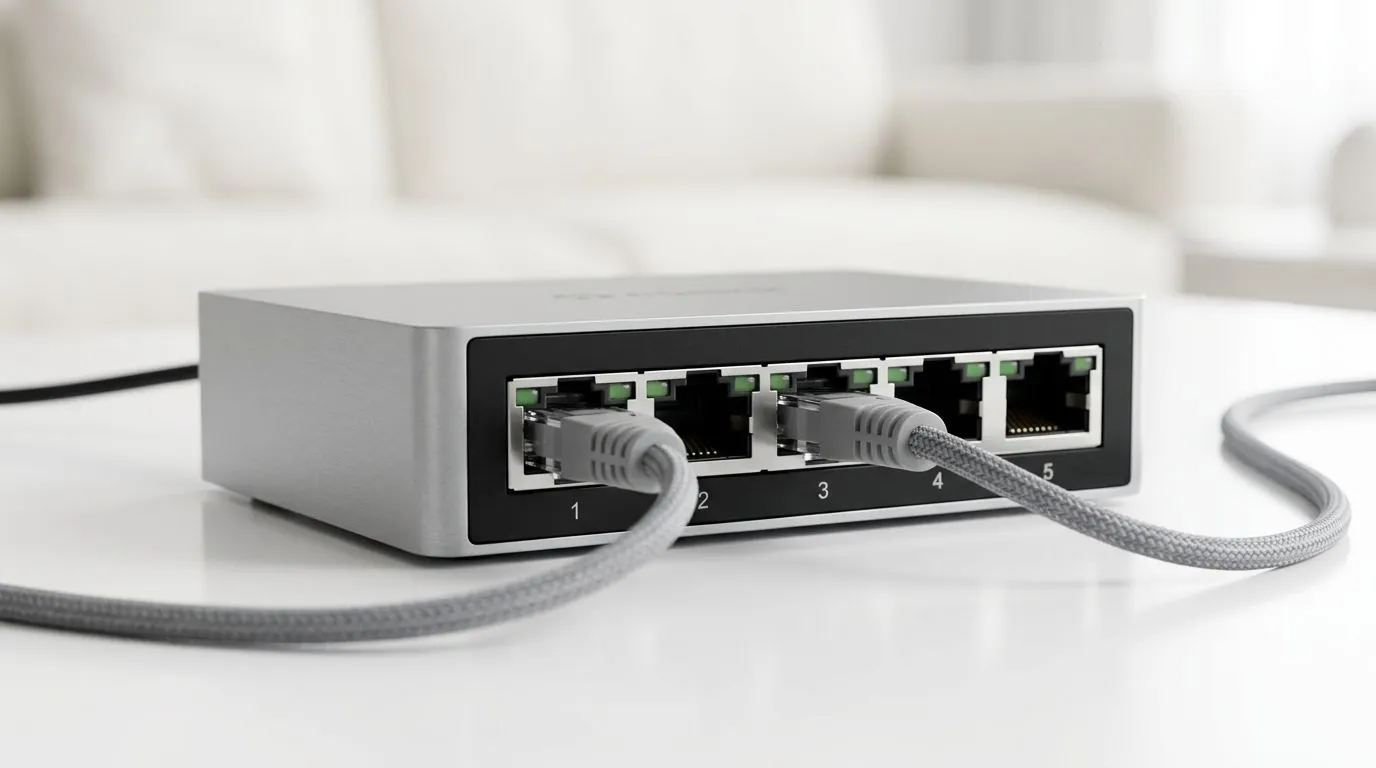
5-Port Gigabit Switch: What It Does in a Home Network
If your home network feels a bit crowded, a switch can quietly fix that 🔧. A 5-port Gigabit switch gives you more Ethernet connections without forcing everything through your router. For South African gamers, streamers, and WFH setups, that can mean steadier speeds, less cable chaos, and fewer “why is this lagging?” moments. It is a simple upgrade, but it often solves a very real problem.
What a 5-Port Gigabit Switch Does in a Home Network
A switch connects multiple wired devices on the same local network. Think PCs, consoles, smart TVs, printers, and access points. A 5-port model gives you five Ethernet sockets, which is enough for a small flat, a family lounge, or a compact gaming den. Gigabit means each port supports up to 1,000 Mbps on the wired network, assuming your router, cables, and devices can also handle that speed. For general Ethernet speed standards, see IEEE 802.3 information from the IEEE website.
In practical terms, it helps when your router only has two or three usable LAN ports. Instead of daisy-chaining adapters or unplugging devices, you add the switch and keep everything connected. That is especially handy when your console, PC, and smart TV all live near the same desk or TV unit ⚡.
Why Gamers and Households Use One
A wired connection is usually more stable than Wi-Fi. It is less affected by walls, interference, and crowded airwaves. If your fibre line is already solid, a switch helps more of that stability reach the devices that need it.
It is also useful for LAN-style home setups. Maybe your gaming PC sits in one room and the router in another. Maybe your partner works from home while you raid at night. A switch can help both of you stay online without fighting over one port. For current product options, browse Evetech’s switch collection.
A quick real-world example
Imagine a Gauteng townhouse with fibre at the lounge. The router feeds a switch. From there, one cable runs to a PS5, one to a gaming PC, one to a smart TV, one to a printer, and one stays spare. No drama. No extra login. Just clean, wired expansion.
Home Network Tip 🚀
A 5-port switch is best when you know exactly which devices need Ethernet. Put your highest-priority gear on the wired ports first... usually your gaming PC, console, and work laptop. That keeps the most important connections stable.
What to Check Before You Buy
Not every switch is the same. Some are basic plug-and-play units. Others include features like metal housings, energy-saving functions, or better traffic handling. If you want a specific brand family, you can compare options on the Cudy switch listings. If you are hunting value and want to filter by budget, see options from R1,153 and up.
Also check your cables. To get the most from Gigabit networking, use decent Cat5e or better Ethernet cabling. That is not flashy, but it matters.
When a 5-Port Model Is Enough
Five ports suit small homes, study setups, and living rooms. If you are wiring a full office, a large family house, or several gaming rooms, you may outgrow it quickly. In that case, a larger switch makes more sense. But for many South African homes, five ports is the sweet spot. It is affordable, tidy, and easy to set up.
Build Smarter, Not Busier
A 5-port Gigabit switch does one job well. It expands wired connectivity without adding fuss. That makes it a smart pick for gamers who want lower latency, households that need order, and buyers who prefer practical upgrades over unnecessary complexity. In a home network, that little box can earn its keep fast.
Ready to Find Your Perfect Match? The Mac vs Windows debate is complex, but for maximum power, choice, and value in South Africa, Windows is hard to beat. Explore our massive range of laptop specials and find the perfect machine to conquer your world.











