

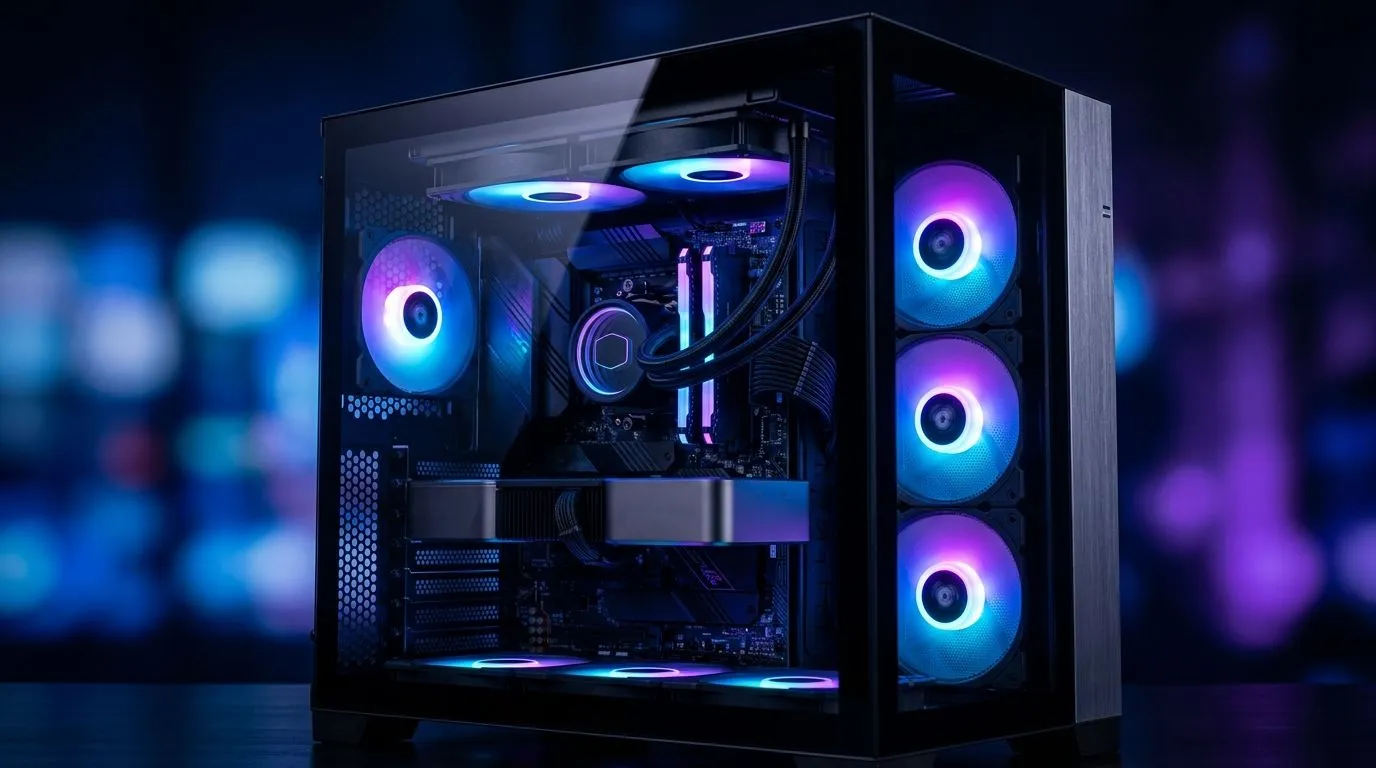
Unlocking the Potential of 7x 120mm ARGB Fans for PC Cooling ⚡
South African gamers and tech builders often ask: can 7x 120mm ARGB fans replace additional cooling solutions? The appeal is obvious — a vibrant, well-lit rig that’s cool without overload. But how effective are these fans really at managing heat under intense gaming loads? Let’s dive into the airflow dynamics and real-world performance you need to know when building or upgrading your PC.
How Effective Are Multiple 120mm ARGB Fans in Cooling?
Installing seven 120mm ARGB fans can provide impressive airflow across your components, creating steady ventilation. Larger fans generally spin slower to push more air quietly, so seven of them can move a substantial volume. However, the real question is whether this setup can fully replace additional cooling hardware, like dedicated CPU coolers or liquid solutions.
South African climates vary, but many gamers face high room temperatures that challenge passive case cooling. While multiple 120mm fans enhance air circulation, they must work in synergy with good case design. For example, cases from Fractal Design are engineered for optimal airflow, balancing intake and exhaust to maximise cooling efficiency with standard fan configurations.
The Case for Case Design: Why More Fans Isn’t Always Better
Stacking fans doesn’t guarantee better cooling if your case doesn’t support airflow pathways. Seven ARGB fans can create turbulence if placed without strategy — diminishing cooling returns and raising noise levels. That’s why pairing your fans with a well-ventilated chassis is essential.
If you’re eyeing a sturdier cooling setup, consider gaming cases like those from Gamdias, which provide airflow-optimised front and top panels. Budget-conscious gamers can find excellent models under R1500 that prioritise airflow without breaking the bank, ensuring that your 7x 120mm ARGB fans breathe comfortably inside.
Optimise Fan Placement
Position intake fans at the front, exhaust fans at the rear or top for better airflow. Avoid obstructing vents with cables or hardware for cooler temps and less noise.
Practical Cooling Tips When Using 7x 120mm ARGB Fans
- Balance Intake and Exhaust: Too many intake fans without enough exhaust can increase internal pressure, trapping hot air. Aim for slight positive or neutral pressure.
- Focus on Key Hotspots: Components like your CPU and GPU need direct airflow. Add fans or cooling solutions targeting these areas rather than just increasing overall fan count.
- Mind Your Dust Filters: South African dust and fibre environments demand regular cleaning of filters to maintain fan efficacy.
- Supplement With Dedicated Coolers: While 7x fans help case airflow, CPU coolers or AIO liquid coolers often remain necessary for high-performance machines, especially under heavy load.
Thinking about upgrading your entire setup? Browse Evetech’s selection of computer cases designed to support multi-fan configurations and optimise airflow around your hardware.
When More Fans May Need More Cooling Solutions
For rigs pushing boundaries, 7x 120mm ARGB fans alone rarely suffice as your only cooling method. High-end GPUs and overclocked CPUs generate heat levels where case airflow is critical but not enough. Combining multiple ARGB fans with efficient heat sinks or liquid loops is the smart move to avoid thermal throttling. South African gamers with demanding setups benefit from this hybrid approach to stay competitive and maintain hardware lifespan.
Thinking about a build upgrade or a fresh new case? Check out Evetech’s competitive range of affordable Gamdias gaming cases under R1500 to maximise airflow for your multi-fan configuration.
Ready to cool your rig like a pro? Equip your build with premium cases and cooling solutions that keep your components chill under pressure. Shop now at Evetech for performance that leaves lag in the dust.











