

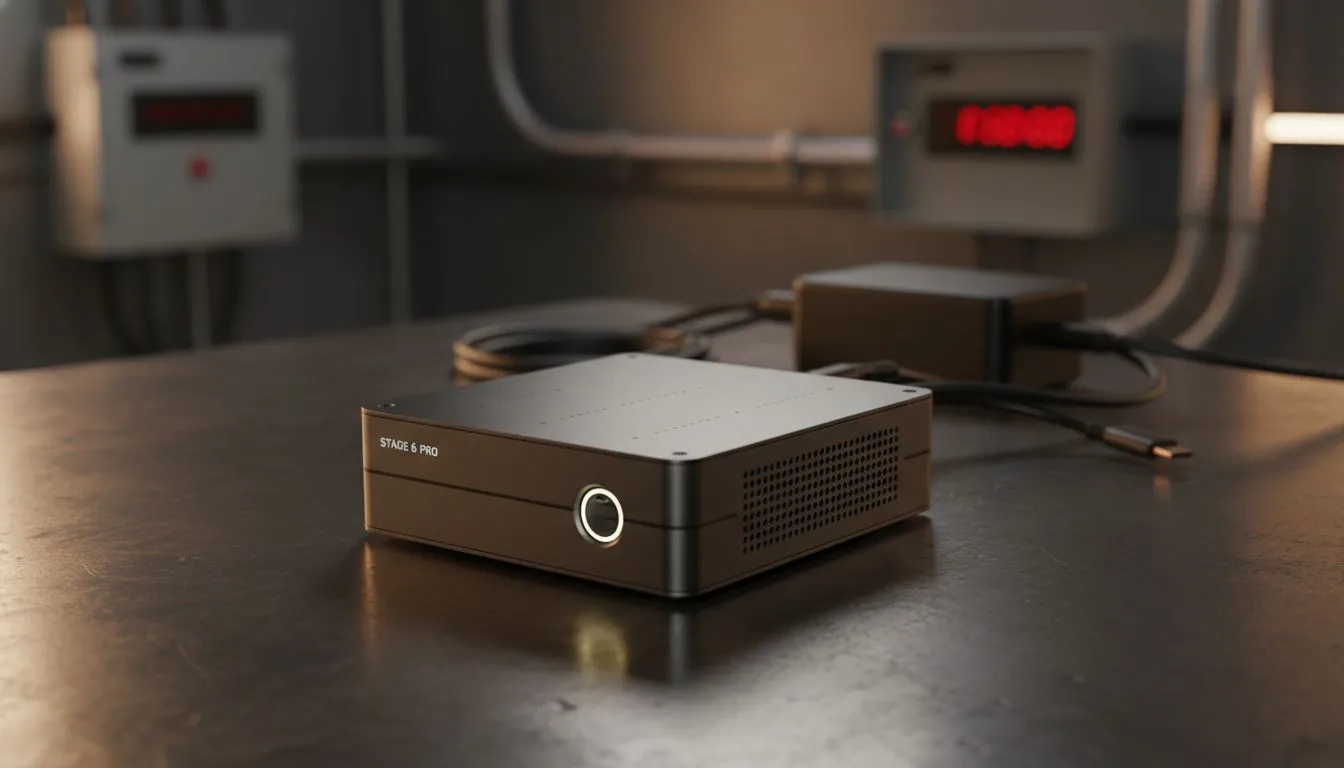
Imagine the lights go out just as you hit render on a massive project. For most creators, that is a disaster. But for those tackling 8K RAW video editing on mini PC during loadshedding, it is just another Tuesday. These compact powerhouses are rewriting the rules for South African editors who need to stay productive when the grid fails. ⚡
Small Footprint... Massive Creative Power
Editing high-resolution footage requires serious throughput. Many assume you need a massive tower to handle those heavy bitrates. However, the latest mini PCs prove that size is not everything. Modern chipsets from Intel and AMD now include dedicated media engines. These handle HEVC and ProRes encoding with ease. This means you can scrub through an 8K timeline without the stutter that usually plagues older systems.
Why Mini PCs Win During Stage 6
The secret weapon for a South African editor is power efficiency. A full-sized workstation can pull 600W or more from the wall. During Stage 6, that drains a standard UPS in minutes. In contrast, high-performance mini PCs often peak at less than 150W. This lower draw allows you to keep working for much longer on backup power. You get the same professional experience without the constant fear of a sudden shutdown. 🚀
Power Management Pro Tip ⚡
When the power cuts, your UPS battery is precious. Switch your Windows power plan to 'Balanced' while editing. You might lose a few seconds on your final render time... but you will gain valuable minutes of uptime to save your 8K project safely before the battery dies.
Choosing the Right Hardware for RAW Video
Not every small box is built for the Build Lab. You need a machine with enough RAM and a fast NVMe SSD to feed the processor. Brands like Minisforum have led the way by offering units with liquid metal cooling and multiple display outputs. This ensures your system stays cool even when rendering out a complex sequence in the middle of a Pretoria summer. ✨
Investing in a high-end setup might cost several thousand ZAR... but the time saved during power outages is priceless. These units are small enough to fit in a backpack. If your home office is down, you can easily take your entire studio to a coffee shop with a generator.
Ready to Edit Without Interruptions? The struggle against the grid is real, but your creative flow should not suffer. For maximum efficiency and compact power in South Africa, a high-end mini PC is the ultimate solution. Browse our full range of mini PCs and keep your 8K projects moving, no matter the stage of loadshedding.











