


Best RTX 5070 Under R25,000 in South Africa 2026
Top RTX 5070 Under R25,000 picks evaluated on performance, value & SA availability with current Rand pricing from Evetech.
Read moreWant quieter PCs? Learn 9-blade anti-resonance fan noise reduction best practices to cut vibration and whine 🔇. Follow proven setup tips for smoother airflow and calmer gaming. ✅
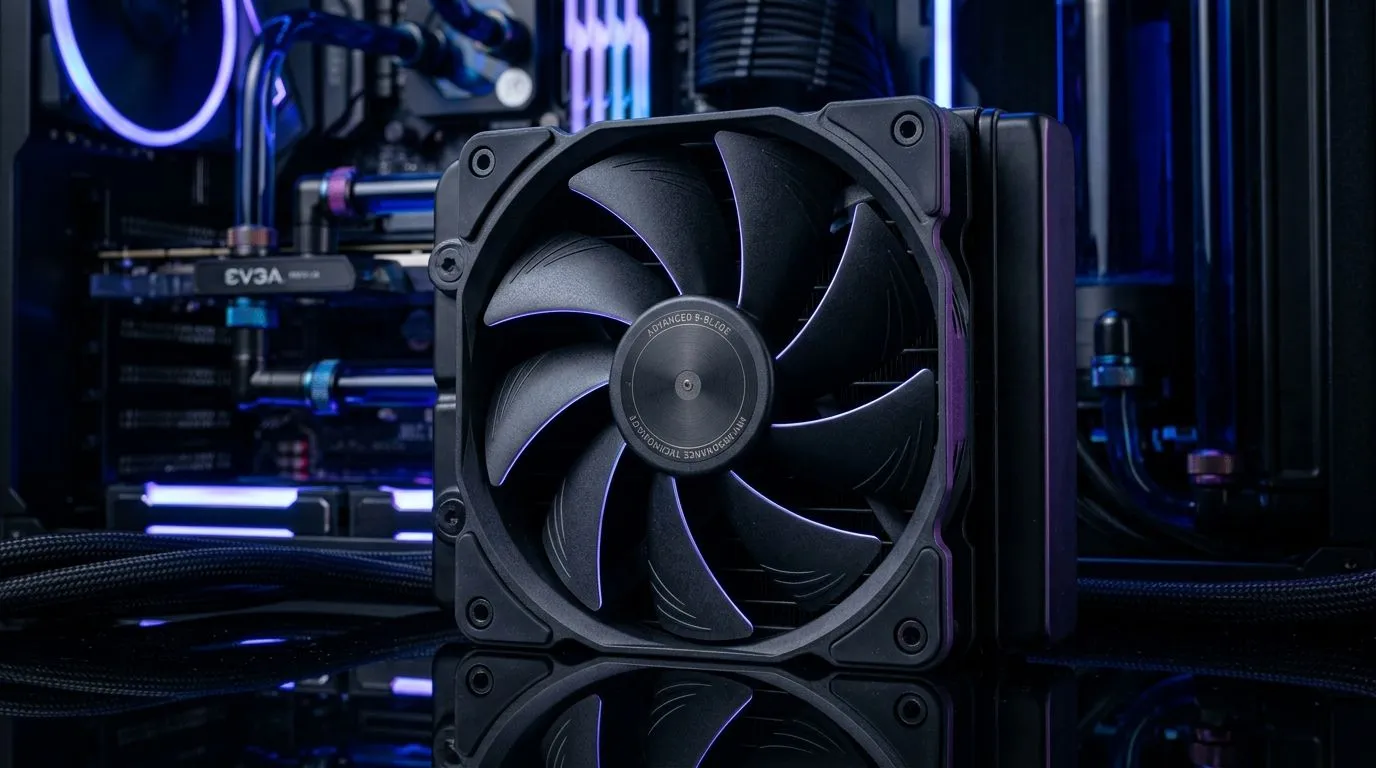
Ever had your PC sound like it’s running a dam pump… while you’re just trying to game? With GPUs and CPUs getting quieter under load, fan noise becomes the loudest “background problem” fast. In South Africa, where load shedding and warmer rooms can push systems harder, getting fan acoustics right matters. 🔧
This guide focuses on 9-Blade Anti-Resonance Fan Noise Reduction Best Practices so you can dial in airflow without that annoying whine. We’ll cover setup, mounting, airflow balance, and smart fan selection, then point you to the right Evetech case fans.
Fan noise often comes from vibration transfer, not just motor speed. Before you chase specs, do the “boring” parts properly:
Most builds are best with a simple rule: cool air in at the front/bottom, warm air out at the rear/top. If you reverse intake and exhaust, turbulence increases and so does audible “chatter.”
A steady fan curve beats aggressive ramping. If your motherboard uses automatic curves, adjust them so fans don’t jump up and down every few minutes.
On Windows, use the PowerToys FancyZones utility to create custom snap layouts for your windows. It's a lifesaver for managing multiple apps on an ultrawide monitor, letting you organise your timeline, preview window, and asset folders perfectly for video editing.
If you’re shopping, match fan size to your case mounts first. Mixing sizes can work, but it complicates the airflow balance.
RGB isn’t automatically louder, but it can mean more cables and sometimes different controller behaviour. If you want focus, filter for your style:
Your case might “support” a size, but only one size will fit cleanly with your cable routes and front vents.
Here’s a simple “find the culprit” method. 🚀
Ready to Find Your Perfect Match? If you’re serious about a quieter, cooler gaming rig, it starts with the right case fans and smart configuration. Browse Evetech and match fan size, style, and control options to your build. Explore our massive range of case fans and dial in your setup before the next LAN night.
A 9-blade anti-resonance fan uses blade geometry to disrupt harmonic vibration. This can reduce fan whine and resonance when airflow loads change.
Use even screw pressure, avoid over-tightening, and consider soft mounting pads. Proper mounting reduces vibration transfer and helps fan noise reduction.
Yes. Tune your fan curve so fans ramp smoothly and avoid constant high-frequency oscillation. Fan curve tuning supports quieter operation and less whine.
They can still increase noise with RPM, but anti-resonance designs typically limit tonal resonance. For best results, balance RPM with airflow needs.
Aim for steady, efficient airflow with clean intake/exhaust paths. Better airflow reduces the need for aggressive RPM, supporting anti-resonance fan noise reduction.
Check for cable rub, misalignment, and uneven mounting. Clean and secure cables, and verify blade clearance to cut ticking and resonance-related whine.
Yes. Any fan can resonate with airflow or mechanical coupling. Use consistent mounting, vibration control, and fan curve tuning across the system.
They often help, especially for users sensitive to tonal fan noise. Pair them with proper mounting and airflow tuning for the biggest quiet gains.
Top RTX 5070 Under R25,000 picks evaluated on performance, value & SA availability with current Rand pricing from Evetech.
Read more
Core i5-14600K + B760 + RTX 5060 Build Under. Full parts list, Rand pricing & expected performance. Build confidently with SA-available components.
Read more
RX 7800 XT The Witcher 4 Low Settings at 1440p. Real-world benchmark data, FPS numbers & performance analysis. What SA gamers can actually expect.

RTX 5070 GTA 6 High Settings at 1440p: FPS Results. Real-world benchmark data, FPS numbers & performance analysis. What SA gamers can actually expect.

Does RTX 5070 Run Hot in South African Climate Detailed answer with SA data, expert analysis & practical recommendations for local buyers.

How Long Will the RX 7900 XTX Last for Gaming Detailed answer with SA data, expert analysis & practical recommendations for local buyers.

Every spec on PCIe 5.0 explained in plain English. What matters for gaming and creator work in 2026, what's marketing fluff, and how each number translates to real-world performance.

Every spec on bios explained in plain English. What matters for gaming and creator work in 2026, what's marketing fluff, and how each number translates to real-world performance.

Every spec on gaming setups explained in plain English. What matters for gaming and creator work in 2026, what's marketing fluff, and how each number translates to real-world performance.

Every spec on cooling systems explained in plain English. What matters for gaming and creator work in 2026, what's marketing fluff, and how each number translates to real-world performance.
Top RTX 5070 Under R25,000 picks evaluated on performance, value & SA availability with current Rand pricing from Evetech.
Core i5-14600K + B760 + RTX 5060 Build Under. Full parts list, Rand pricing & expected performance. Build confidently with SA-available components.

Top Monitor for RX 9070: Resolution & Refresh Rate picks evaluated on performance, value & SA availability with current Rand pricing from Evetech.

Valorant Settings on RX 9060 XT: Performance. Real-world benchmark data, FPS numbers & performance analysis. What SA gamers can actually expect.