

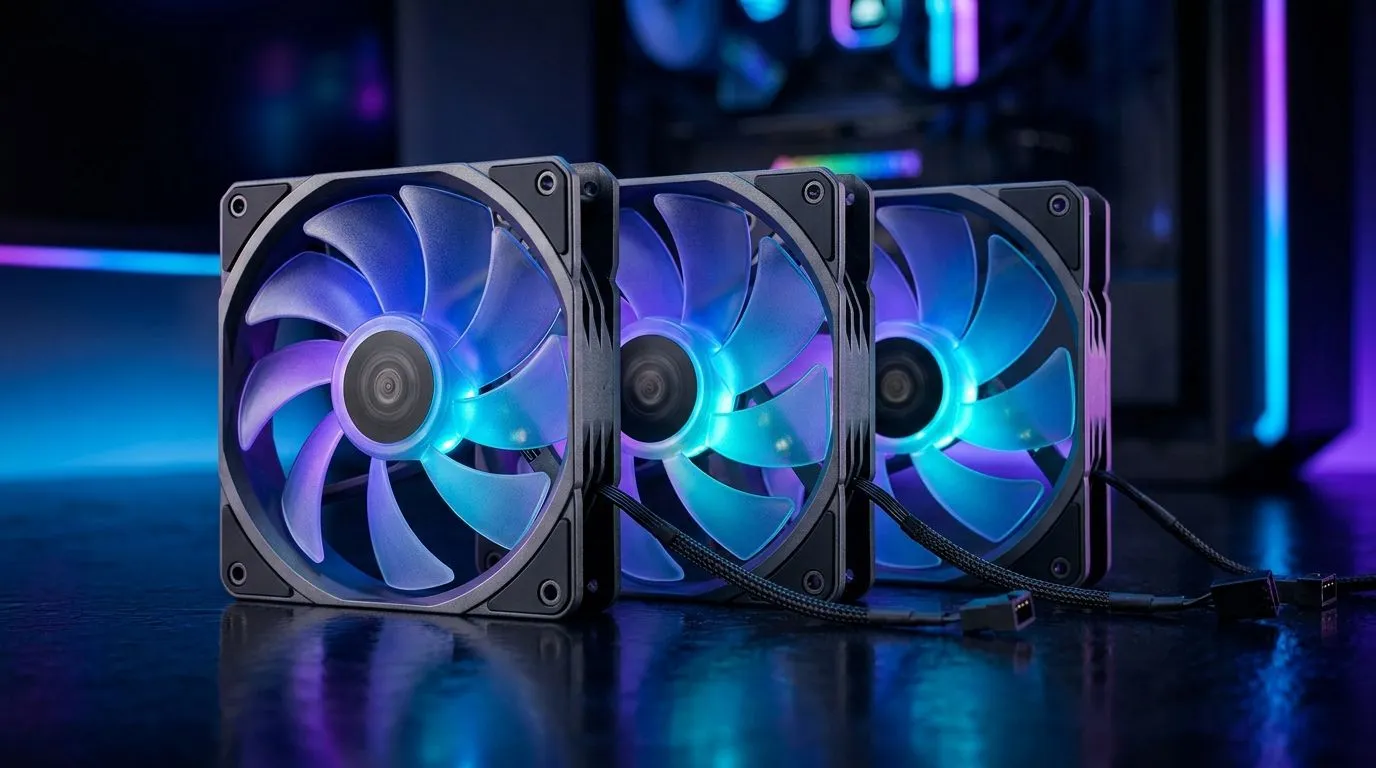
Why Addressable RGB Fan Installation with AURA Sync Compatibility Matters
Upgrading your PC with addressable RGB fans brings vibrant colour and dynamic lighting effects that transform your setup into a personalised showpiece. But if you want to truly own your glow, installing these fans with AURA Sync compatibility lets you synchronise lights across your components effortlessly. South African gamers and tech enthusiasts know how important smooth performance combined with standout visuals is—this guide breaks down installation and optimisation tips to get you lighting up your space like a pro ⚡.
Understanding Addressable RGB and AURA Sync
Addressable RGB fans differ from standard RGB by letting each individual LED display colours independently. That means animations can flow across fans in waves, pulses, and patterns customised through software. ASUS AURA Sync software is the go-to for synchronising these effects across compatible motherboard brands and peripherals, creating cohesive, eye-catching lighting schemes.
When buying fans, consider the size that fits your case best—popular 120mm and 140mm options are widely compatible with most setups. Whether you lean towards brands like CORSAIR or Deepcool, ensure the fans support both addressable RGB and AURA Sync to avoid compatibility headaches. Check out options available under 120mm case fans and 140mm case fans at Evetech for good choices.
Step-by-Step Addressable RGB Fan Installation
1. Choose Compatible Fans and Motherboard Headers
Start by selecting case fans that explicitly mention AURA Sync support or addressable RGB compatibility. Connect fans to the motherboard’s 3-pin 5V ARGB headers—not the standard 4-pin 12V RGB. Attempting the wrong connection could damage your LEDs or disable syncing. Explore trusted CORSAIR case fans and Deepcool case fans that support these features.
2. Install and Secure Your Fans
Mount the fans in spots that optimise airflow: front intake, top exhaust, or rear exhaust, depending on your case layout. Use the included screws—avoid overtightening to prevent noise from vibration. Manage fan cables neatly to maintain airflow and prevent wear.
3. Connect to the ARGB Header and Power
Plug the fan’s ARGB connector into the compatible header on your motherboard. Don’t forget to connect the fan power cable to the motherboard’s fan header or a fan controller. Proper power ensures stable fan speeds and lighting control.
4. Configure AURA Sync Software
Once hardware is connected, download and install the ASUS AURA Sync software. It detects connected addressable RGB fans and lets you customise lighting effects, speeds, and colours. Experiment with waves, rainbow cycles, or static hues that match your rig’s theme.
Pro Tip: Sync with Other Components
For a seamless lightshow, link your case fans’ addressable RGB setup with your GPU, RAM, and motherboard lighting using AURA Sync. This keeps your entire rig glowing in perfect harmony.
Enhancing Your Setup with Lighting Effects and Fan Choices
To truly lift your PC’s style and performance, consider how your selected fans’ lighting effects interplay. For example, if you prefer a simpler aesthetic, there are RGB fans with subtle lighting effects or even non-RGB fans for quieter, minimalist builds.
All lighting aside, picking high-quality fans will impact thermals and noise. Trusted brands found at Evetech include Corsair for balanced airflow and Deepcool for budget-conscious alternatives.
Where to Find Addressable RGB Fans and Accessories in South Africa
Evetech stocks a comprehensive range of PC cooling solutions tailored for South Africans wanting to upgrade rigs affordably. Their range includes all case fans with options that optimise both airflow and lighting vibrancy. With local shipping and expert support, it’s easier than ever to fit your build with stunning, sync-ready components.
Build Your Perfect Light-Synced Rig Today Elevate your PC’s look and airflow with quality addressable RGB fans. Shop now at Evetech for performance that leaves lag in the dust.











