

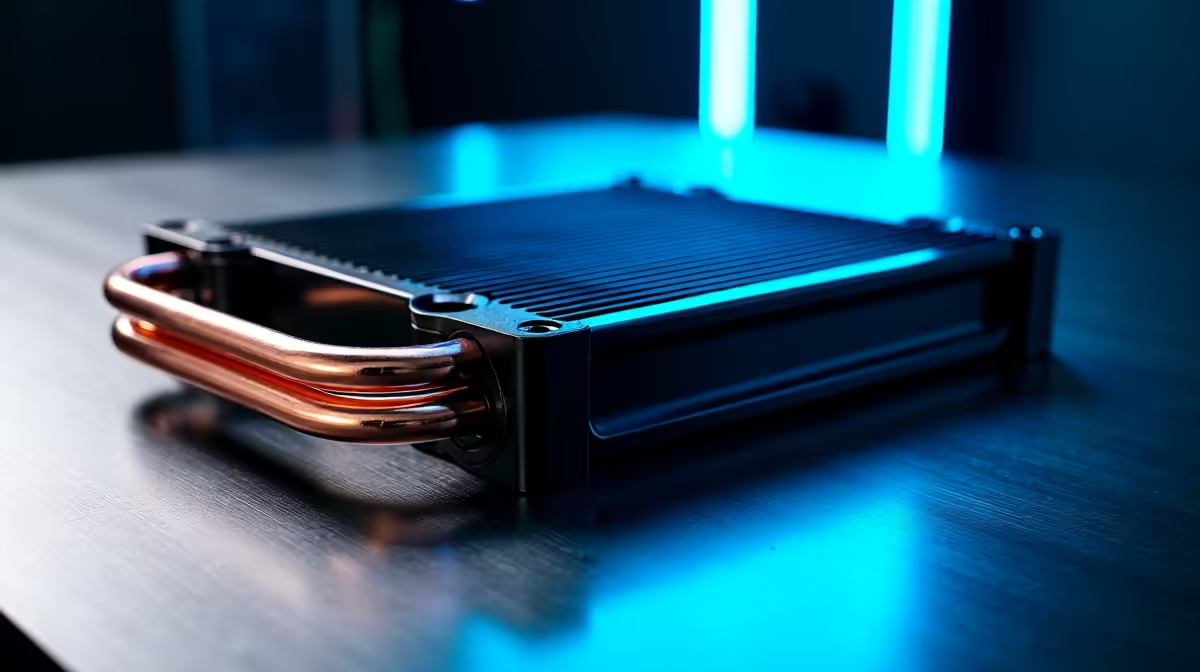
Is your gaming rig starting to sound like it’s preparing for takeoff during a hot Durban summer? You’re not alone. When your PC fans spin up to max speed, it’s a cry for help. Pushing your hardware to its limits without proper cooling is a recipe for thermal throttling… or worse. That's why understanding advanced PC cooling solutions is no longer just for hardcore enthusiasts; it's essential for any serious South African gamer wanting to prevent overheating and protect their investment.
Why Preventing Overheating is Non-Negotiable
When your PC’s core components—like the CPU and GPU—get too hot, they automatically slow down to protect themselves. This is called thermal throttling. Suddenly, your smooth 144 FPS in Apex Legends drops to a stuttery mess, ruining your competitive edge. 😩
Beyond performance dips, sustained high temperatures can shorten the lifespan of your precious hardware. An effective PC cooling setup isn't a luxury; it's the foundation of a stable, high-performance machine that lasts.
The Core of Cooling: Air vs. All-in-One (AIO) Liquid Coolers
Choosing the right CPU cooler is your first major step. The two main camps are traditional air coolers and modern All-in-One (AIO) liquid coolers. Both are excellent advanced PC cooling solutions, but they suit different needs and budgets.
The Reliability of Air Cooling
Air coolers use a combination of a metal heatsink and fans to draw heat away from your CPU. They are simple, reliable, and incredibly effective for their cost. Modern high-end air coolers can even compete with some liquid coolers. This makes them a fantastic choice for most builds, and you'll find them in many excellent budget gaming PCs that offer amazing value.
The Peak Performance of AIO Liquid Cooling 💧
For those chasing maximum performance and a sleek aesthetic, AIO liquid coolers are the top choice. An AIO uses a closed loop to circulate liquid between a radiator and a water block on your CPU, transferring heat more efficiently than air. This is ideal for overclocking powerful processors or for builds where silence is golden. They are a common feature in high-performance PCs over R20,000, where keeping a Core i9 or Ryzen 9 chilly is paramount.
Airflow is Everything 🔧
When installing case fans, pay close attention to their orientation. You want to create a clear path for air to travel through your case. A common setup is to have fans at the front pulling cool air in (intake) and fans at the back and top pushing hot air out (exhaust). This simple check can dramatically improve your PC's thermal performance!
It’s Not Just the CPU: A Holistic Approach to PC Cooling
A powerful CPU cooler is only one piece of the puzzle. To truly master your PC's thermals and prevent overheating, you need to think about the entire system.
Case airflow is critical. A case with poor ventilation can trap hot air, making even the best cooler struggle. Look for cases with mesh front panels and multiple fan mounts. It’s one of the reasons our expertly assembled pre-built PC deals are so popular—we ensure every component works in harmony, including the case.
Even your cable management plays a role. Messy cables can obstruct airflow, creating pockets of hot air. Taking a few extra minutes to route cables neatly behind the motherboard tray isn't just for looks; it's a functional part of a cool and quiet build. ✨
Finding Your Ideal Cooling Solution
So, what's right for you?
If you're building a solid mid-range rig for 1080p gaming, a quality air cooler paired with a good case is often the perfect balance of price and performance. You can find many powerful builds under R20,000 that follow this exact philosophy.
If you're aiming for a top-tier 4K gaming machine or a content creation powerhouse, investing in an AIO liquid cooler is a smart move. It provides the thermal headroom needed to push your high-end components to their absolute limit. For a curated selection of balanced builds, check out Evetech's best gaming PC deals.
Ultimately, the best advanced PC cooling solution is one that matches your hardware, your ambitions, and your budget.
Ready for a Cooler, Faster Gaming Experience? Don't let overheating throttle your performance. A well-cooled PC is a happy PC. Explore our massive range of custom and pre-built gaming PCs and find the perfect machine engineered to stay cool under pressure.











