

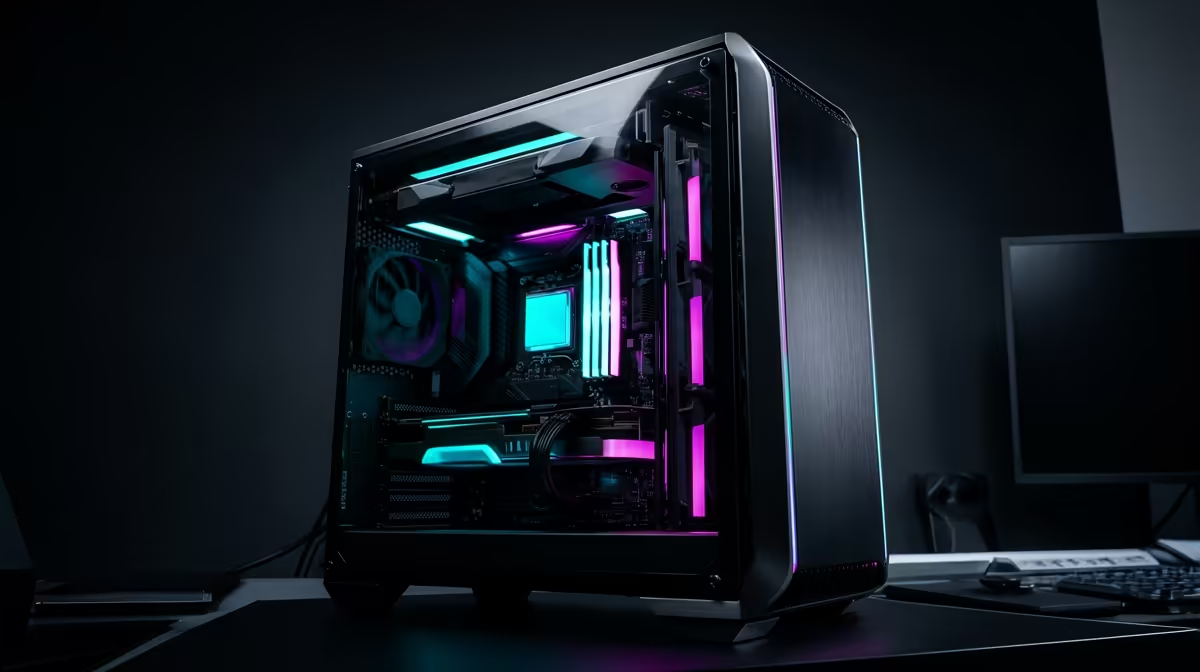
Staring at a stuttering timeline, waiting ages for a render to finish? You're not alone. Building a powerful editing PC in South Africa feels expensive, but it doesn't have to be. Finding affordable editing PC parts in South Africa is possible if you know where to look and what to prioritise. Let’s break down how to build a beastly machine for video or photo work without emptying your wallet. Your creative flow will thank you for it. 🚀
Your Core Components for a Budget Editing PC
When you're assembling a PC for video editing, photo editing, or graphic design, not all parts are created equal. You need to invest your money where it has the biggest impact on performance. For creative workloads, that means focusing on the CPU, RAM, and your primary storage drive. Getting these right is the foundation of a smooth, frustration-free workflow.
The Brains: Choosing the Right CPU
Your Central Processing Unit (CPU) is the heart of your editing rig. It handles tasks like encoding, decoding, and processing complex effects. More cores and higher clock speeds generally mean faster render times and smoother playback, especially with high-resolution footage.
The big question is... Team Blue or Team Red?
- Intel: Often praised for its strong single-core performance and Quick Sync technology, which can accelerate video encoding and decoding in apps like Adobe Premiere Pro. For creators on a budget, exploring the latest Intel PC deals can reveal some serious value.
- AMD: Ryzen CPUs have become a creative powerhouse, offering fantastic multi-core performance for your money. This is brilliant for rendering, 3D work, and multitasking. Checking out the current AMD Ryzen PC deals is a must for any budget-conscious builder.
For a solid start, a modern 6-core processor from either camp will handle 1080p and even light 4K editing without a sweat.
The Workspace: How Much RAM Do You Need?
RAM (Random Access Memory) is like your computer's short-term memory. Editing software loves to use it to temporarily store project files, video previews, and effects. Skimping on RAM is a direct path to a slow, choppy experience.
- 16GB: The absolute minimum for serious editing today. It's enough for 1080p projects and basic photo editing.
- 32GB: The sweet spot for most creators. It provides enough headroom for 4K editing, complex timelines, and running other apps like After Effects or Photoshop alongside your main editor.
- 64GB+: Only necessary if you're working with 6K/8K footage or extremely heavy visual effects.
The Speed Demon: Why an NVMe SSD is Essential
If your PC still uses a traditional Hard Disk Drive (HDD) as its main drive, an upgrade will change your life. A Solid State Drive (SSD), specifically an NVMe M.2 model, drastically cuts down on loading times for your OS, applications, and project files. This means less waiting and more creating. Your footage will import faster, and scrubbing through your timeline will feel incredibly responsive. ✨
The Graphics Card (GPU) Question
While the CPU is king, the GPU (Graphics Card) plays a vital supporting role. It accelerates graphically intensive effects, colour grading, and can significantly speed up export times in supported software (look for CUDA or OpenCL acceleration).
You don't need a top-of-the-line R40,000 graphics card to get started. A solid mid-range GPU will provide more than enough power for most editing tasks. The key is finding a balanced system where no single component is bottlenecking the others.
Editing Pro Tip ⚡
When exporting from Adobe Premiere Pro or DaVinci Resolve, make sure you've enabled hardware encoding (NVIDIA NVENC or AMD VCN). This uses your GPU instead of your CPU for the final export, which can cut your render times by more than half on supported systems. It's a simple setting that makes a massive difference!
Putting It All Together: Smart Buys & Pre-Built Power
Hunting for individual affordable editing PC parts in South Africa can be a great way to customise your build. However, balancing the motherboard, power supply, and case can be tricky. Sometimes, the most cost-effective and hassle-free option is a professionally assembled PC.
Often, pre-built systems offer fantastic value, especially in specific price brackets. You get a balanced, tested machine with a full warranty, saving you the headache of assembly. For many aspiring creators, exploring a range of powerful PCs under R20,000 is the smartest and fastest way to get a capable editing rig up and running. 🔧
This approach ensures all your components work together perfectly from day one, letting you focus on what truly matters: your creative projects.
Ready to Build Your Creative Powerhouse? Hunting for individual parts can be a mission. If you want a perfectly balanced, professionally built machine straight out of the box, we've got you covered. Explore our massive range of custom-built PCs and find the perfect editing rig for your budget and workflow.











