

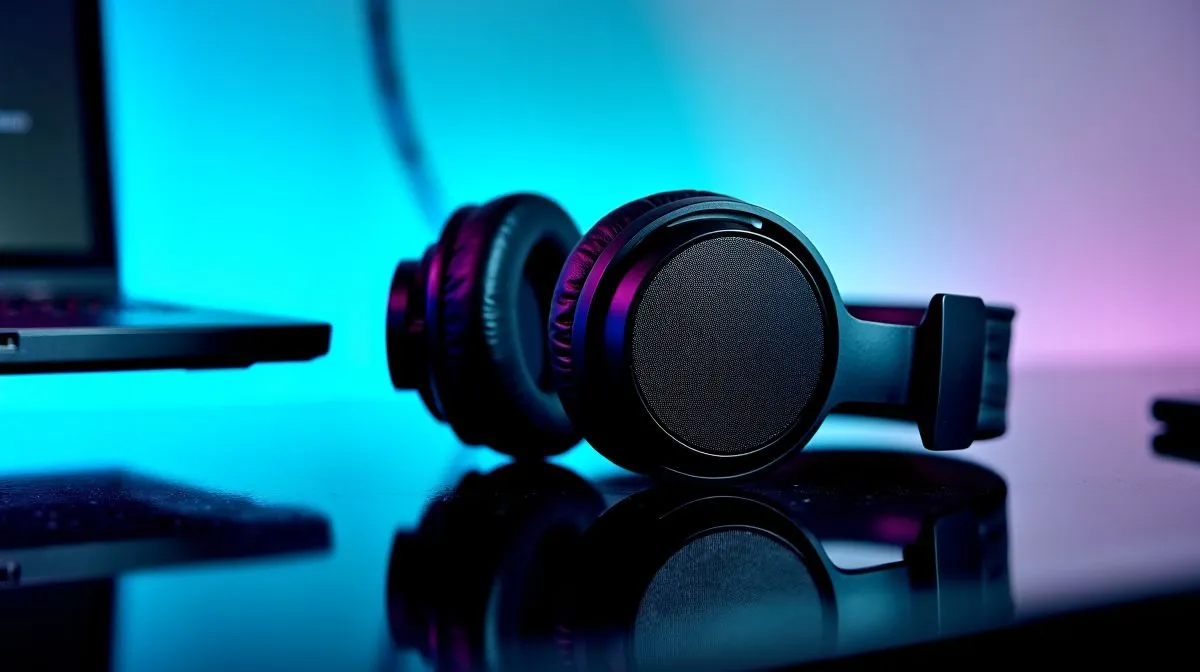
Affordable multi-device audio: student essentials
South African students need sound that fits pocket, flat and schedule. Want clear lecture playback, YouTube beats, and casual gaming without blowing R500? This guide shows simple, low-cost ways to build an affordable multi-device audio setup for South African students—fast, with real product pages to compare 🎧.
Affordable multi-device audio: pick the right configuration
Start by choosing between compact 2.0 speakers and a 2.1 kit with a subwoofer for bass. A 2.0 setup saves desk space; a 2.1 gives fuller movie sound. Evetech lists both 2.0 options to compare, so check typical builds for dorm rooms here: 2.0 setups. For students who love low end, compare 2.1 speaker kits and see which fits your desk and budget.
Affordable multi-device audio: wired or wireless
Decide how many devices you’ll connect. Wired speakers keep latency low for gaming and lecturing from a laptop; browse the wired selection here: wired speakers. If you switch between phone, tablet and laptop often, wireless models make pairing painless; view wireless choices here: wireless models ✨.
Productivity Pro Tip ⚡
On Windows, use the PowerToys FancyZones utility to create custom snap layouts for your windows. It's a lifesaver for managing multiple apps on an ultrawide monitor, letting you organise your timeline, preview window, and asset folders perfectly for video editing.
Affordable multi-device audio: brand picks and budget hacks
Stick to reliable low-cost brands when you need warranty and local support. Browse Promate options on Evetech to see budget-friendly models: Promate options. You can also filter the full Evetech speaker range for features and prices here: Evetech speakers category. Mix and match second-hand subwoofers or refurbished units to stay under student budgets.
Affordable multi-device audio: setup tips and quick wins
Place speakers so the tweeters are at ear height; small angling transforms clarity. Keep the subwoofer off the desk to avoid vibration in laptops and shared study surfaces. Use a simple audio switch or Bluetooth dongle to toggle between devices without constantly replugging. Test levels with a familiar track and keep chat volume lower than game or lecture audio to protect hearing.
A short story: my cousin moved into a Stellenbosch flat, bought a compact 2.0 pair and a cheap Bluetooth receiver. She now uses one system for lectures, Spotify and study group calls... and still has change for a braai. That’s the point—good sound need not be expensive.
If you want hands-on advice, compare models on Evetech and pick one that balances size, connectivity and perceived bass. Small compromises on power often mean big savings without losing clarity.
Affordable multi-device audio: final checklist
Before you buy, test connectivity, check warranty terms with the seller and read local reviews. Ensure the speakers have RCA or 3.5mm for laptop use, and Bluetooth 5.0 for reliable phone pairing. If you study in shared housing, moderate SPL can prevent conflicts and preserve hearing. Prioritise features you will use daily: mic pass-through for calls, simple volume control, and compact footprint. Small upgrades like foam isolation pads and a short AUX cable improve clarity.
Ready to Find Your Perfect Match? The Mac vs Windows debate is complex, but for maximum power, choice, and value in South Africa, Windows is hard to beat. Explore our massive range of laptop specials and find the perfect machine to conquer your world.











