

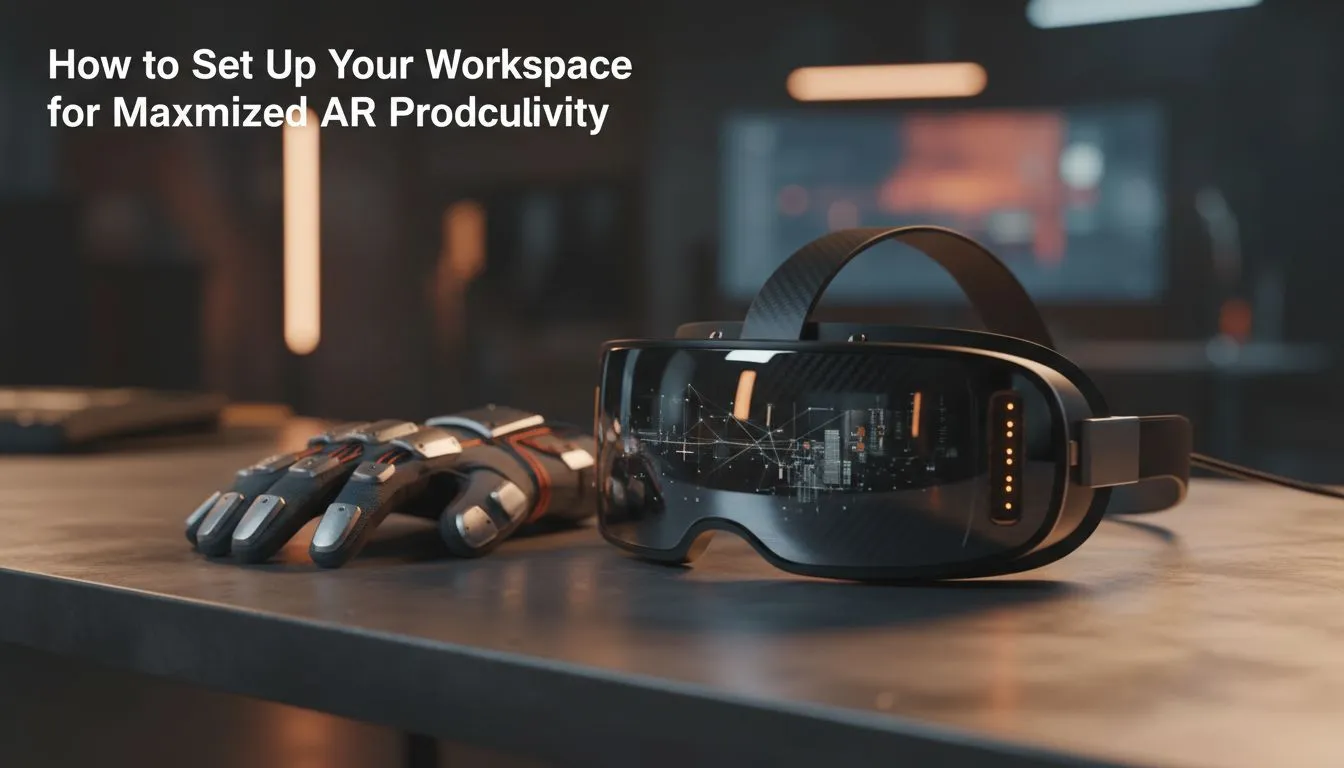
Imagine sitting at your desk in Cape Town with four massive monitors floating in mid-air. You are no longer limited by physical desk space or heavy plastic bezels. With a professional AR workspace setup, your productivity isn't bound by hardware constraints... it is limited only by your imagination. Transforming your home office into a digital powerhouse is finally a reality for South African pros looking to maximize augmented reality productivity. 🚀
Why Traditional Monitors are Losing the Race
The standard office setup is expensive and bulky. Buying three high-end 4K monitors can easily set you back R20,000 or more. They take up space, collect dust, and require complex cable management. Augmented reality changes the math entirely. By investing in specialised AR hardware, you gain a portable, infinite canvas that fits in your laptop bag.
You can pin a Slack window to your left and a browser to your right. Your main IDE or creative suite stays front and centre. This layout remains fixed in space, allowing you to move your head naturally. It creates a level of focus that physical screens simply cannot match... especially in a busy South African household.
Essential Hardware for Your AR Workspace Setup
To get the most out of your virtual office, you need the right tools. You cannot just use any pair of smart glasses. You need devices with high pixel density and excellent refresh rates to prevent eye strain. Browsing the range of AR glasses available at Evetech will show you how far this tech has come. 🔧
Productivity Pro Tip ⚡
When setting up your virtual monitors, position them at eye level or slightly below. This mimics a natural reading posture and prevents neck fatigue during long coding or editing sessions. Use a dark, matte desk surface to help the AR sensors track your environment more accurately without reflections.
Performance and Long-term Comfort
Comfort is the biggest factor for productivity. If the headset is too heavy, you will stop using it after an hour. Modern solutions focus on lightweight frames that look like standard sunglasses. They distribute weight across the bridge of your nose and ears effectively.
If you are looking for high-end AR solutions that offer the best clarity, pay attention to the "PPD" or Pixels Per Degree. Higher PPD ensures that text remains crisp and readable. This is vital for spreadsheets or writing code where every character matters. ✨
Optimising Your Virtual Environment
A great AR workspace setup requires a stable PC. Your GPU has to render multiple high-resolution streams simultaneously. Ensure your laptop or desktop has a compatible USB-C port with DisplayPort Alt Mode. This allows for a single-cable connection that handles both power and data.
South African users often face bright ambient light in home offices. While AR lets you see the world around you, excessive glare can wash out your virtual screens. Using a pair of clip-on light blockers or simply dimming your smart lights can make the virtual displays pop with vibrant colour. ⚡
Ready to Build Your Infinite Workspace? Physical screens are a thing of the past. For the ultimate blend of portability and power in South Africa, augmented reality is the clear winner. Explore our massive range of AR glasses and find the perfect gear to revolutionise your workflow today.











