

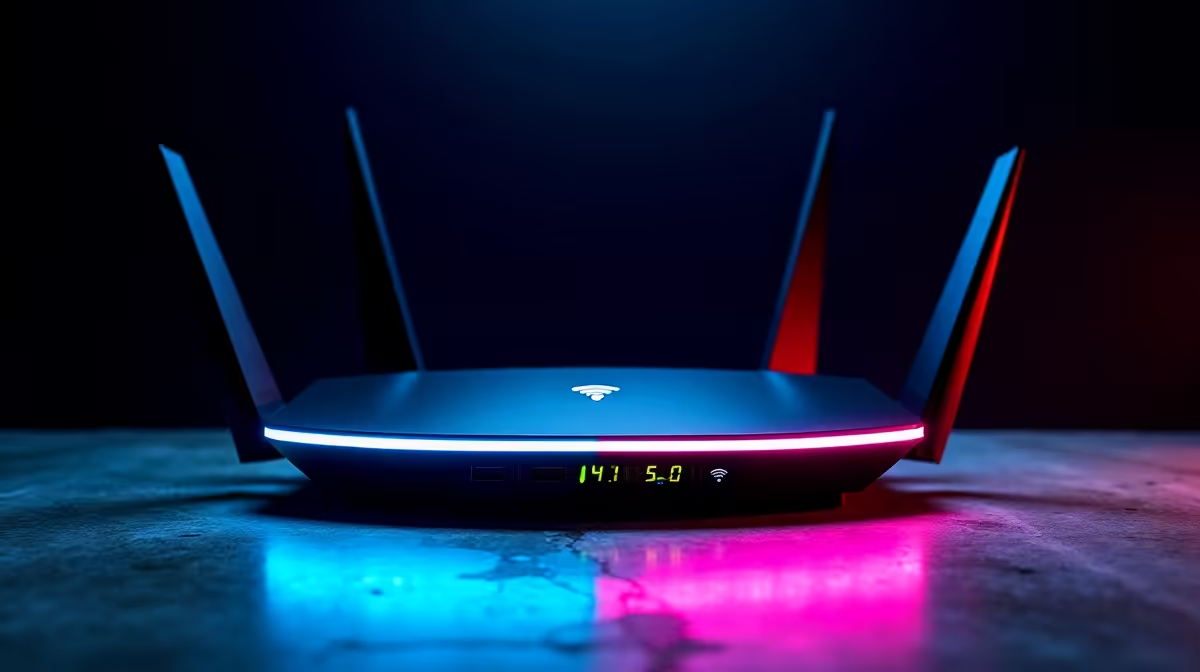
You are in the middle of a crucial ranked match. Suddenly, your ping spikes... your premium controller disconnects... and you are staring at a frustrating connection error screen. If WiFi 7 dropouts, USB-C issues and LAN latency are ruining your gaming sessions, you are not alone. South African gamers are upgrading their setups rapidly, but bleeding-edge tech sometimes bites back. Let us fix those annoying PC problems today.
Tackling WiFi 7 Dropouts Head-On ⚡
WiFi 7 is incredibly fast, but early adopters are facing serious instability. The massive 320MHz channels can easily overlap with local frequencies. This interference causes sudden WiFi 7 dropouts right when you need stable internet the most. It is an absolute nightmare when you are downloading massive updates or streaming high-resolution gameplay.
If your current setup struggles to push a stable signal through thick South African brick walls, it might be time for dedicated hardware. You can easily eliminate those frustrating dead zones when you explore our range of high-performance routers built for heavy traffic.
Squashing Annoying USB-C Issues 🔧
Modern motherboards feature plenty of USB-C ports, but they are not all created equal. You plug in your expensive headset or high-speed external SSD, and it randomly disconnects mid-game. These USB-C issues often stem from aggressive power-saving features hidden inside Windows, or bandwidth sharing across your motherboard lanes.
Motherboard BIOS updates also play a massive role in fixing these bugs. Always check your manufacturer website for the latest firmware to keep your ports stable and your power delivery consistent.
Power Management Pro Tip 🔋
Open Device Manager, find your USB Root Hubs, right-click for Properties, and uncheck "Allow the computer to turn off this device to save power". This quick tweak stops random peripheral disconnects during intense gaming sessions.
Defeating High LAN Latency 🚀
LAN latency is another frustrating beast entirely. Even with a wired fibre connection to local Johannesburg or Cape Town servers, outdated drivers or cheap cables can throttle your speeds. Using an old Cat5 cable instead of a modern Cat6 alternative is a common mistake that introduces severe packet loss.
Sometimes software tweaks simply are not enough. An outdated router cannot handle smart TVs, mobile phones, and your gaming PC simultaneously. Upgrading ensures your gaming traffic is prioritised correctly. You can find the perfect solution when you browse reliable WiFi routers designed to manage multiple devices without breaking a sweat.
Building a stable gaming ecosystem does not have to cost tens of thousands of ZAR. Whether you have a budget of R1,500 or R5,000, you can find brilliant upgrades. If you want to overhaul your entire setup without emptying your wallet, keep a close eye on our daily tech specials for massive savings on premium gear.
Ready to Banish Lag for Good? Do not let network drops and hardware glitches ruin your competitive edge. Upgrade your networking gear and PC components with Evetech today. Explore our massive range of networking hardware and build a system that never lets you down.











