

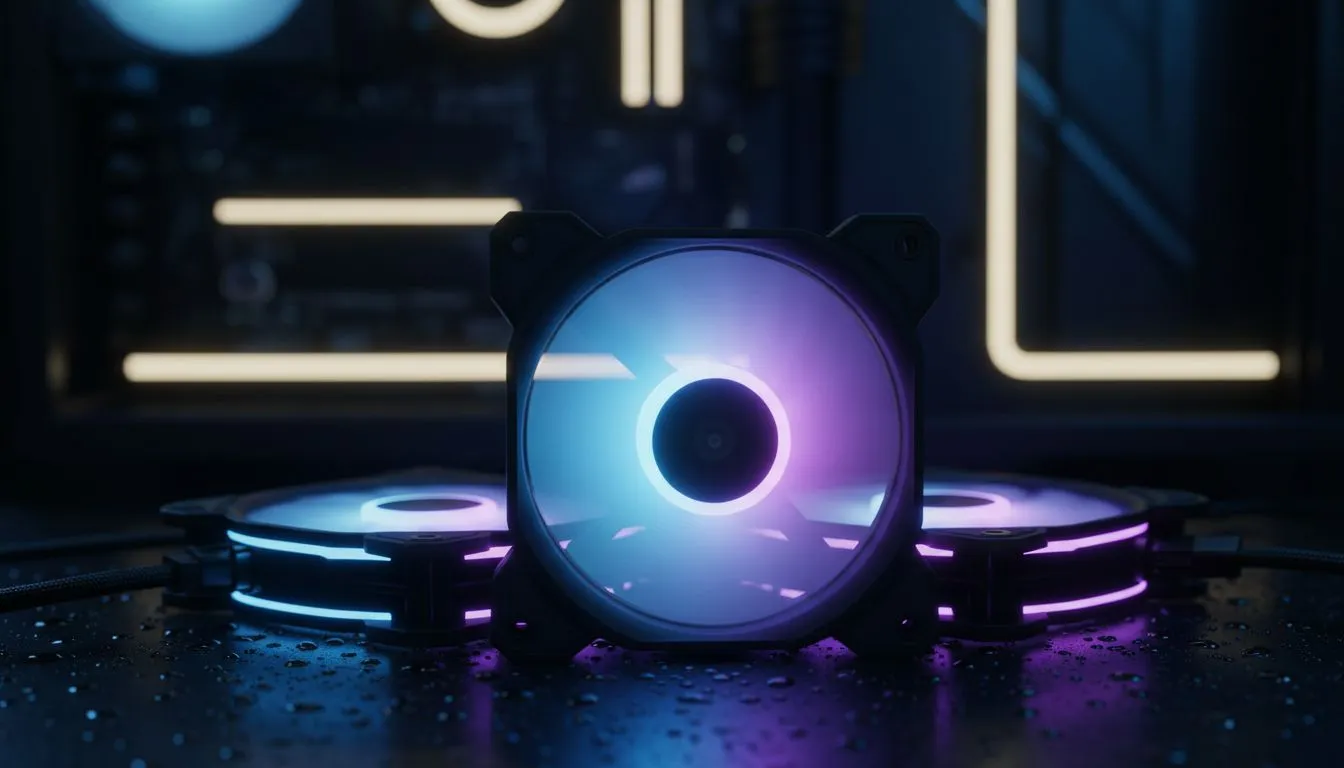
Master Your ARGB Fan Setup for Maximum Visual Impact
Setting up a killer ARGB fan setup is the ultimate way to make your South African gaming rig truly yours. It isn't just about sticking lights in a box... it's about creating an atmosphere that matches your playstyle. Whether you want a subtle glow or a full neon rave, getting the best lighting effects requires a bit of planning and the right hardware to pull it off. 🔧
Understanding Your ARGB Fan Setup Basics
The first step to a brilliant build is choosing the right foundation. Unlike standard RGB, Addressable RGB (ARGB) allows you to control every single LED individually. This creates those smooth rainbow waves and complex patterns we all love. To start, you need a chassis that offers good visibility. You can browse a massive selection of computer cases to find one with tempered glass panels that show off your hard work.
Choosing the Right Chassis for Lighting Effects
Not all cases are built the same when it comes to light diffusion. If you want a premium, clean look with excellent cable management, Fractal Design PC cases are a fantastic choice. They provide the perfect backdrop for vibrant lighting without looking cluttered. ⚡
For those who want aggressive styling and pre-installed fans, Gamdias gaming cases offer integrated hubs that make your ARGB fan setup much easier to manage. If you are building on a budget, you can even find affordable gaming cases under R1,500 that still include impressive lighting features.
Cable Management Pro Tip ⚡
Use small cable ties or Velcro straps to bundle your 3-pin ARGB headers together. These connectors are notoriously loose and can easily unplug while you are closing the back panel... a bit of electrical tape over the join ensures they stay connected forever.
Software Sync and Control Strategies
Once your hardware is installed, the magic happens in the software. Most modern motherboards use headers like Aura Sync or Mystic Light to coordinate your fans. To get the best lighting effects, try to stick to a single ecosystem. This prevents "software bloat" and ensures your colours match perfectly across your RAM, GPU, and fans. 🚀
Positioning Fans for Maximum Impact
Don't just point your fans anywhere. Intake fans at the front should be your brightest. Exhaust fans at the rear or top help move heat while lighting up the internal components. By reflecting light off your white or silver components, you can double the perceived brightness of your ARGB fan setup. ✨
Ready to Find Your Perfect Match? A great ARGB setup starts with the right foundation. For the best airflow, aesthetics, and value in South Africa, our selection is hard to beat. Explore our massive range of laptop specials and find the perfect chassis to light up your gaming world.











