

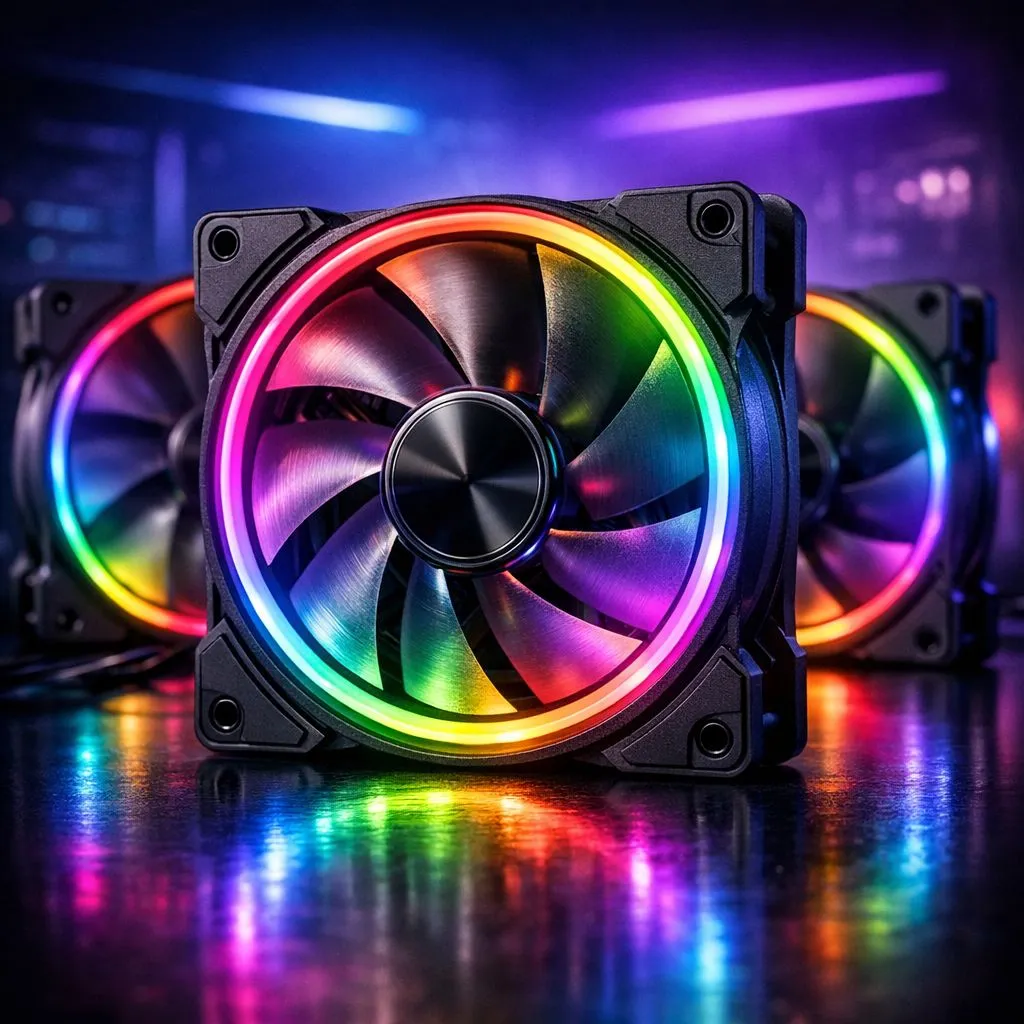
There is nothing quite as satisfying as a clean PC build where every light pulse matches perfectly. But let’s be honest... staring at a "unicorn vomit" mess of unsynced fans is enough to give any South African gamer a headache. Getting your ARGB fan setup right isn't just about plugging things in. It’s about creating a cohesive look that turns your desk into a proper battle station. ⚡
Understanding Your ARGB Fan Setup Essentials
Before you start cable managing, you need to know what you are working with. Addressable RGB (ARGB) differs from standard RGB because it allows you to control each individual LED on the fan. This is how you get those smooth rainbow cycles or complex breathing patterns. Most modern computer cases now come with ARGB fans pre-installed, but they often require a bit of tinkering to talk to each other.
The most important part of your ARGB fan setup is the header on your motherboard. Look for the 5V 3-pin header... do not confuse this with the 12V 4-pin RGB header, or you might end up with a very expensive paperweight.
How to Sync Lighting Across All Case Fans via Hardware
If you have more fans than motherboard headers, you will need a hub or a controller. This is the most reliable way to sync lighting across all case fans without overloading your board. High-end options like Fractal Design PC cases often include integrated cable management solutions that make this process much cleaner.
Pro Sync Tip ⚡
When daisy-chaining fans, try not to link more than four fans to a single motherboard header. Even though the lights might turn on, the power draw can eventually degrade the header. Using a SATA-powered ARGB hub is the safest way to ensure consistent brightness and long-term stability for your components.
Software Control for a Unified Look
Once the hardware is connected, the magic happens in the software. Whether you use MSI Mystic Light, ASUS Aura Sync, or OpenRGB, the goal is to "bridge" the devices. If you are using Gamdias gaming cases, many of them come with a dedicated button on the I/O panel to swap between motherboard sync and built-in presets.
To sync lighting across all case fans effectively, ensure all your lighting software is updated. Conflicts between different brands (like having both Corsair iCUE and Razer Synapse open) can cause flickering or lag in the light patterns. 🔧
Achieving the Look on a Budget
You do not need to drop 5000 ZAR on a custom loop to have a beautiful PC. There are plenty of affordable Gamdias cases under R1500 that offer stunning ARGB integration right out of the box. By using a simple hub and a single motherboard connection, you can achieve a premium, unified aesthetic for a fraction of the cost. 🚀
Remember to check your motherboard manual for the maximum LED count per header. Most headers support around 60 to 120 LEDs... if you exceed this, your colours might start to look dim or "yellowish" at the end of the chain. ✨
Ready to Brighten Up Your Build? A perfectly synced ARGB fan setup is the final touch every local legend needs for their rig. Whether you are looking for a new chassis or the latest cooling tech, we have the gear to make your setup shine. Explore our massive range of computer cases and find the perfect match for your style.











