

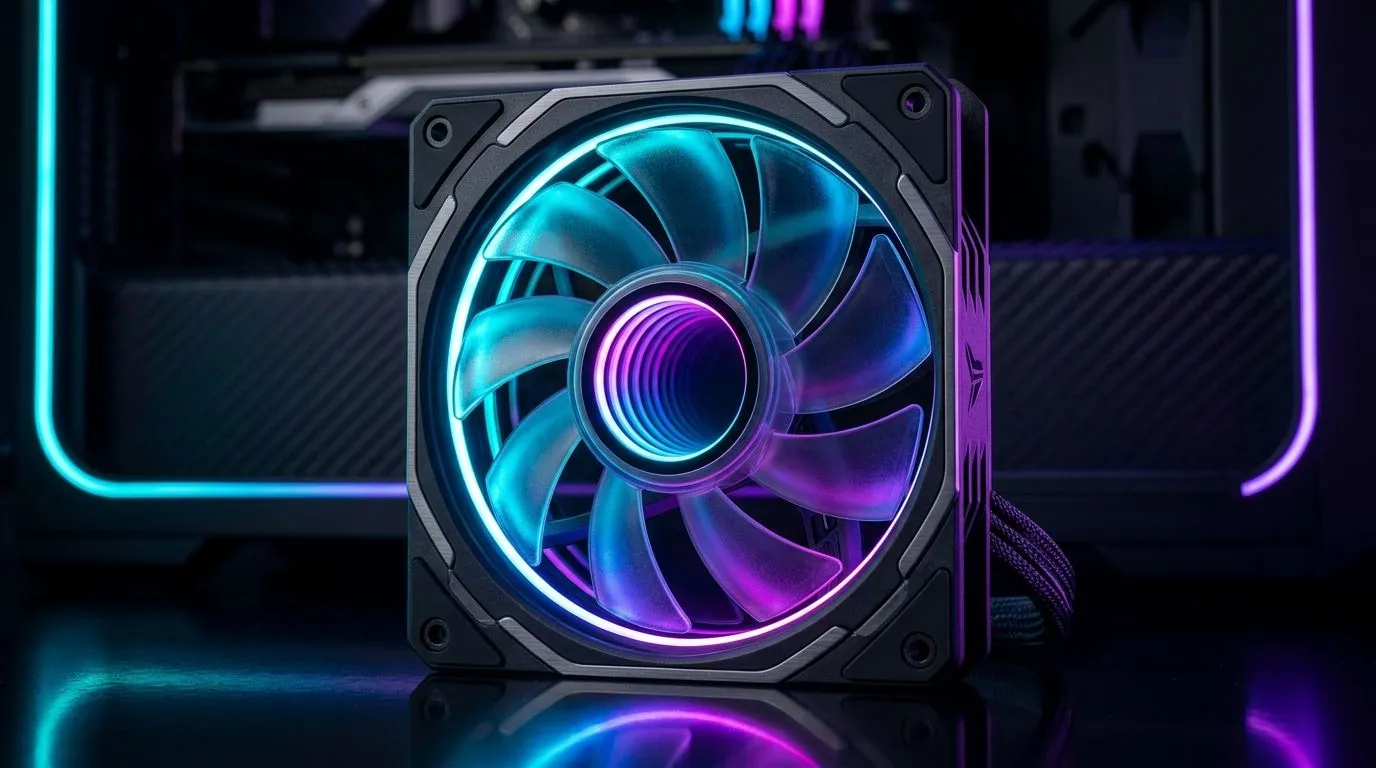
ARGB infinity mirror lighting: sync-ready PC setup guide
Want your rig to turn heads at lan parties from Cape Town to Jo'burg? This ARGB Infinity Mirror Lighting Setup for Sync-Ready PCs guides you from strip choice to motherboard sync, without the guesswork. Expect crisp reflections, stable colour profiles and practical steps that actually work on South African motherboards and cases. 🔧✨
Start with the basics: airflow first, aesthetics second. Pick fans that balance airflow and lighting. Browse Evetech's case fans to match your case size and look: case fans at Evetech.
Next, choose a brand ecosystem. If you want tight software control and wide accessories, check Corsair-compatible fans and controllers: Corsair fans on Evetech. That keeps iCUE profiles consistent with motherboard RGB headers.
Mirror strips need stable power. Popular picks from Deepcool offer reliable ARGB headers and clean cabling for a tidy infinity effect: Deepcool models.
Positioning matters. Mount mirror strips behind a tempered glass panel with a slight gap; the illusion sharpens with darker case interiors. For obvious pop, pair the mirror with full-RGB fans that support dynamic effects: RGB-enabled fans.
Prefer a subtler look? Use non-lit intake fans for contrast and let the mirror strips steal the show: no-light fans.
Size your fans for balance. 120mm fans are versatile in compact builds and help control mirror reflections without overpowering the glass: 120mm fans. For bigger cases, 140mm fans move more air and smooth lighting transitions around the infinity edge: 140mm fans.
ARGB Setup Tip ✨
Keep all ARGB strips on a single header when possible. Calibrate colours using your motherboard utility first, then lock profiles via your peripheral software to avoid colour drift.
Local builder tip: I fitted an infinity mirror in a mid-tower and found that routing the ARGB cable around the PSU shroud kept reflections clean. Start with a low brightness test and photograph the effect to judge banding before you finalise. Slow transitions look more premium than rapid cycles, and they reduce controller load.
If you see flicker, check connectors first. A loose header or poor grounding causes odd colour shifts. Use a powered ARGB splitter rather than chaining long strips. Update your motherboard's RGB firmware and use one syncing app only; running multiple RGB programs can conflict and cause profile resets. Small checks save time and ZAR on replacement parts.
Wiring and software are the final steps. Use a dedicated ARGB controller if your board lacks headers. Calibrate hues in the motherboard utility, then sync GPU lighting only if your software supports cross-device profiles. Test a static colour, then cycle effects slowly to ensure each LED ring mirrors properly.
Install night tests. Sit in low light and adjust brightness to avoid bloom on camera if you stream. A clean, synced infinity mirror effect is as much about restraint as it is about spectacle. Enjoy the glow, builders.
Ready to Find Your Perfect Match? The Mac vs Windows debate is complex, but for maximum power, choice, and value in South Africa, Windows is hard to beat. Explore our massive range of laptop specials and find the perfect machine to conquer your world.











