

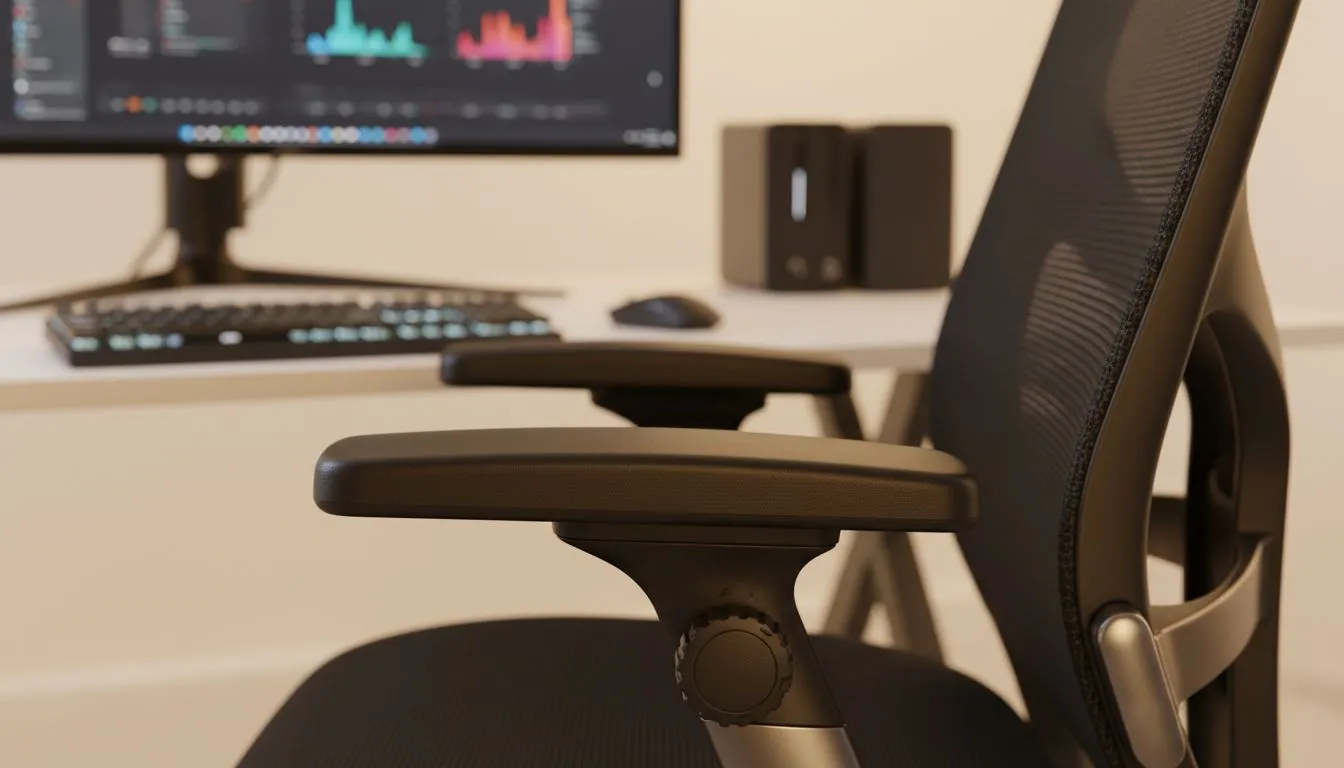
Why Armrest Angle Adjustment for Content Creation Matters 🔧
Ever spent six hours editing a 4K vlog only to find your shoulders locked in a permanent shrug? For South African creators, the grind is real... especially when you are racing against the next loadshedding block. While we often obsess over CPUs and GPUs, we frequently ignore the vital interface between us and our gear... the armrests. Proper armrest angle adjustment for content creation can be the difference between a productive night and a week of wrist pain.
Most basic office seats offer height adjustment, but serious gaming chairs in South Africa provide 4D movement. This means you can pivot the armrests inward. When you are typing or using a drawing tablet, an inward angle supports your forearms without forcing your elbows to flare out. This reduces tension in your trapezius muscles... those pesky muscles that always feel tight after a long stream.
Finding the Perfect Pivot for Your Workflow ⚡
If you are looking for long-term durability and precise ergonomics, investing in premium gaming chairs starting from R5449 ensures you get high-quality internal mechanisms. Cheaper models often have "wobbly" armrests that lose their angle mid-session. For content creation, you need stability. Your arms should feel cradled... not like they are balancing on a seesaw while you try to hit those precise keyframes in Premiere Pro.
Ergonomic Pro Tip ⚡
When setting your armrest angle, ensure your elbows are at a 90-degree position. Your wrists should remain neutral, not bending upwards or downwards to reach your mouse. If you use a controller for gaming content, pivot your armrests inward to support your forearms while your hands are centred. This simple tweak prevents long-term strain on your rotator cuffs.
Top Brands for Ergonomic Precision 🚀
For those who prefer a firm, supportive feel, Vertagear gaming chairs offer excellent pivot ranges. By angling the armrests slightly inward, you create a natural V-shape that aligns perfectly with a standard keyboard layout. This setup helps prevent carpal tunnel symptoms... a must for anyone spending 40+ hours a week behind a screen.
If you want a more professional look for your studio, Noblechairs gaming chairs provide some of the most robust 4D armrests on the market. Their adjustability allows you to move the pads forward or backward. This is crucial if you sit close to your desk. You can tuck the armrests under the desk edge, maintaining that perfect 90-degree elbow angle while you work.
Even at more accessible price points, brands like Gamdias gaming chairs prioritise ergonomic flexibility. Their designs often feature wide armrest pads. This extra surface area is great for creators who shift positions frequently... perhaps moving from a mouse for editing to a controller for a quick gaming break. ✨
Ready to Find Your Perfect Match? Ergonomics is the foundation of every great content setup. For maximum comfort, choice, and value in South Africa, a 4D-adjustable chair is hard to beat. Explore our massive range of gaming chairs and find the perfect throne to conquer your creative world.











