

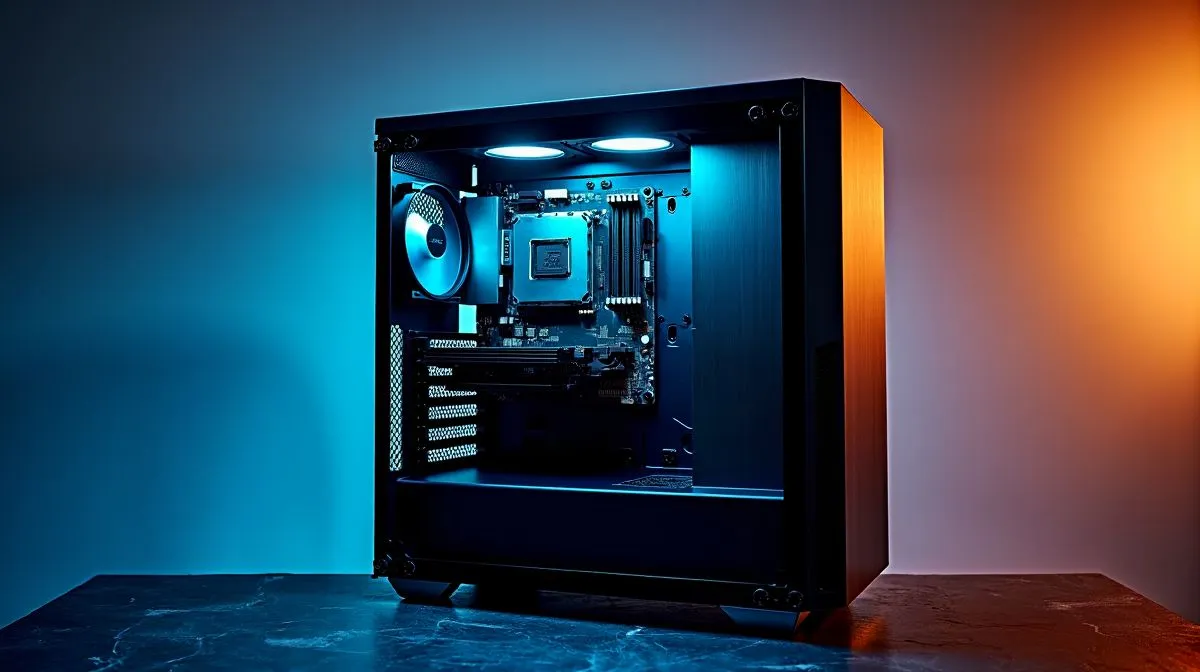
ATX, mATX, and ITX Motherboard Installation in One Case: Build Smarter in South Africa
Choosing the wrong case can turn a fresh build into a frustrating afternoon. If you’ve ever lined up standoffs, checked I/O clearance twice, and still felt unsure, you’re not alone 🔧. The good news? One well-chosen case can handle ATX, mATX, and ITX motherboards without drama. That means fewer compatibility headaches, cleaner airflow planning, and less money wasted on parts that do not fit your vision.
ATX mATX and ITX Motherboard Installation in One Case: What Actually Matters
The first thing to check is motherboard support on the case page. A case that supports multiple form factors gives you room to start small and upgrade later. That is especially useful if you are building on a tighter ZAR budget today, but want a stronger graphics card or bigger cooling setup down the line. For a broad starting point, browse Evetech’s computer cases range and compare layouts before you commit.
Why size flexibility helps
ATX boards are the biggest of the three common options here. mATX is shorter and usually more affordable. ITX is compact and ideal for smaller desks, minimalist setups, or LAN-friendly builds. When a single case supports all three, you get more freedom to change your platform later. That matters in South Africa, where good stock and value often beat chasing a perfect spec sheet.
ATX mATX and ITX Motherboard Installation in One Case: Fit, airflow, and cable space
A case can “support” a board, but that does not mean every build will feel the same. Airflow, cable routing, and GPU clearance can differ a lot between form factors. A smaller board in a larger case often makes cable management easier. But if the case is too open, the build can look a bit empty. On the other hand, a packed ITX system can run tidy and sharp, but it needs more planning.
For premium styling and practical layouts, have a look at Fractal Design PC cases. If you want a more budget-conscious route, Evetech’s Gamdias gaming cases are worth comparing for airflow and included features. There’s also a handy Gamdias gaming cases under R1500 selection if you’re keeping the build cost sensible.
Quick builder insight
Before buying, check three things: motherboard size support, GPU length clearance, and CPU cooler height. Those three specs cause most “it fits, but barely” moments. If you use an air cooler, leave breathing room above the RAM. If you plan a large graphics card, check front fan and radiator space too.
Build Lab Tip 🔥
Always match your case layout to your upgrade path, not just your current parts. If you might move from mATX to ATX later, choose a case with extra motherboard tray space, good rear cable room, and enough front intake for stronger cooling.
ATX mATX and ITX Motherboard Installation in One Case: Build once, upgrade later
This is where smart buying pays off. A flexible case helps you avoid replacing the enclosure every time your build changes. That is useful for gamers, creators, and anyone who prefers a clean long-term setup. It also makes resale easier, because popular case formats usually attract more buyers.
If you are shopping in South Africa, think beyond looks. Ask whether the case supports your exact motherboard size, whether it leaves room for future airflow upgrades, and whether the front panel ports suit your daily use. A little planning now can save a lot of frustration later 🚀.
Ready to Find Your Perfect Match? The Mac vs Windows debate is complex, but for maximum power, choice, and value in South Africa, Windows is hard to beat. Explore our massive range of laptop specials and find the perfect machine to conquer your world.











