

Quick Answer
Building an AI and deep learning PC under R100,000 in South Africa in 2026 is achievable with a high-core-count CPU, 64GB+ RAM, a capable GPU with large VRAM, and fast NVMe storage. The key priorities differ from a gaming build - VRAM capacity, RAM bandwidth, and sustained thermal performance matter more than raw gaming FPS.
What Makes an AI and Deep Learning Build Different
AI and deep learning workloads stress your hardware differently from gaming. The GPU is still central, but what matters is VRAM capacity - not just GPU speed. Running large language models locally, training neural networks, or doing inference on vision models all require holding large datasets and model weights in GPU memory. A GPU with 16GB or 24GB VRAM dramatically expands what models you can run compared to an 8GB card.
The CPU matters for data preprocessing, loading datasets, and CPU-side inference. A high-core-count processor handles these tasks efficiently and prevents the GPU from sitting idle waiting for data. RAM quantity is equally important - 64GB is a practical minimum for serious AI work, and 128GB is worth considering if your budget allows. Check out Evetech's CPU range and RAM options as starting points for your component shortlist.
Recommended Component Breakdown Under R100,000
CPU - R6,000 to R10,000: An AMD Ryzen 9 or Intel Core Ultra 9 processor with 16+ cores handles data pipelines and multi-threaded preprocessing effectively. High core counts also benefit you if you run inference on the CPU for smaller models.
GPU - R30,000 to R50,000: This is where most of your budget should go. A card with 16-24GB VRAM is the target. NVIDIA's architecture remains the most compatible with CUDA-dependent frameworks like PyTorch and TensorFlow. More VRAM means larger models, larger batch sizes, and faster training runs without hitting out-of-memory errors. Browse Evetech's GPU range to see current availability.
RAM - R5,000 to R8,000: 64GB DDR5 in a dual-channel configuration. AI workloads benefit from high memory bandwidth, and DDR5 at 6000MT/s+ delivers this. If your motherboard supports quad-channel, populate all slots.
Storage - R3,000 to R5,000: A 2TB NVMe Gen 4 SSD for your OS and active projects, plus a 4TB secondary drive for datasets. AI datasets are enormous - computer vision datasets alone can run into terabytes.
Motherboard - R4,000 to R7,000: Choose a board that supports your chosen CPU, has PCIe 5.0 for future GPU upgrades, and has enough M.2 slots for multiple NVMe drives.
PSU - R2,500 to R4,000: A quality 850W to 1000W 80+ Gold PSU is non-negotiable. AI training runs push your GPU to sustained 100% load for hours - a cheap PSU is a serious risk under this workload.
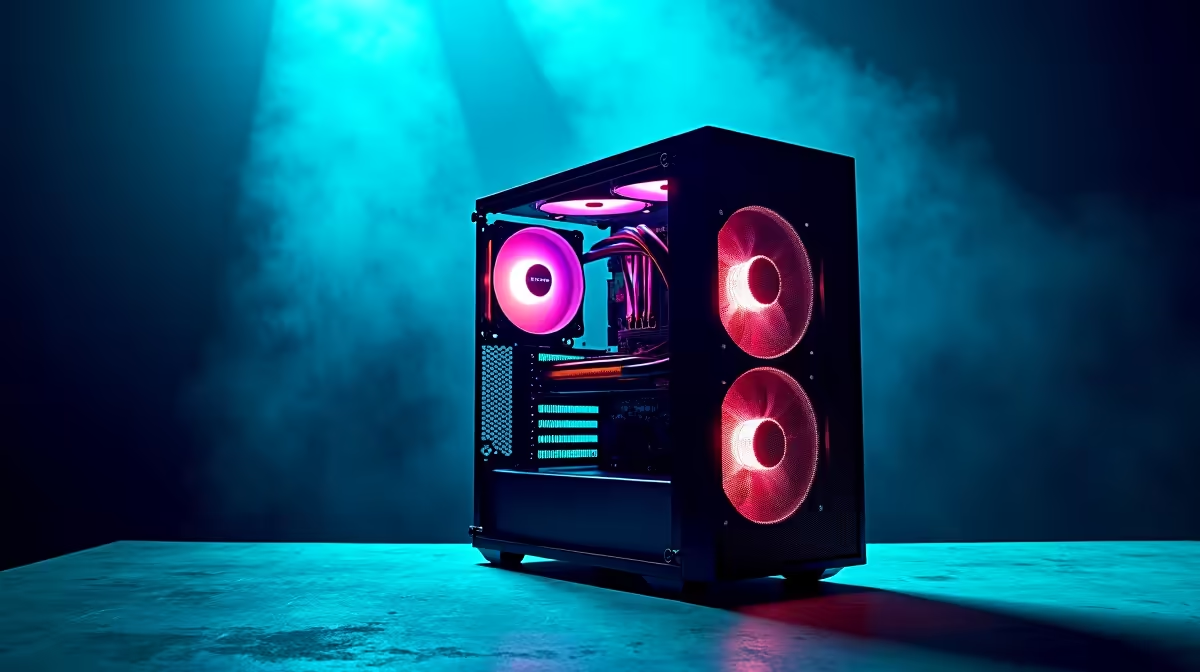
Case and Cooling - R3,000 to R5,000: Sustained AI workloads generate significant heat. A mid or full tower with good airflow and a 360mm AIO cooler for the CPU keeps thermals manageable during long training sessions.
Software Stack for South African AI Builders
Once the hardware is assembled, your software stack determines what you can actually do. Python with PyTorch or TensorFlow is the standard. Install CUDA drivers for NVIDIA GPUs. For local LLM inference, tools like Ollama or LM Studio let you run open-source models without cloud API costs - a major advantage given SA's exchange rate impact on USD-denominated API services.
Loadshedding is a real threat to long training runs. A UPS that covers your full system draw for at least 30-45 minutes gives you time to checkpoint and save your model state before a power cut destroys hours of training. Factor a quality UPS into your total budget.
Loadshedding Resilience for AI Workloads
This is a uniquely South African concern. AI training runs can take hours or days. If loadshedding interrupts a run mid-way, you lose all progress since the last checkpoint. Implement regular checkpointing in your training scripts - save model state every N epochs. A UPS protects against brief interruptions and gives you time to gracefully pause. Some frameworks support automatic checkpoint resumption, which is worth configuring from the start.
For South African AI builders working on a budget, the local rand cost of cloud GPU instances (billed in USD at current exchange rates) makes a dedicated local build financially attractive within 6-12 months of regular use.
Frequently Asked Questions
Q: Do I need an NVIDIA GPU specifically for AI work? A: CUDA support in NVIDIA GPUs is essential for most AI frameworks. PyTorch and TensorFlow have primary support for CUDA, making NVIDIA the practical choice for deep learning builds in 2026.
Q: How much VRAM do I need to run local LLMs? A: A 7B parameter model requires approximately 8GB VRAM at 4-bit quantization. A 13B model needs 12-16GB. For 70B models you typically need multiple GPUs or system RAM offloading.
Q: Can I use this PC for gaming as well? A: Yes. A high-VRAM GPU capable of AI workloads is also an excellent gaming card. The build doubles as a high-end gaming rig when you are not running training jobs.
Q: Should I prioritise CPU cores or GPU VRAM? A: Prioritise GPU VRAM for deep learning. The GPU does the heavy lifting in most AI frameworks. CPU cores matter for data preprocessing, but a bottleneck there is less severe than running out of VRAM mid-training.
Ready to Find Your Perfect Match? Explore Evetech's high-performance PC deals to start building your AI workstation today.











