

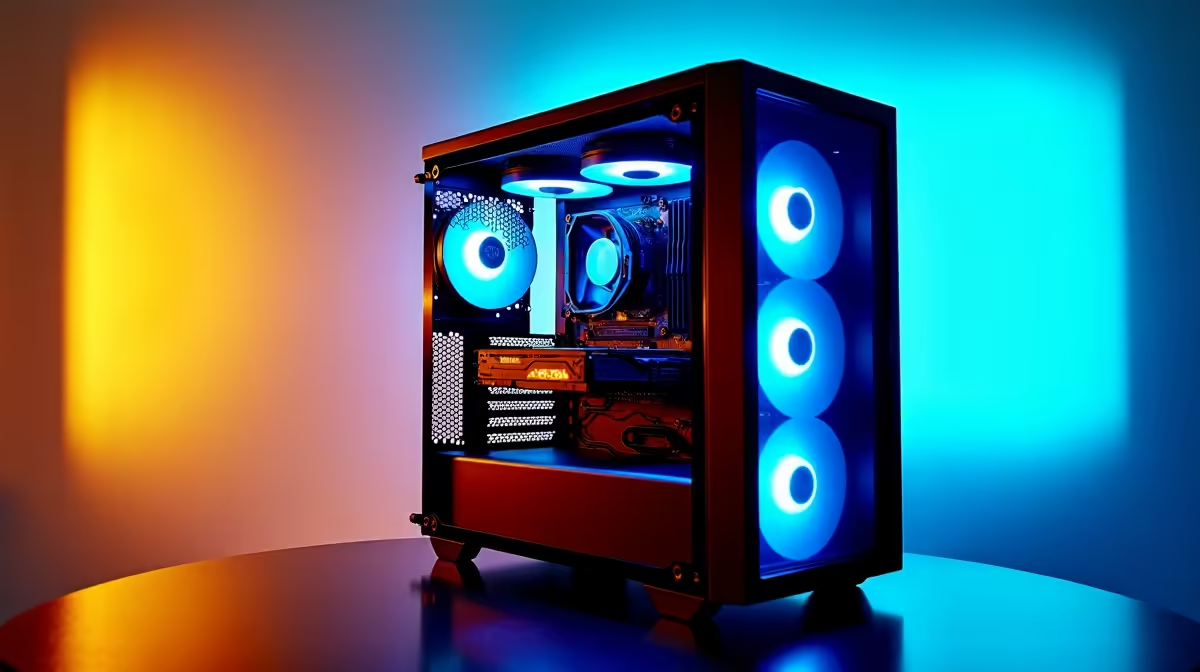
Building an AI and machine learning workstation under R15,000 in South Africa in 2026 is genuinely achievable, and the result is a capable local inference and experimentation machine. Whether you want to run large language models locally, experiment with computer vision, or do fine-tuning work, this guide covers the optimal parts strategy for your budget.
Quick Answer
What is the best AI and machine learning PC build under R15,000 in SA in 2026? Prioritise VRAM above all else - a GPU with 12–16GB VRAM is the cornerstone of any AI/ML build. Within R15,000, a Ryzen 5 7600 with an AMD RX 6750 XT (12GB) or Nvidia RTX 3060 12GB, paired with 32GB RAM and a fast NVMe SSD, delivers excellent local AI inference and small-model training capability.
🔧 Complete AI/ML PC Build Under R15,000 SA
GPU (Priority Component): AMD RX 6750 XT 12GB - approx. R5,500–R7,000 For AI/ML work on a budget, VRAM is the most important specification. The RX 6750 XT's 12GB GDDR6 VRAM comfortably handles:
- Running quantised LLMs up to 13B parameters (4-bit via llama.cpp with Vulkan or ROCm)
- Stable Diffusion SDXL generation
- Fine-tuning 7B models with QLoRA on Linux/ROCm
Alternatively, an Nvidia RTX 3060 12GB (similar price range) offers CUDA compatibility which is superior for PyTorch-heavy workflows - the CUDA ecosystem is more mature and better documented for ML frameworks.
CPU: AMD Ryzen 5 7600 - approx. R3,000–R3,400 For AI/ML inference, the CPU is secondary to GPU VRAM, but Ryzen 5 7600's fast cores handle CPU-offloaded model layers efficiently when models exceed VRAM capacity. Six cores / twelve threads is sufficient for ML preprocessing and data loading pipelines.
RAM: 64GB DDR5-5600 (2×32GB) - approx. R3,500–R4,000 This is where the AI/ML build diverges from a gaming build. Large language models frequently require CPU RAM offloading when model size exceeds GPU VRAM. 64GB system RAM allows running 30B+ parameter models (at 4-bit quantisation) by splitting layers across GPU VRAM and system RAM, albeit at reduced speed.
Motherboard: ASRock B650M Pro RS - approx. R2,200–R2,500 B650 with PCIe 4.0 x16 for full GPU bandwidth and PCIe 4.0 NVMe slot for fast model loading.
Storage: 2TB NVMe PCIe 4.0 SSD - approx. R2,000–R2,500 AI models are large. Llama 3 70B at 4-bit quantisation is approximately 40GB. SDXL checkpoints are 6–7GB each. You will fill 1TB quickly - start with 2TB or ensure you have easy expansion options.
Case + PSU: Budget-conscious combo - approx. R2,000–R2,500
- Case: Mid-tower with good airflow (the GPU runs warm during sustained inference)
- PSU: 650W 80+ Bronze - sufficient for Ryzen 5 7600 + RX 6750 XT or RTX 3060
Total Estimated Cost: R18,200–R21,900 - This exceeds R15,000, so here is how to prioritise:
Strict R15,000 Build - Compromises:
- Reduce RAM to 32GB DDR5 (save R1,500–R2,000) - upgrade later
- Choose 1TB SSD instead of 2TB (save R700–R1,000)
- Use the Ryzen 5 7600's stock cooler
- Estimated at this cut: R14,500–R16,000 with the RX 6750 XT or RTX 3060 12GB as the anchor
📊 Why VRAM is the Number One Priority
Unlike gaming where compute speed and bandwidth matter most, AI inference is primarily VRAM-limited:
| Model Size | VRAM Required (4-bit quant) | Can RX 6750 XT / RTX 3060 12GB Run It? |
|---|---|---|
| 7B parameters | ~4–5GB | Yes - comfortably |
| 13B parameters | ~7–9GB | Yes - with headroom |
| 30B parameters | ~18–20GB | Partial - GPU+CPU split |
| 70B parameters | ~40GB+ | CPU RAM offload only |
For strictly local inference of 7B–13B models - which covers most practical local AI use cases - a 12GB VRAM GPU is the optimal SA budget choice.
💡 Software Stack for Your SA AI/ML Build
For Nvidia RTX 3060 12GB:
- PyTorch with CUDA 12.x (native support, best compatibility)
- llama.cpp (CUDA build) for LLM inference
- AUTOMATIC1111 or ComfyUI for Stable Diffusion
- Ollama for easy LLM management
- Hugging Face Transformers library
For AMD RX 6750 XT:
- Ubuntu or Fedora Linux with ROCm 6.x for best PyTorch support
- llama.cpp with HIP/ROCm build
- LM Studio (Vulkan backend - works on Windows)
- ComfyUI with DirectML plugin (Windows) or ROCm (Linux)
Linux is strongly recommended for AMD GPUs in an AI/ML context - ROCm support on Windows is improving but still lags behind the Linux experience.
❓ Frequently Asked Questions
Can I use this build for gaming as well as AI work? Absolutely. Both the RX 6750 XT and RTX 3060 12GB are strong 1440p gaming GPUs in addition to being capable AI inference cards. The extra VRAM that benefits AI work also benefits gaming at high texture settings. This is a genuine dual-purpose build.
Is 12GB VRAM enough for serious AI work in 2026? For local inference of 7B–13B models, yes - 12GB is the practical sweet spot in 2026. For serious training work on larger models or running 30B+ models smoothly, 24GB+ (RTX 4090 or workstation cards) becomes necessary. 12GB represents good value for a first AI/ML build and local experimentation.
Should I choose AMD or Nvidia for an AI build in SA under R15,000? If you plan to use Linux and can work with ROCm, AMD (RX 6750 XT) offers excellent value. If you want maximum software compatibility and the easiest setup experience, Nvidia's CUDA ecosystem is the safer choice despite often costing slightly more per GB of VRAM.
How much storage do I actually need for AI model files? Plan for more than you think. A working set of 3–4 LLM models plus several Stable Diffusion checkpoints and LoRA files can easily consume 80–150GB. A 2TB NVMe SSD is a practical minimum; 1TB is workable if you actively manage your model library.
Compare Graphics Card Deals and Evetech Best Sellers at Evetech for the latest specs and SA deals.
Ready to Find Your Perfect Match? Shop at Evetech











