

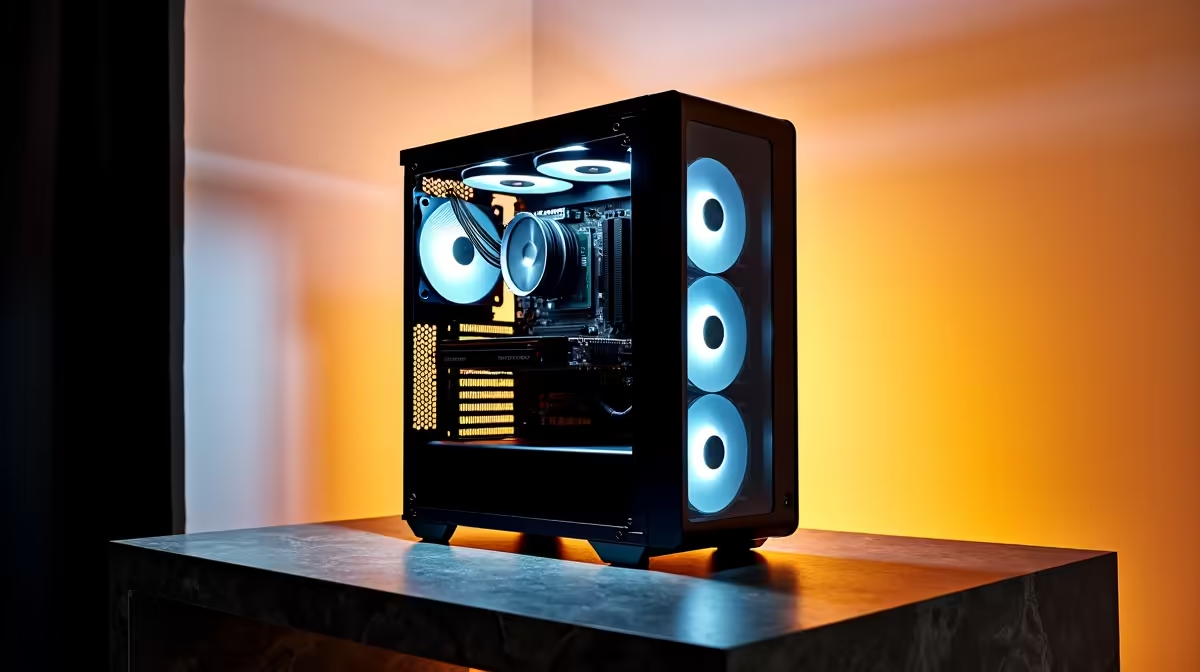
Designing the skylines of tomorrow requires serious computing power. If you are an architecture student or professional in South Africa, you know the pain of software crashing mid-render. You do not need to spend a fortune to get reliable performance. We have engineered the best architecture & CAD PC build under R15,000 in South Africa 2026 to keep your workflow smooth and your budget intact.
The Anatomy of a R15,000 Architectural Workstation 🔧
Drafting in AutoCAD or 3D modelling in Revit demands specific hardware. Unlike standard office machines, CAD software relies heavily on processor speed and graphical memory. If you are not keen on assembling parts yourself, exploring pre-built desktop computers is a brilliant starting point. But what exactly makes a PC perfect for architecture?
Prioritise Single-Core CPU Performance
Most traditional CAD programs are single-threaded. This means they rely on one powerful processor core rather than spreading tasks across many. You want a CPU with high base clock speeds. While some professionals prefer portable workstations for on-site client visits, a desktop processor will always offer superior cooling. Better cooling means sustained performance for heavy rendering sessions.
Don't Skimp on the GPU 🚀
Your viewport performance dictates how smoothly you can rotate and zoom into your 3D models. This depends entirely on your graphical horsepower. Integrating dedicated graphics cards into your R15,000 budget is absolutely crucial. You need enough video memory to handle complex textures and dynamic lighting without stuttering.
Memory & Storage Pro Tip ⚡
Always aim for at least 16GB of RAM for CAD workloads, though 32GB is the sweet spot for 2026. Pair this with a fast NVMe SSD. Loading massive project files off an old hard drive will slow down your entire day.
Tailoring Hardware to Your Software
Different design programs have very different resource appetites. AutoCAD and SketchUp are relatively lightweight. They prioritise processor speed above all else. However, if you are moving into realistic rendering with Lumion or Twinmotion, your graphics card becomes the star of the show.
You must balance your budget based on your daily tasks. If you only draft 2D floor plans, you can save money on graphics and invest in more storage. If you create 3D walkthroughs, push more of your ZAR into visual processing power.
Adding a reliable power supply unit is also critical. South African professionals know the reality of grid instability. A quality power supply protects your sensitive components from surges when the power returns. Combine this with a good UPS, and your unsaved architectural models remain completely safe.
Smart Buying Strategies for South African Designers ✨
Stretching a R15,000 budget means making smart compromises. You might not get a top-tier rendering monster right away. However, you can build a highly capable drafting machine that is easily upgradeable. Keep a close eye out for daily tech specials to grab premium components at a massive discount.
Future-proofing is another vital factor. Ensure your motherboard has extra slots for memory upgrades. As your firm takes on larger commercial projects, your software will demand more RAM. Starting with a solid foundation now saves you thousands of ZAR later.
Interestingly, the hardware required for demanding CAD work overlaps heavily with modern gaming. Because of this shared architecture, many high-performance gaming rigs make fantastic architectural workstations right out of the box. They already feature the fast processors and strong graphics cards that designers crave.
Ready to Build Your Dream Workspace? Finding the right balance of power and price does not have to be a headache. Whether you are drafting blueprints or rendering 3D masterpieces, we have the hardware you need. Explore our massive range of desktop specials and find the perfect machine to conquer your next project.











