

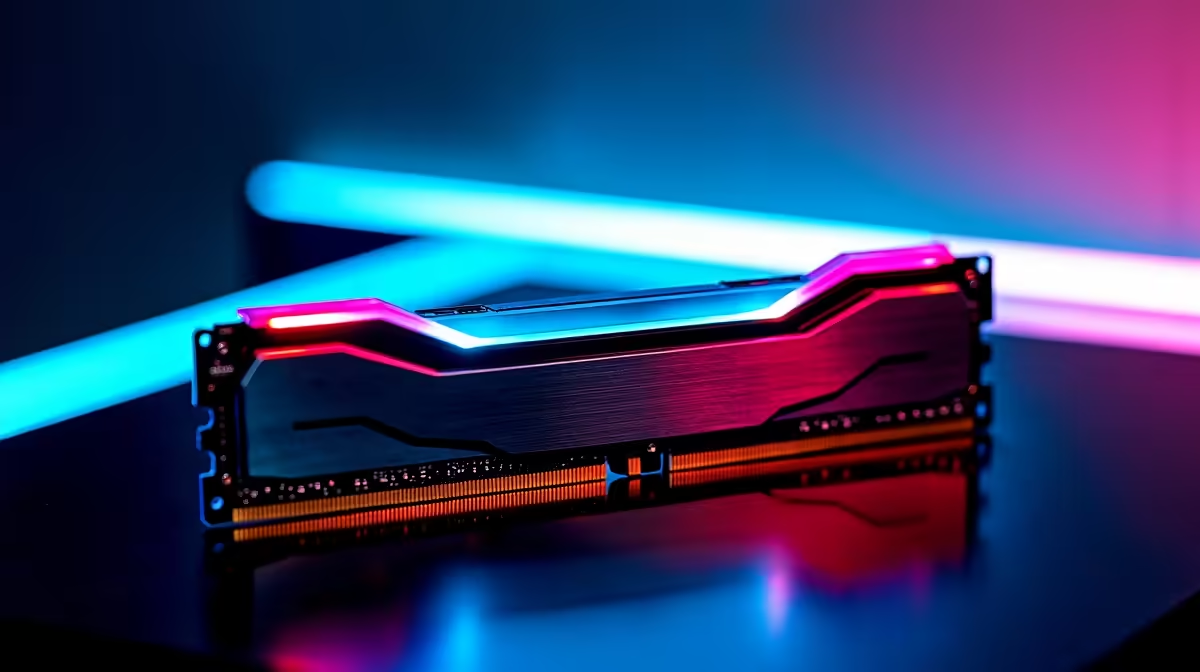
Building a top-tier gaming rig in South Africa is a serious financial investment. When you drop thousands of ZAR on the latest hardware, you expect flawless performance... not random blue screens. If you are chasing the best BIOS and AI OC tweaks for DDR5 stability on a 16+2+1+2 power design, you are in the right place. Let us lock in those frames and eliminate system crashes for good.
Why a 16+2+1+2 Power Design Matters ⚡
A 16+2+1+2 power phase layout is built for extreme computing performance. It delivers incredibly clean power to your CPU and its internal memory controller. Each phase shares the electrical load... keeping VRM temperatures exceptionally low during intense gaming sessions.
This precise voltage control is vital when pushing high-speed DDR5 modules. If you are upgrading soon, investing in premium motherboards with robust VRM layouts ensures your system can handle aggressive overclocks without breaking a sweat. Clean power means a happy memory controller... which ultimately equals stable gaming.
Essential BIOS Tweaks for Memory Stability
Before touching manual voltages, you need to establish a solid foundation.
BIOS Update Pro Tip 🔧
Always flash your motherboard to the latest BIOS version before tweaking DDR5 settings. Manufacturers regularly release microcode updates that drastically improve memory compatibility and overall system stability.
Once updated, enable your XMP or EXPO profiles. However, auto settings sometimes push voltages too high. To master the best BIOS and AI OC tweaks for DDR5 stability on a 16+2+1+2 power design, manually set your DRAM VDD and VDDQ voltages.
Usually, 1.35V to 1.40V is the sweet spot for modern chips. If you want to push tighter timings safely, you will need top-tier memory kits that feature high-quality silicon.
Taming AI Overclocking for Daily Driving 🚀
Modern flagship motherboards feature incredibly smart AI overclocking tools. They analyse your cooling potential and silicon quality to boost clock speeds automatically. But AI OC can sometimes mess with memory stability by pushing the CPU System Agent voltage too far.
To fix this common issue, set a negative offset on your AI OC voltage curve. This keeps temperatures low and prevents your memory controller from throwing critical errors. If manual tweaking sounds too stressful, you can always grab one of our expertly tuned gaming PCs that come pre-configured for maximum stability out of the box.
Stress Testing Your Setup ✨
Never assume your system is stable just because it boots into Windows. Run heavy memory stress tests like TM5 or MemTest86. If you spot errors, back down your frequency by 200MHz or loosen your primary timings.
South African summers can be brutal on PC thermals... so ensure your chassis has excellent airflow before pushing those limits. Dialling in the perfect overclock takes patience... but the buttery smooth frame rates are worth the effort. Need to upgrade your cooling to handle higher voltages? Keep an eye out for our latest specials to save some hard-earned Rands on premium gear.
Ready to Build Your Dream Rig? Dialling in the perfect overclock is an art form, but it all starts with premium hardware. Whether you need a beefy motherboard or blazing-fast DDR5, Evetech has you covered. Explore our massive range of PC components and start building your ultimate South African gaming machine today.











