

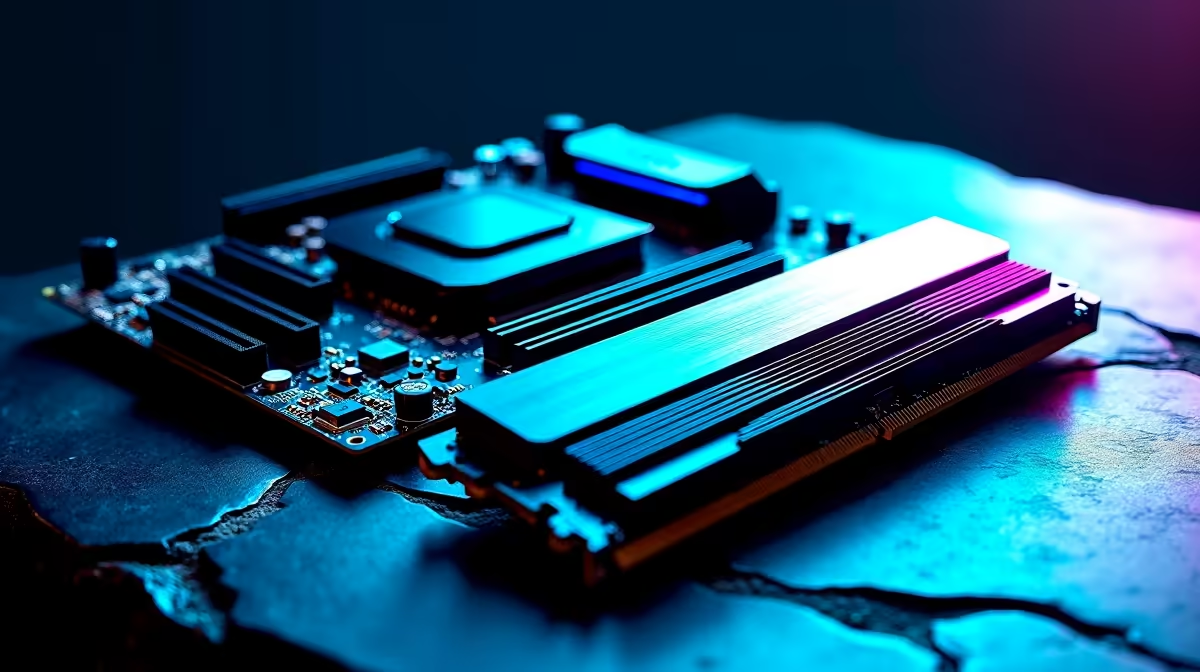
Dropping heavy ZAR on a new rig only to get hit with a blue screen is an absolute nightmare. Whether battling load shedding or pushing your system to the limit, getting hardware to play nice requires tweaking. Seeking the best BIOS and AI tuning settings for stable DDR5 and high-core CPU performance? You are in the right place. Let us unlock that hidden power... ⚡
Nailing Stable DDR5 Speeds
Memory speeds have skyrocketed recently. However, running them flawlessly out of the box is incredibly rare. To achieve stable DDR5 performance, you must enable XMP or EXPO profiles in your BIOS.
Pushing past 6000MT/s can severely strain your memory controller. If you experience random desktop crashes, try bumping your DRAM voltage slightly. Alternatively, try dialling back the frequency by a fraction. For builders needing a reliable foundation, exploring our latest high-performance memory kits is a smart move. It ensures you find RAM built specifically for extreme, stable speeds.
Taming High-Core CPU Performance
Modern processors pack incredible power. Sadly, they also generate serious heat. Optimising high-core CPU performance is all about managing thermal limits while maintaining those crucial boost clocks.
Dive into your BIOS and look for Precision Boost Overdrive for AMD or Multi-Core Enhancement for Intel. Setting a negative curve optimiser or applying a slight undervolt works wonders. It can drastically reduce temperatures without sacrificing your gaming frame rates. If your current chip is heavily bottlenecking your setup, it might be time to browse the best desktop processors for a noticeable upgrade.
Naturally, a premium chip needs a rock-solid foundation. This means pairing it with one of our top-tier motherboards boasting robust VRM cooling.
Leveraging AI Tuning Settings
Manual overclocking takes supreme patience. Thankfully, modern hardware makes it significantly easier. Many premium boards now feature advanced AI tuning settings. These automatically analyse your cooling capacity and individual silicon quality to find the perfect overclock.
This smart technology takes the stressful guesswork out of achieving both stable DDR5 and high-core CPU performance. 🚀 Just ensure your motherboard BIOS is updated to the absolute latest version before running any AI calibration tools.
If tweaking voltages and building from scratch sounds like too much weekend admin, we have a solution. You can always grab one of our pre-built gaming PCs that arrive professionally tuned, tested, and ready to dominate.
BIOS Update Pro Tip 🔧
Always save your current stable BIOS profile to a USB drive before flashing a new version. If the new update causes unexpected instability with your DDR5 timings, you can easily roll back and restore your exact settings without having to start from scratch.
Maximising Your Budget
Getting the absolute best performance does not always mean spending a massive fortune. By applying the right BIOS tweaks and AI tuning settings, you can easily make mid-range hardware punch well above its weight class. Always keep a close eye on our daily component specials to score premium parts at unbeatable South African prices. ✨
Ready to Push Your PC to the Limit? Tuning your system is highly rewarding, but starting with the right hardware makes all the difference. Explore our massive range of PC components and find the perfect parts to build your ultimate dream machine today.











