

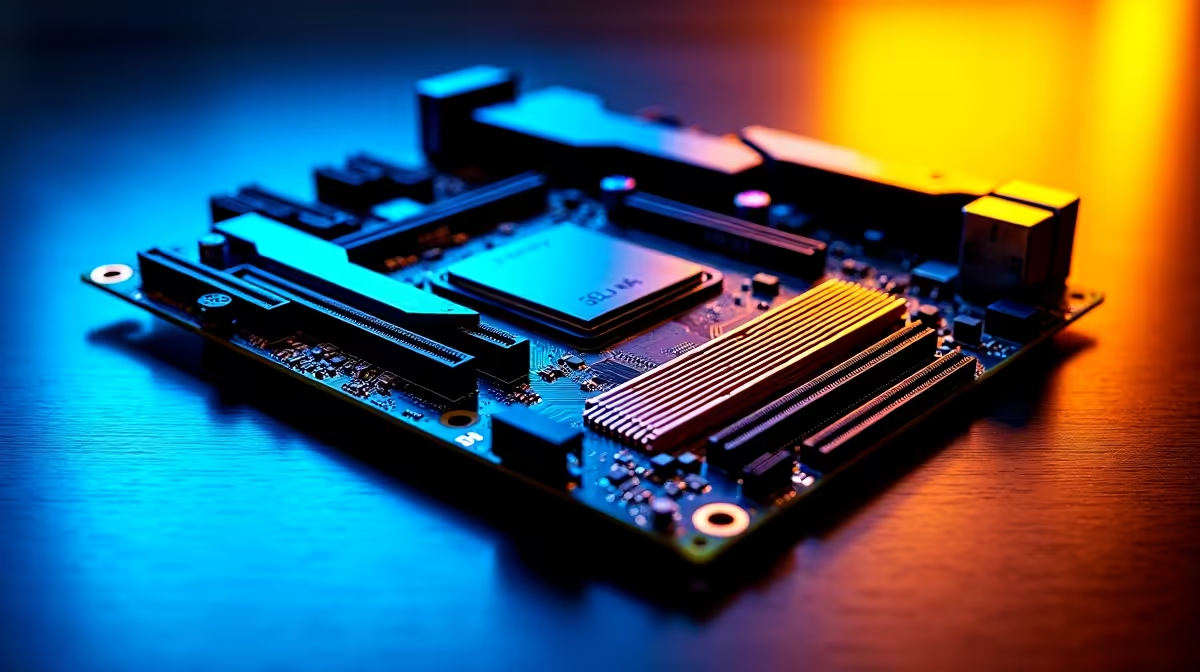
Pushing your gaming rig to the absolute limit? Hitting that sweet spot with high-speed memory is rarely just plug-and-play. If you just dropped thousands of Rands on premium RAM, getting it completely stable is crucial. Today we are exploring the best BIOS tweaks for DDR5-8000 stability on a 16+2+2 power stage motherboard. Let us unlock extreme performance without facing the dreaded blue screen of death...
Why Your VRM Matters for Memory
Before tweaking any voltages, you absolutely need a solid hardware foundation. A robust power delivery system ensures incredibly clean power reaches your memory controller. When you explore our extensive motherboard selection, specifically look for boards featuring a 16+2+2 power stage design. Those extra phases handle the intense electrical loads required for extreme memory overclocks. Clean power drastically reduces signal noise... which is the number one enemy of high-frequency RAM.
Essential Voltages for Extreme Stability
Finding the best BIOS tweaks for DDR5-8000 stability on a 16+2+2 power stage motherboard requires careful voltage tuning ⚡. You simply cannot leave your settings on auto. First, you must manually adjust your DRAM VDD and VDDQ voltages. Most top-tier DDR5 memory kits need around 1.45V to 1.5V. This helps them maintain 8000 MT/s without crashing.
Next, look closely at your memory controller voltage. Bumping this slightly helps the CPU handle blazing fast speeds. However, do not push it too far. Too much voltage creates excess heat. Heat ruins memory stability faster than anything else.
Overclocking Pro Tip 🔧
Always flash your motherboard to the latest BIOS version before attempting extreme memory speeds. Manufacturers regularly release microcode updates specifically designed to improve DDR5 compatibility and high-frequency stability.
Platform Specific Tuning Strategies
Optimising your approach depends heavily on your processor camp. Intel users aiming for 8000MHz need to focus closely on System Agent (SA) voltage. If you are running one of the latest ASUS Intel motherboards, try setting your SA voltage around 1.25V. Keep a very close eye on your CPU temperatures during this process.
For Team Red enthusiasts, pushing the Infinity Fabric is the real challenge. While 8000MHz is incredibly tough on current Ryzen chips, premium ASUS AMD motherboards offer advanced EXPO profiles to help bridge the gap. Sometimes running a 1:2 memory ratio is your only realistic path to stability at these extreme frequencies ✨.
Testing and Validating Your Setup
Once you apply the best BIOS tweaks for DDR5-8000 stability on a 16+2+2 power stage motherboard, you must rigorously stress test 🚀. Booting into Windows is truly only half the battle. Run memory-specific benchmarks for several hours to ensure zero errors.
If you prefer skipping the complex BIOS tuning headache entirely, you have options. You can always grab one of our pre-tuned ultimate gaming PCs where our technical experts handle the extreme stability testing for you. We ensure every ZAR you spend translates directly into flawless gaming performance.
Ready to Push Your Framerates? Achieving extreme memory speeds requires top-tier hardware and expert cooling. Upgrade your motherboard today and build a custom rig that completely dominates the South African gaming scene.











