

The Core i9-14900K is Intel's top-tier 24-core processor, and building around it in South Africa in 2026 requires careful component selection to avoid bottlenecks and unnecessary spending. While the CPU itself sits at the premium end, the rest of the build can be optimised to extract maximum performance at a price point that makes sense for the SA market.
Quick Answer
What is the best budget build around the Core i9-14900K in South Africa for 2026? Pair the i9-14900K with a Z790 motherboard, 32GB DDR5-6000 RAM, an RTX 4070 or RX 7700 XT GPU, a 1TB NVMe SSD, a quality 850W PSU, and a capable AIO cooler. This balances the CPU's massive throughput with components that won't hold it back.
🔧 Component Breakdown
CPU: Intel Core i9-14900K The anchor of this build. The i9-14900K delivers 24 cores (8 Performance + 16 Efficiency), boosting to 6.0GHz. It dominates in multi-threaded workloads - video encoding, 3D rendering, game streaming while gaming, and heavy multitasking. It's power-hungry, drawing up to 250W under sustained load, which shapes every other component choice.
Motherboard: Z790 Chipset Only Z790 motherboards fully unlock the i9-14900K's overclocking and power delivery capabilities. Look for boards with robust VRM designs - at least 16+1 power phases to handle the CPU's power demands without throttling. Mid-tier Z790 boards in the R3,500–R5,500 range hit the sweet spot for this build, offering PCIe 5.0 support, multiple M.2 slots, and DDR5 compatibility without premium pricing for features most users won't use.
RAM: 32GB DDR5-6000 The i9-14900K's memory controller performs best around 6000MHz with tight timings. 32GB covers demanding games, creative applications, and heavy browser usage simultaneously. 2x16GB dual-channel configuration is the standard for gaming - single-channel DDR5 cuts memory bandwidth meaningfully and is not recommended for this calibre of CPU.
GPU: RTX 4070 or RX 7700 XT The "budget" framing applies to the GPU here - the i9-14900K can comfortably feed much more powerful cards, but the RTX 4070 and RX 7700 XT deliver excellent 1440p gaming performance at a price that keeps the total build rational. If your budget stretches, an RTX 4070 Ti or RX 7800 XT is a natural step up that the CPU will never bottleneck.
Storage: 1TB NVMe PCIe 4.0 SSD A PCIe 4.0 NVMe drive offers sequential speeds of 5,000+ MB/s - fast enough that games load near-instantly and large project files transfer without waiting. 1TB is the baseline; adding a secondary 2TB drive for media and backups is worth considering for power users.
📊 Power and Cooling
PSU: 850W 80 Plus Gold The i9-14900K's power consumption makes PSU selection critical. An 850W 80 Plus Gold unit gives you enough headroom for the CPU, GPU, and all peripherals with room for future upgrades. Do not pair this CPU with anything below 750W - even at that rating you're cutting headroom uncomfortably tight.
CPU Cooler: 240mm or 360mm AIO Air cooling on the i9-14900K is technically possible with top-tier tower coolers, but a 240mm AIO is the minimum recommended for sustained workloads. A 360mm AIO gives thermal headroom for all-core sustained loads and keeps the system quiet under gaming and productivity tasks. The i9-14900K runs hot - good cooling is not optional.
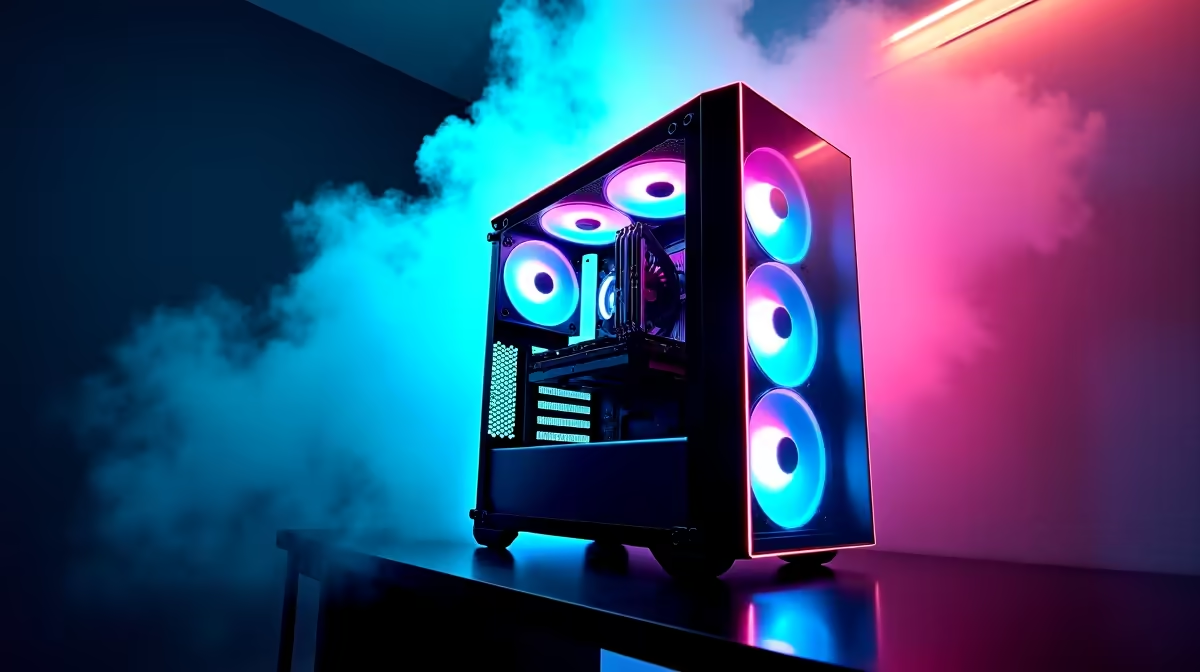
Case A mid-tower ATX case with good airflow is ideal. Look for cases with mesh front panels and room for a 360mm radiator mount. Good front-to-back airflow keeps both the CPU and GPU operating at optimal temperatures.
💡 SA Market Considerations
In South Africa, component pricing can fluctuate with the Rand exchange rate. The i9-14900K itself sits in the R12,000–R16,000 range depending on timing. Budget approximately R45,000–R60,000 for the complete build as described, making it a serious workstation-grade gaming system. This is a machine that handles 4K gaming, content creation, live streaming, and professional workloads without compromise.
For SA buyers prioritising gaming only, stepping down to an i7-14700K saves substantial money and performs within 5% in most games while reducing power and cooling demands significantly.
❓ Frequently Asked Questions
Is the Core i9-14900K still worth buying in 2026? Yes, for workloads that benefit from its 24-core design. In pure gaming, the i9-14900K is marginally ahead of the i7-14700K and comparable to current-generation mid-tier CPUs at gaming tasks. For content creation, streaming, and multitasking alongside gaming, the i9-14900K's extra cores deliver real-world benefit.
Does the i9-14900K need liquid cooling? For sustained workloads, yes. The CPU's power limit under all-core load generates significant heat that air coolers struggle to dissipate quietly. A 240mm AIO is the practical minimum; a 360mm AIO is recommended for an enthusiast build at this price point.
What RAM speed is best for the i9-14900K? DDR5-6000 with CL30 or tighter timings is the established sweet spot. Going beyond 6000MHz offers diminishing returns and can introduce stability issues. Intel's XMP profiles make DDR5-6000 easy to enable without manual timing adjustments.
Compare Budget Gaming PCs and Graphics Card Deals at Evetech for the latest specs and SA deals.
Ready to Find Your Perfect Match? Shop at Evetech











