

Quick Answer
Lorgar offers some of the most competitive budget gaming peripherals available in South Africa under R500, covering mice, keyboards, headsets, and mousepads. Their range is particularly strong for students and entry-level gamers who want functional, game-ready gear without overspending.
Not every South African gamer has R2,000 to spend on a mouse or R1,500 on a keyboard. The sub-R500 peripheral segment exists for a reason - it serves a real and large portion of the local gaming market that needs functional gear that won''t fall apart after a semester. The Lorgar range has emerged as a serious option in this space, offering peripherals that punch above their price class in build quality and feature set.
Why Lorgar Stands Out Under R500
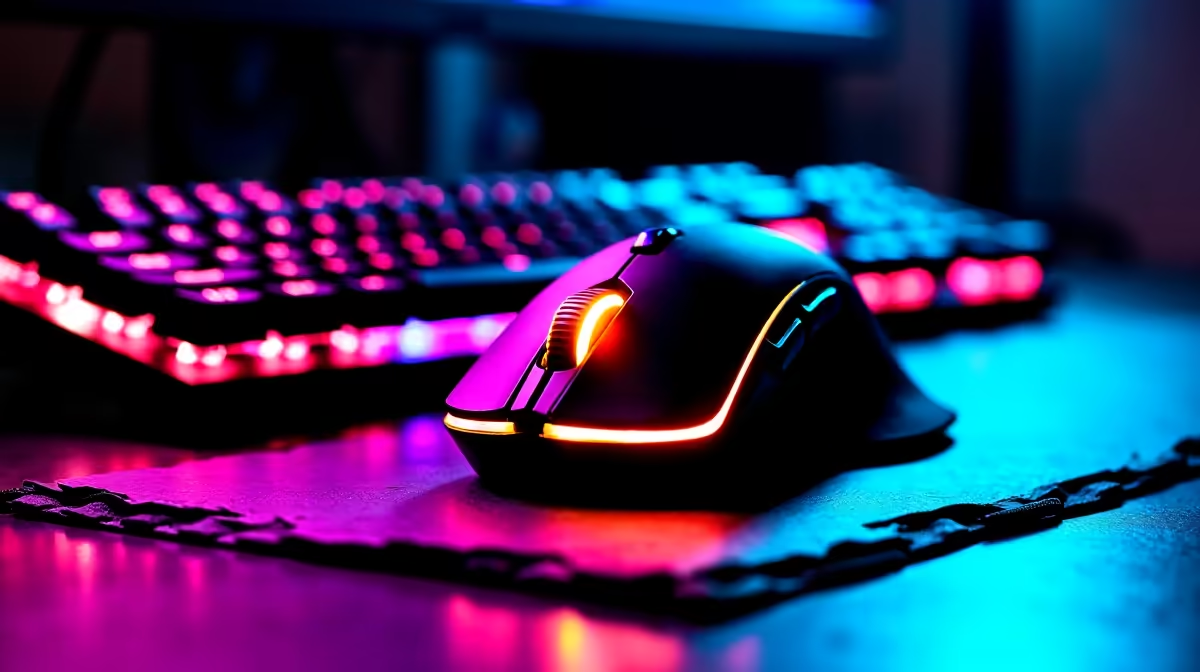
Lorgar''s positioning in the SA market is deliberate: quality first-time or upgrade peripherals for players who are done with the cheapest possible options but aren''t ready to spend flagship prices. Their gaming mice use optical sensors with adequate DPI ranges for general gaming, ergonomic shapes that suit claw and palm grip, and lightweight plastic construction that keeps weight down without feeling flimsy.
The keyboards in Lorgar''s budget tier often include RGB backlighting and membrane or low-profile membrane keys that offer a more responsive feel than standard office keyboards. For casual gaming, these perform well across popular titles. Competitive FPS players who demand mechanical key response may want to step up, but for strategy, RPG, MOBA, and single-player gaming, Lorgar keyboards at this price are genuinely capable.
For students in res or digs setting up a gaming station for the first time, the ability to buy a mouse, keyboard, and mousepad from the same brand for under R1,500 combined - all from local stock - is a real advantage over piecing together a setup from unknown brands.
Best Lorgar Peripherals to Consider Under R500
In the mouse category, Lorgar''s entry-tier optical mice offer DPI adjustment, standard polling rates, and comfortable grip surfaces at prices that leave room in the budget for other gear. Look for models that include at least two programmable side buttons and adjustable DPI via a dedicated button - these features are useful across gaming genres without adding cost.
For headsets, Lorgar''s budget range covers stereo and virtual surround options with 3.5mm and USB connectivity. Build quality is adequate for the price - the headbands are adjustable and the ear cushions provide basic comfort for session lengths up to a few hours. Competitive gamers who need accurate positional audio for titles like CS2 or Valorant may eventually want to step up, but for general gaming communication and immersion, these headsets do the job.
Mousepads are an area where Lorgar delivers strong value - large cloth surfaces at sub-R300 prices that rival branded pads costing significantly more. A consistent tracking surface makes a genuine difference to mouse performance regardless of the sensor in use.
Building a Full Setup Under R1,500 With Lorgar
A realistic Lorgar peripheral bundle for SA students and entry-level gamers might include a budget optical mouse, a membrane gaming keyboard, a large mousepad, and a stereo headset - all within a combined R1,200–R1,500 budget. This leaves budget for a monitor, desk, or chair, making Lorgar a practical choice for first-time setup builders.
The brand is stocked through local SA channels, which means standard retail warranty coverage applies and replacements are accessible if something fails. This matters more than the peripheral itself at this price point - knowing you can exchange a faulty unit without paying international shipping is a practical advantage for SA buyers.
Upgrading From Lorgar: When to Step Up
Lorgar peripherals serve as excellent entry points, but there are clear signals that it''s time to invest more. If you''re playing competitively and losing clutch duels due to sensor jitter or mouse acceleration, a mid-tier optical mouse with a higher-grade sensor is the next step. If your keyboard''s membrane feel is causing input errors in fast-paced games, a budget mechanical keyboard changes the experience significantly.
Think of Lorgar as the first rung on a peripheral upgrade ladder - a sensible, not embarrassing starting point that does the job while you save for the next level.
Frequently Asked Questions
Q: Are Lorgar peripherals available in South Africa with local warranty support? A: Yes. Lorgar products are stocked through local SA retailers with standard warranty coverage. This means returns and exchanges are handled locally without the complications of grey-market imports.
Q: Is a Lorgar mouse good enough for competitive gaming? A: For casual to semi-competitive play, yes. Entry-level Lorgar mice have adequate optical sensors for most titles. High-level competitive players who need top-tier sensor performance and ultra-light weight should consider stepping up to mid-range gaming mice.
Q: Can a Lorgar keyboard handle gaming and daily typing? A: Their membrane gaming keyboards handle general gaming and daily typing well. The key feel is not comparable to mechanical keyboards, but for mixed use at this price, they are a solid choice.
Q: What is the best first peripheral to upgrade from Lorgar? A: The mouse is generally the highest-impact upgrade. A better sensor and lighter weight have a direct, immediate effect on in-game feel. Follow that with a mechanical keyboard when budget allows.
Ready to Find Your Perfect Match? Shop budget gaming peripherals and accessories at Evetech - South Africa''s leading gaming and tech retailer.











