

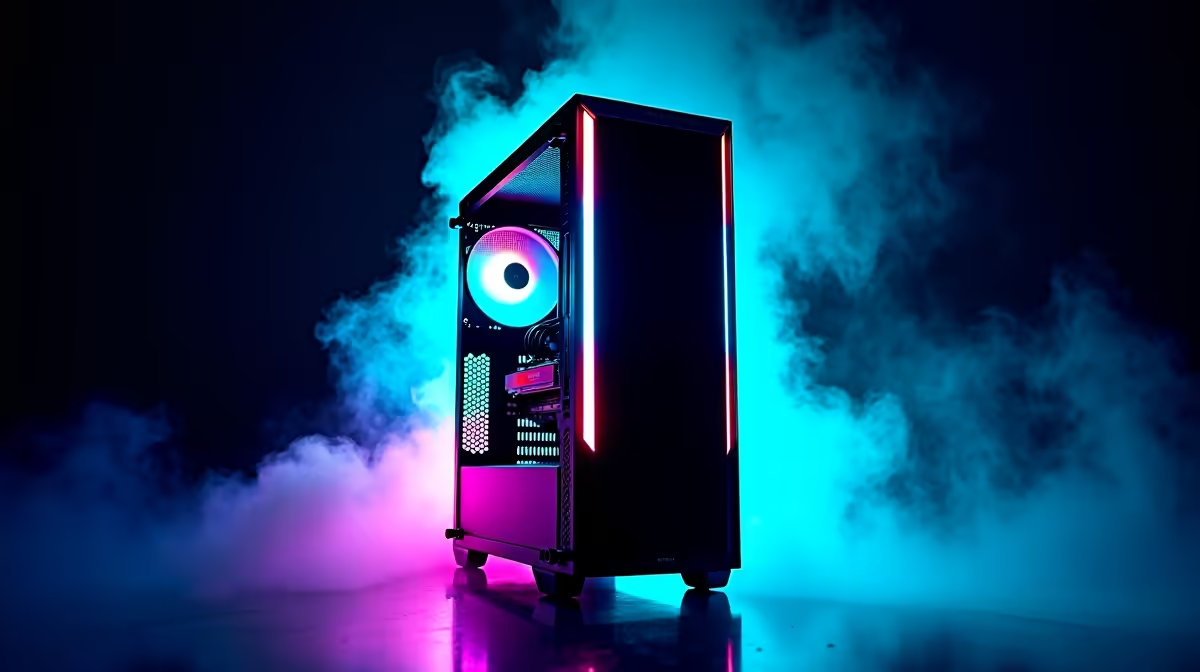
The RTX 5080 is NVIDIA's second-highest Blackwell GPU - a serious card that deserves a system capable of feeding it data fast enough to justify the spend. In South Africa in 2026, building a balanced PC around an RTX 5080 while keeping the rest of the build sensible (not budget, but not wasteful) is the smartest approach for serious gamers who want a high-performance rig without doubling the cost unnecessarily.
Quick Answer
A balanced South African PC build around the RTX 5080 in 2026 should pair it with a Ryzen 7 or Core i7 CPU, 32GB DDR5 RAM, a PCIe 4.0 NVMe SSD, and a quality 850W+ PSU. Total build cost excluding the GPU sits around R12,000–R18,000 - let the 5080 be the centrepiece rather than competing with overpriced peripherals.
CPU: Don't Bottleneck a Flagship GPU 🔧
The RTX 5080 at 4K and high-refresh 1440p is primarily GPU-bound, meaning your CPU has more headroom than you might expect. However, at 1080p or in CPU-heavy titles like strategy games and simulators, a weak processor will hold back frame rates noticeably.
The sweet spot pairing for the RTX 5080 in 2026 is a Ryzen 7 9700X or Intel Core i7-14700K/i7-265K. Both processors offer enough multi-core and single-core performance to feed the 5080 without wasting money on a Ryzen 9 or Core i9 that adds cost without proportional gaming gains. Reserve the Ryzen 9 or Core i9 tier for content creators and streamers who'll actually use those extra cores.
Explore available CPUs at Evetech to find the current best value in the Ryzen 7 and Core i7 bracket.
Motherboard and RAM: The Platform Foundation 💡
For an RTX 5080 build, PCIe 5.0 x16 support is ideal to fully utilise the card's bandwidth. AMD builds want an X670E or B650E motherboard; Intel builds want a Z790 or Z890 board. You don't need to spend R5,000+ on a motherboard - mid-range options at R2,500–R3,500 provide all the connectivity and power delivery needed without gimmick features.
RAM: 32GB DDR5-6000 is the target configuration. 16GB will work but feels tight as game requirements grow through 2026–2027. DDR5-6000 MHz sits in the sweet spot where latency and bandwidth balance optimally for AMD's Ryzen platform; Intel is slightly less sensitive to DDR5 speed. Get a quality dual-channel 2x16GB kit for best results.
Check out RAM options at Evetech for DDR5 kits compatible with current platforms.
Storage, PSU, and Case: Get These Right ⚡
Storage: A 2TB PCIe 4.0 NVMe SSD as your primary drive is the right call for an RTX 5080 build. You'll be running demanding titles that fill space quickly. A secondary 2TB drive for older games and media keeps your primary clean. Browse the SSD selection at Evetech for current 2TB pricing.
PSU: The RTX 5080 has a TDP of around 360W. With a Ryzen 7 or Core i7 CPU adding another 65–125W, the total system load under full gaming load approaches 500–550W. An 850W 80+ Gold PSU provides comfortable headroom without overspending. Avoid budget unbranded PSUs - this is not the component to cut corners on with a premium GPU. Quality power supplies are available at Evetech.
Case: Airflow is critical for an RTX 5080. The card runs hot under load and needs three or more case fans with good front-to-back or bottom-to-top airflow paths. Mid-tower cases with mesh front panels are ideal. Budget R800–R1,500 for a case that keeps temperatures manageable.
CPU Cooler: A 240mm or 280mm AIO liquid cooler or a large tower air cooler keeps the CPU from thermal throttling and makes the overall build quieter. Both types work well - AIOs give cleaner aesthetics, tower coolers are typically more reliable long-term.
Frequently Asked Questions ❓
Q: Is it worth building around the RTX 5080 over the RTX 5070 Ti in SA? A: At 4K with ray tracing or DLSS 4 Quality, the RTX 5080 pulls ahead meaningfully. If your primary resolution is 1440p, the RTX 5070 Ti offers better value. The 5080 makes sense if you're targeting 4K 60+ fps or 1440p maximum settings at 144Hz+ consistently.
Q: How much does a complete RTX 5080 build cost in South Africa? A: Excluding the GPU itself, a balanced supporting build (CPU, motherboard, 32GB DDR5, 2TB NVMe, 850W PSU, case, cooler) runs R12,000–R18,000 depending on brand choices. The RTX 5080 adds significantly to this total.
Q: Should I use DLSS 4 or FSR 4 on an RTX 5080? A: DLSS 4 with Multi Frame Generation is the headline feature on Blackwell cards - use it. DLSS 4 Quality mode at 4K produces images nearly indistinguishable from native while dramatically increasing frame rates. FSR 4 is a capable alternative in unsupported titles.
Q: What monitor pairs best with an RTX 5080 in South Africa? A: A 27" or 32" 4K 144Hz OLED or IPS panel maximises the RTX 5080's capabilities. At 1440p, a 27" 240Hz display is an excellent alternative that plays to the card's high-refresh strengths.
Evetech stocks RTX 5080 Gaming PCs and RTX 5080 Graphics Cards — browse current SA pricing and availability online.
Ready to Find Your Perfect Match? Explore relevant Evetech options, compare current South African pricing, and choose hardware that fits your setup. Shop now











