

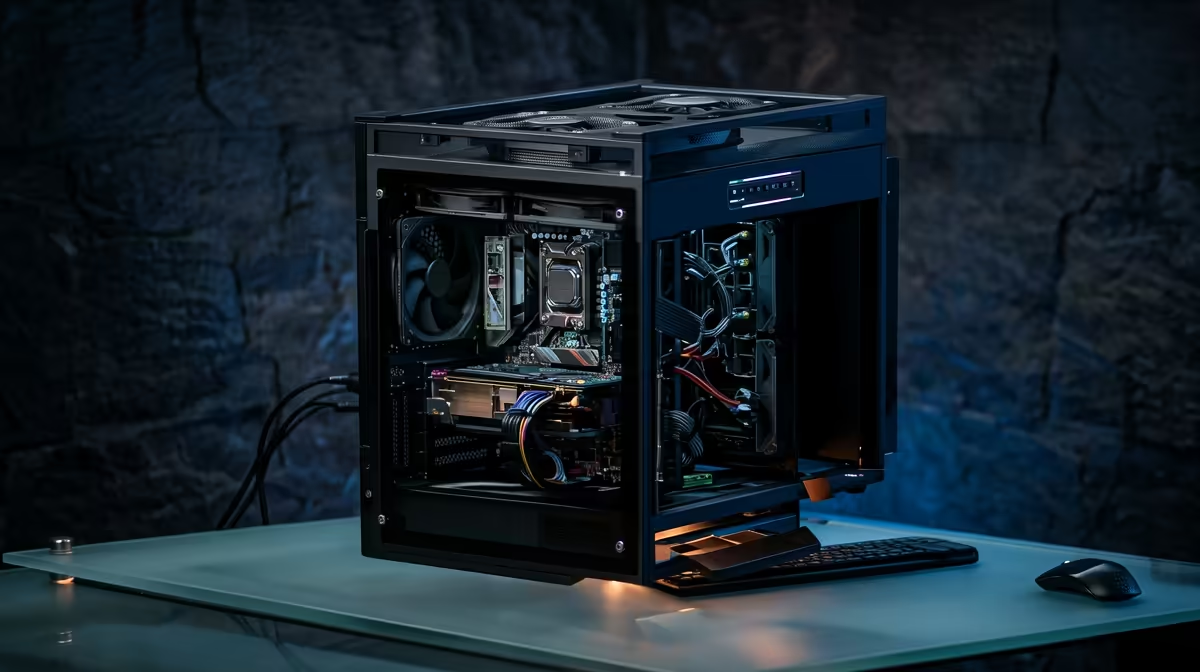
Staring at a stuttering timeline, waiting ages for a render to finish... Sound familiar? Creating killer video content in South Africa shouldn't require a Hollywood-sized budget. The good news? You can get a powerful, smooth editing experience without emptying your wallet. The secret lies in knowing where to invest your money. This guide will show you how to find the best budget PC for video editing that crushes 4K timelines without crushing your bank account. 🚀
The Engine Room: Core Components for Smooth Editing
Forget chasing the highest specs in every category. A cost-effective editing computer is all about balance. When you're editing video, three components do most of the heavy lifting. Get these right, and you're 90% of the way to a buttery-smooth workflow.
### The Processor (CPU): More Cores, More Power
Your CPU is the brain of the operation, handling tasks like encoding, decoding, and rendering. For video editing, more cores and threads generally beat raw clock speed. A CPU with 6 or more cores will allow you to scrub through 4K footage and apply effects without your machine grinding to a halt. Both Intel and AMD offer fantastic options in the budget space, so it's wise to check out current Intel PC deals alongside the latest AMD Ryzen PC deals to see where the best performance-per-rand value is.
### Memory (RAM): Your Creative Workspace
Think of RAM as your computer's short-term memory. The more complex your timeline (multiple video layers, effects, high-resolution clips), the more RAM you need. For 1080p editing, 16GB is a solid starting point. If you plan on working with 4K footage or complex After Effects compositions, aiming for 32GB is a smart move that will save you countless headaches.
### Storage (SSD): The Speed You Can Feel
This is non-negotiable. Your operating system, editing software, and active project files must be on a Solid State Drive (SSD). The speed difference between an SSD and an old-school Hard Disk Drive (HDD) is massive. For the best budget PC for video editing, a great setup is a fast NVMe SSD (256GB or more) for your OS and apps, paired with a larger, cheaper SATA SSD or HDD for storing raw footage and completed projects.
Editing Pro Tip ⚡
If your PC still struggles with 4K footage, use proxies! Most editing software (like DaVinci Resolve and Adobe Premiere Pro) can create low-resolution copies of your files for smooth editing. The software automatically switches back to the full-quality original files for the final export. It's a simple trick that makes a huge difference.
The GPU Question: Smart Spending for Video Work
Do you need a beastly graphics card (GPU) for video editing? It depends. While a powerful GPU accelerates certain effects, colour grading, and export times, the CPU and RAM are often more critical for general timeline performance. A good mid-range GPU is more than enough for an affordable PC for video editing, providing the boost you need without eating up half your budget. Focus your ZAR on the CPU and RAM first. ✨
Putting It All Together: Your Affordable Editing Rig
Building a PC can be fun, but it can also lead to compatibility issues and troubleshooting nightmares. A professionally assembled, pre-built PC from a trusted source gives you peace of mind with a full warranty. You can often find some seriously powerful, expertly configured PCs under R20,000 that are ready to tackle demanding video projects right out of the box. This approach ensures all the parts work together perfectly, giving you a stable and reliable budget editing rig from day one.
Ready to Render Faster? Stop fighting with lag and start creating. A purpose-built editing PC is the single biggest upgrade you can make to your workflow. We've taken the guesswork out of it. Explore our range of powerful, customisable PCs and find the perfect machine to bring your vision to life.











