

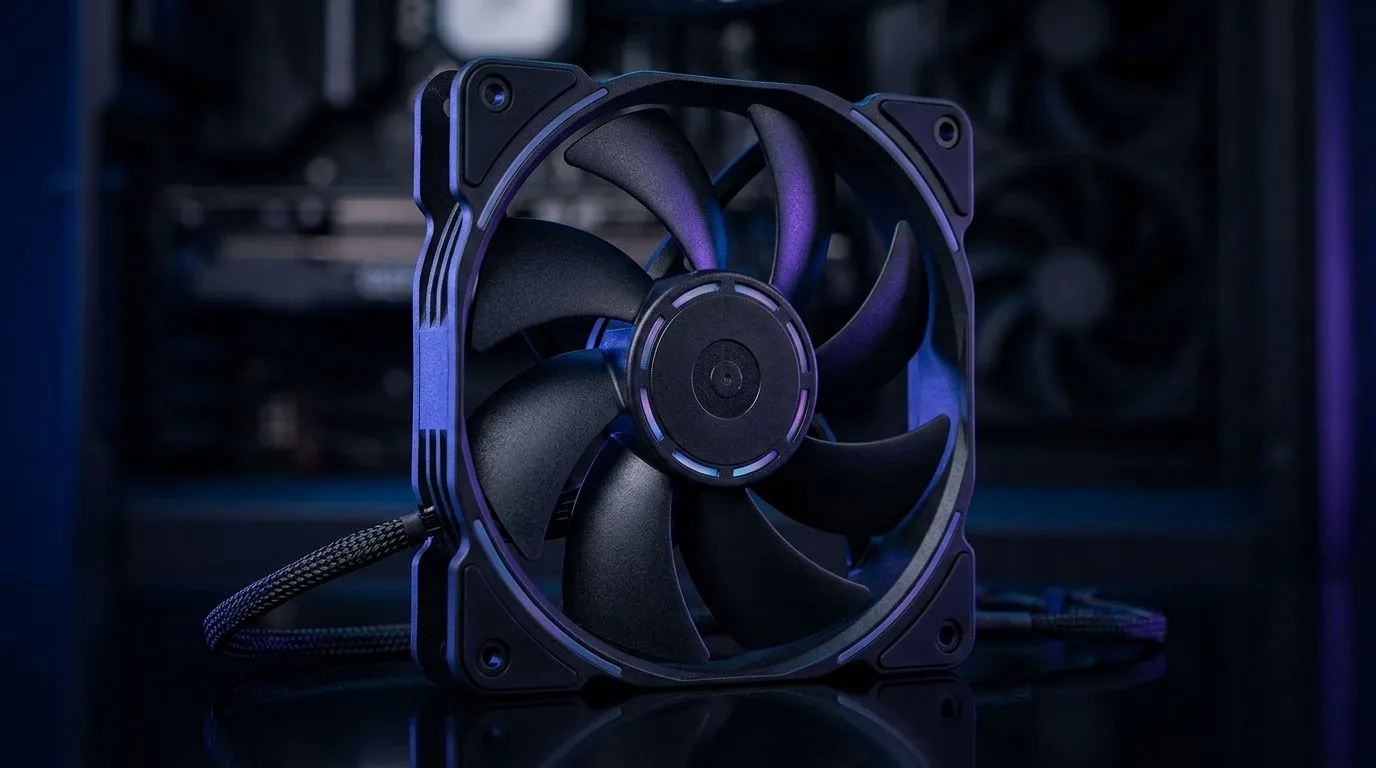
Best Case Fan Features to Prioritise Under R200, R400, R700: Start With Airflow, Not RGB
If your PC sounds like it’s working overtime, don’t blame your CPU first. Many builds under pressure are starved of proper case airflow. South African gamers know this feeling… you tighten the budget, then wonder why temps creep up during ranked matches. 🔧
The good news? Choosing the right case fan features at the right price tier can make a noticeable difference, even before you upgrade your cooling system. Let’s break down what to prioritise when you’re spending under R200, around R400, or near R700.
Best Case Fan Features to Prioritise Under R200, R400, R700: What Actually Moves the Needle
Before you chase spec sheets, focus on three things: airflow (how much air moves), static pressure (how well it pushes through filters and heatsinks), and noise (how annoying it is at 2am). ✨
For most gaming setups:
- Front intake fans should move lots of air into the case.
- Top/rear exhaust fans should remove hot air efficiently.
- If you use a dust filter or a front radiator, consider fans with higher static pressure.
If you’re building from scratch, matching fan sizes also matters. Common sizes include 120mm and 140mm. Larger fans often move more air at lower RPM, which usually means less noise for similar cooling.
Under R200 (Budget Build): Prioritise Value + Basics
At this price, aim for:
- 120mm or 140mm fans that are available locally and reliably stocked.
- PWM support if your motherboard has headers (so you can control noise).
- A sane balance of airflow and noise, not flashy features.
Want to browse options? Start here: case fans on Evetech.
Around R400 (Sweet Spot): Get Better Control and Longevity
In the mid-range, you’re paying for nicer bearings, steadier performance, and better control options. Consider:
- PWM control for quieter idle and controlled ramps under load.
- More blade depth or improved blade design for better airflow through restrictive fronts.
- Cable management features like flexible leads and sensible connector placement.
If you’re leaning toward a brand-tidy build, check these: CORSAIR case fan features.
Around R700 (Performance Feel): Optimise for Restrictive Setups
Near R700, you’ll more often see fans designed to handle:
- Radiators and dust-filtered front intakes
- Higher sustained performance during long gaming sessions
If your build includes a more demanding cooling arrangement, start with curated options like: Deepcool case fans. 🚀
Best Case Fan Features to Prioritise Under R200, R400, R700: RGB, Size, and the “Don’t Regret It Later” Checklist
RGB is fun, but don’t buy it at the expense of airflow. If your priority is aesthetics and cooling, choose fans that don’t compromise on basic specs. Browse RGB-friendly options here: case fans with RGB lighting effects. ✨ If you prefer clean builds (and fewer software headaches), you might prefer no lighting: case fans with no lighting effects.
Size Choice: 120mm vs 140mm
If your case supports both, 140mm can be quieter for similar cooling. If space is limited, 120mm is often the practical pick. You can filter your shopping by size:
Productivity Pro Tip 🔧
"Before you finalise fan positions, plan your airflow path: front intake first, then rear top exhaust. Also label your fan cables or take a quick photo. When temps are off, you’ll know instantly whether you wired intake and exhaust backwards."
Best Case Fan Features to Prioritise Under R200, R400, R700: Quick Setup Guidance for Real Temps
A simple, dependable starting point:
- Front: intake fans (cool air in)
- Top/Rear: exhaust fans (hot air out)
- Set fan curves in BIOS so fans ramp gradually under load.
If your PC is still too warm after correct fan placement, the next upgrade is usually better fan positioning and dust maintenance, not immediately a new GPU cooler. Keep filters clean, and check for airflow obstruction inside the case.
Ready to Find Your Perfect Match? The Mac vs Windows debate is complex, but for maximum power, choice, and value in South Africa, Windows is hard to beat. Explore our massive range of laptop specials and find the perfect machine to conquer your world.











