

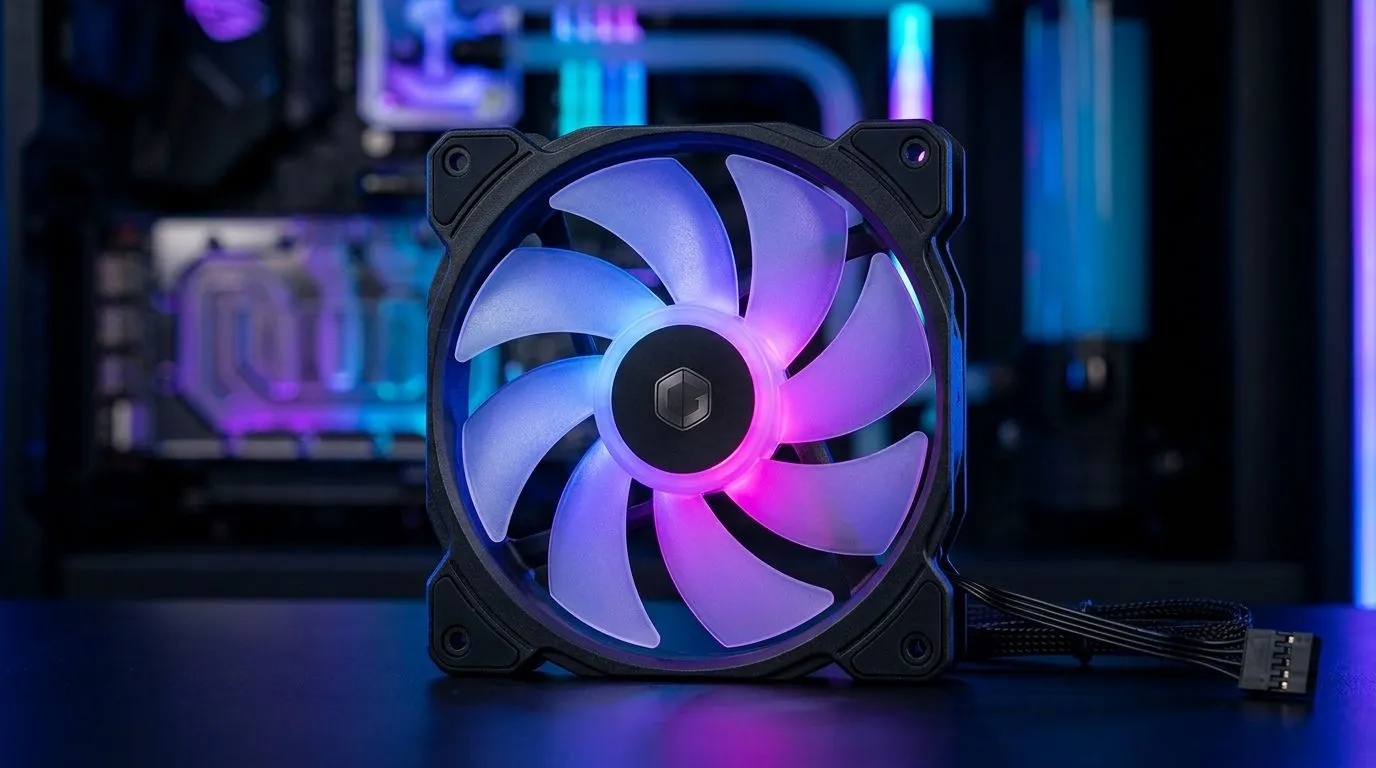
Best Case Fan Setup Under R500: ARGB, Performance, Longevity (Build Lab)
If you’re building on a budget, case fans are one of the simplest upgrades you can actually feel. Under R500, you can improve airflow, reduce loud fan noise, and keep your GPU boosting longer during Warzone evenings or ranked Rocket League sessions. 🔧
The trick is choosing fans that move real air, fit your case, and last more than a few months of dust and heat. Let’s build a smart, no-regret fan setup that makes sense for South Africa and your electricity bill.
Best Case Fan Setup Under R500: ARGB, Performance, Longevity (What to target)
Before you click “add to cart”, aim for a balanced layout:
- Front/Bottom intake: cooler air in
- Rear/Top exhaust: hot air out
- Cables and control: so you can run quieter profiles when idle
Most gaming desktops benefit from 2–3 intake fans and 1 exhaust as a starting point. If your case supports it, a top exhaust helps with heat rising off your GPU.
Now the budget part… ARGB can look premium, but performance still matters more. Fans are usually rated by airflow (CFM) and static pressure (mmH₂O). Static pressure is especially important if you’re pushing through dust filters or a radiator.
Best Case Fan Setup Under R500: ARGB vs performance (simple rule)
If your goal is “clean looks”, pick ARGB/RGB. If you’re dealing with a cramped airflow case or a radiator, prioritise static pressure over extra lighting.
A good compromise? Choose RGB fans only where it won’t ruin your thermals.
Fan Setup Pro Tip ✨
a budget build, match fan direction with your airflow plan before you buy: intake fans should pull air toward your GPU, and exhaust fans should push hot air out. This avoids the common mistake of “all fans pointing the same way”, which can quietly raise GPU temps during long matches."
Best Case Fan Setup Under R500: ARGB, Performance, Longevity (Where Evetech listings help)
When you’re browsing, filter by what matters to your case. Fan selection gets much easier when you sort by lighting, size, and brand.
Start here for a wide range of options: All case fans at Evetech
Want ARGB options from a known name? Try the brand filter: CORSAIR case fans
Deepcool fans are popular for value and style, especially in budget builds: Deepcool case fans
Prefer the “lights on” look? Narrow it down to RGB: Case fans with RGB lighting effects
If you’re going stealth, filtering helps too: Case fans with no lighting effects
Best Case Fan Setup Under R500: ARGB, Performance, Longevity (120mm vs 140mm)
Size affects both airflow and how loud your system feels at the same cooling performance.
- 120mm fans: commonly available, easy to find under R500
- 140mm fans: often move air more smoothly, but you must confirm your case supports them
Check 120mm options here: 120mm case fans
And if your case has the space for bigger mounts: 140mm case fans
Best Case Fan Setup Under R500: ARGB, Performance, Longevity (A setup that holds up)
Here’s a practical “under R500” plan many South Africans can execute without drama:
- Front intake (2 fans): aim to cool the GPU area
- Rear exhaust (1 fan): keep hot air leaving
- Optional top exhaust (1 fan): great if your case allows it
If you’re using RGB fans, run them slightly lower at idle. You’ll keep the glow but reduce the “jet engine” vibe when the PC is just browsing or loading into lobbies.
Quick maintenance matters too. Dust filters and fan blades accumulate grime fast in SA homes. Clean them every couple of months, and your fans stay closer to their original performance.
Best Case Fan Setup Under R500: ARGB, Performance, Longevity (Get the right match)
Want a quieter build that still looks great? The best setup is the one that matches your case size and your airflow plan, not just the one with the brightest LEDs. 🚀
Ready to Find Your Perfect Match? If you want cooler temps, smoother airflow, and ARGB that actually fits your case, the easiest path is choosing directly from Evetech’s selection. Explore our massive range of laptop specials and upgrade your setup with confidence.











