

You’re on final approach into Cape Town International, the city lights twinkling below as Table Mountain stands silhouetted against the sunset. It’s breathtaking… until your framerate plummets. The sim becomes a slideshow, ruining the immersion. The culprit? Your CPU is overheating. To truly enjoy Flight Simulator 2024, you need the best CPU cooler you can get to stop thermal throttling before it grounds your experience. ✈️
Why Flight Simulator Demands So Much from Your CPU
Unlike many games that rely mostly on the graphics card, Microsoft Flight Simulator is a beast that hammers your processor. It’s constantly calculating complex physics, streaming real-world weather and map data, managing AI air and ground traffic, and simulating intricate aircraft systems.
All this work generates a serious amount of heat. When your CPU gets too hot, it automatically slows down to protect itself. This is thermal throttling, and it’s the direct cause of those frustrating stutters and frame drops, especially during long flights or over dense scenery like Johannesburg or Durban.
Choosing Your Cooling Solution: Air vs. Liquid
Finding the best CPU cooler for Flight Simulator 2024 means deciding between two main technologies: traditional air cooling and modern All-in-One (AIO) liquid cooling. Each has its place in a simmer’s cockpit.
Air Coolers: The Reliable Workhorse
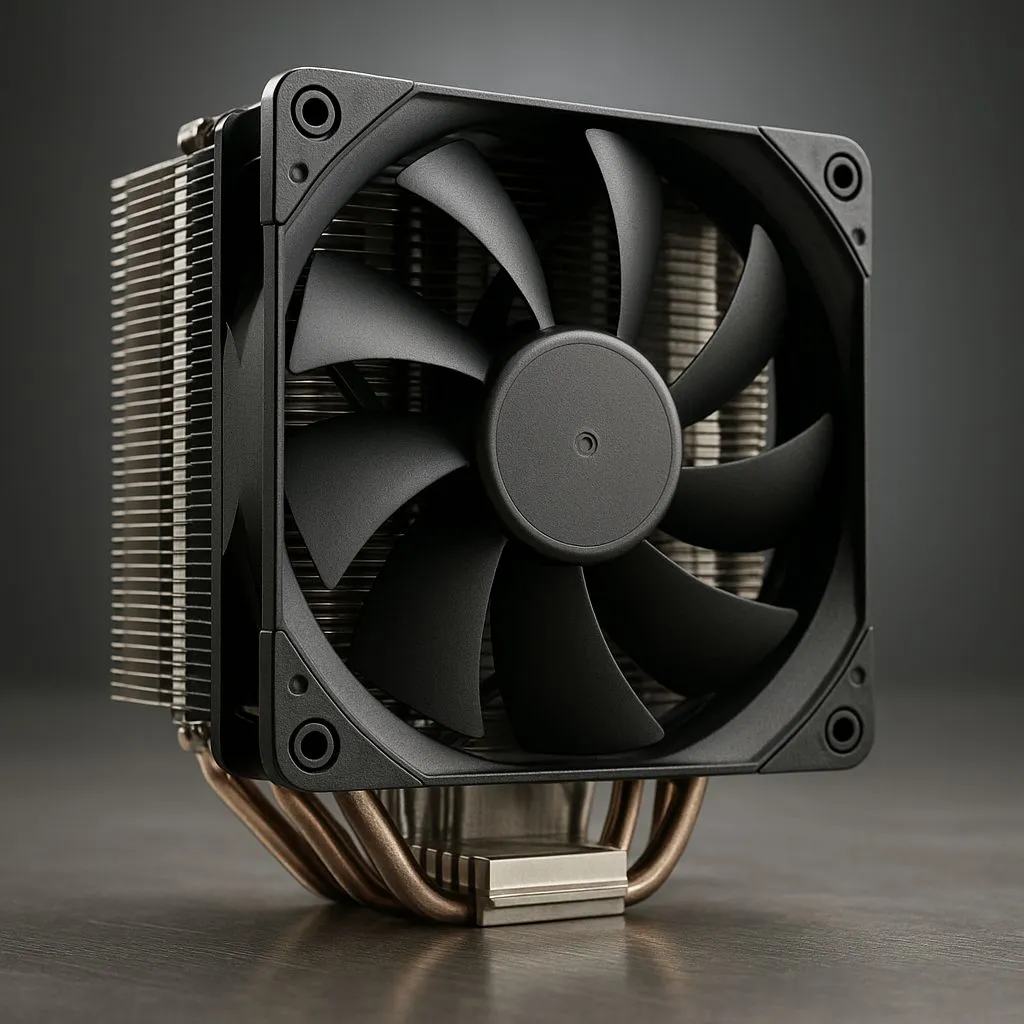
Don't underestimate the power of a modern air cooler. These units use a combination of heat pipes and a large fin-stack with a fan to draw heat directly away from the CPU. They are incredibly reliable, simple to install, and offer fantastic performance for their price. For many mid-range to high-end builds, a premium air cooler is more than enough to prevent throttling.
Check out our range of powerful and quiet high-performance air coolers to find a dependable option for your rig.
AIO Liquid Coolers: Maximum Chill Factor ❄️
For those pushing high-end CPUs like an Intel Core i9 or AMD Ryzen 9, or for anyone planning to overclock, an AIO is often the superior choice. These closed-loop systems use liquid to transfer heat from the CPU to a radiator, where fans dissipate it. This process is generally more efficient than air cooling, resulting in lower core temperatures under sustained load.
This means you can fly for hours without your CPU breaking a sweat. Explore our selection of All-in-One (AIO) liquid coolers to unlock your PC's maximum potential.
Radiator Size Matters 🔧
When choosing an AIO, the radiator size is key. A 120mm or 240mm radiator is great for most CPUs, but for the demanding processors needed for a silky-smooth Flight Sim experience, we strongly recommend a 280mm or 360mm radiator. The larger surface area provides significantly better heat dissipation, ensuring your CPU stays cool during the most intense flights.
Our Top Picks for a Turbulence-Free Experience
While the single "best" cooler depends on your specific CPU, case, and budget, here are our guidelines for ensuring a smooth flight in Flight Simulator 2024.
- For the Ultimate Sim Rig (Intel i9 / Ryzen 9): Don't compromise. You need maximum thermal headroom to stop throttling completely. A powerful 360mm AIO cooler is the gold standard here, providing the cooling capacity needed for these flagship chips.
- For the High-Performance Build (Intel i7 / Ryzen 7): You have options. A high-end air cooler will do a fantastic job, but a 240mm or 280mm AIO will give you lower temperatures and a quieter system. Look for top-tier options from brands like Corsair, which are known for their reliability and performance.
- For the Budget-Conscious Pilot (Intel i5 / Ryzen 5): A quality mid-range tower air cooler is often the sweet spot, offering a massive upgrade over the stock cooler without breaking the bank.
Investing in a proper cooling solution isn't just an upgrade; it's essential for getting the performance you paid for. Stop letting thermal throttling ruin your flights and start enjoying the skies the way they were meant to be seen. ✨
Ready for a Turbulence-Free Takeoff? Choosing the best CPU cooler for Flight Simulator 2024 is the single biggest step to stop thermal throttling and unlock smooth, consistent performance. Explore our massive range of CPU coolers and give your processor the chill it deserves.











