

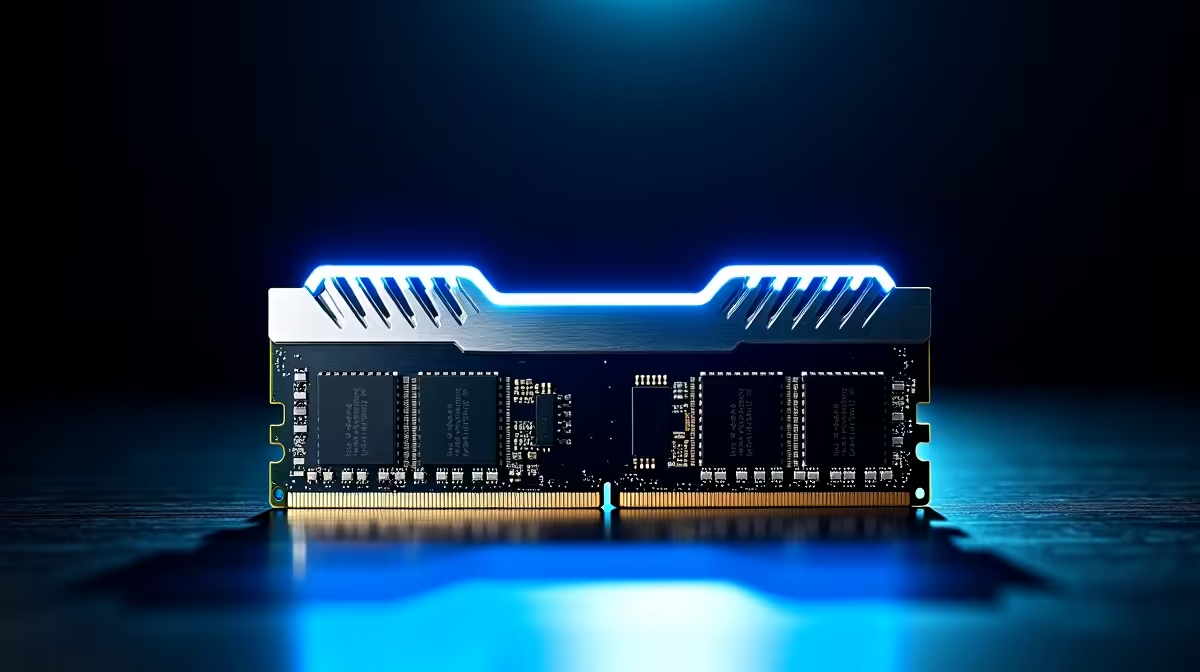
Upgrading your rig should not mean emptying your wallet. If you are searching for the best Crucial RAM under R1000 in SA 2026, you are in the right place. Whether you are pushing frames in competitive shooters or keeping your system snappy, affordable memory is vital. Let us explore budget-friendly memory options that deliver serious performance. You can easily get more frames for fewer Rands.
Why System Memory Matters 🚀
Your system memory dictates how smoothly everything runs. When you choose to upgrade your PC memory, you instantly reduce annoying stuttering. You will also notice massive improvements during heavy multitasking. Fortunately, you do not need to spend thousands to see a tangible difference.
By keeping a close eye on daily tech specials, you can easily find high-quality modules. Crucial has always been a highly reliable brand for South Africans. They offer unmatched stability and speed at a highly competitive price point. Upgrading your RAM is often the most cost-effective way to speed up an ageing computer.
Finding the Best Crucial RAM Under R1000 in SA 2026
Locating the perfect memory stick means looking at both DDR4 and entry-level DDR5 options. For older motherboards, a Crucial Pro 16GB DDR4 kit is a truly fantastic buy. It provides more than enough headroom for modern AAA titles and intensive background applications.
If you are currently eyeing premium gaming PCs, you might already be on the newer DDR5 platform. In that specific case, a single 8GB Crucial DDR5 stick fits the tight budget perfectly. It allows you to get onto the new platform cheaply... with room to add another stick later.
Do not forget that mobile gamers can also benefit from these upgrades. Expanding the memory inside robust gaming laptops with a Crucial SODIMM module is a quick performance boost. Laptop memory is incredibly easy to install and offers immediate returns on your investment.
Dual-Channel Pro Tip ⚡
Always try to run two identical memory sticks instead of one. Dual-channel memory doubles your bandwidth... giving you a massive boost in frame rates for both desktop rigs and laptops.
Maximising Your R1000 Investment 🔧
Before spending your hard-earned Rands, always check your motherboard specifications. Buying the best Crucial RAM under R1000 in SA 2026 is only useful if it actually fits your system. Use free software tools like CPU-Z to confirm your current speeds and timings.
You want to ensure your new memory matches your old memory if you are simply adding a stick. Mixing different speeds can cause system instability. It might also force your fast new RAM to run at slower speeds.
If you are not comfortable tinkering inside a chassis, you might prefer a different route. Looking at complete pre-built desktop systems saves you the hassle of manual upgrades. They guarantee compatibility right out of the box... letting you focus entirely on your gaming sessions.
Ready to Boost Your Framerates? ✨ Upgrading your memory is the smartest way to breathe new life into your setup. Browse our massive range of memory specials and find the perfect Crucial RAM to conquer your favourite games today.











