

Quick Answer
For under R15,000 in South Africa, the best data science PC build pairs a Ryzen 5 7600 or Core i5-13400F with 32GB DDR5, a 1TB NVMe SSD, and a budget B650 or B760 board. That stack handles Pandas, scikit-learn, and mid-sized notebooks comfortably while leaving headroom for upgrades.
Why CPU and RAM Matter More Than GPU for Data Science
Most everyday data science workloads, cleaning, feature engineering, classical ML, and SQL grinding, lean on CPU cores and memory bandwidth, not graphics. A 6-core, 12-thread chip like the Ryzen 5 7600 or Core i5-13400F runs Jupyter, VS Code, and Docker containers without breaking a sweat. Pair it with 32GB of dual-channel DDR5-5200 so larger DataFrames and parallel cross-validation runs don't spill to swap. RAM is the single biggest performance lever at this price point, and going below 32GB on a serious data PC will hurt you within weeks.
A Sample R14,800 Build for SA Buyers
Here's a balanced configuration that fits under R15,000 with current ZAR pricing and same-day Joburg or Pretoria delivery:
- CPU: AMD Ryzen 5 7600 (around R4,499)
- Motherboard: MSI B650M-P or Gigabyte B650M (around R2,899)
- RAM: 32GB (2x16GB) Corsair Vengeance DDR5-5200 (around R1,799)
- Storage: 1TB Kingston NV2 or WD Black SN770 NVMe (around R1,299)
- PSU: Corsair CV550 80+ Bronze (around R899)
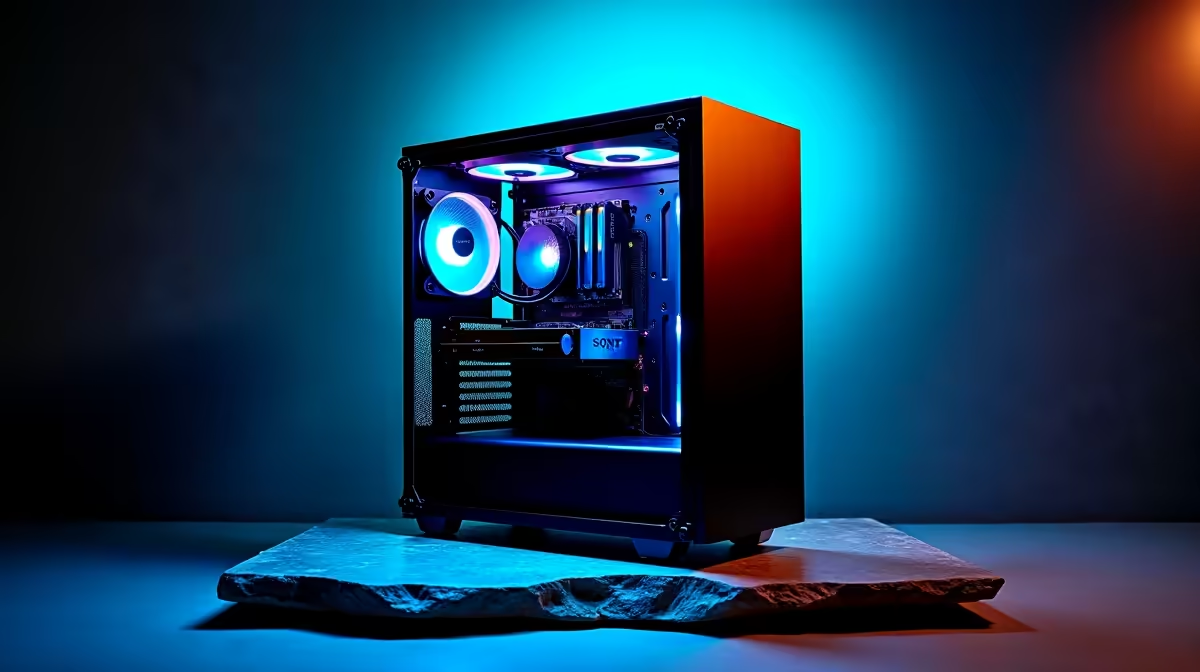
- Case: NZXT H510 or Antec NX110 (around R1,099)
- Cooler: stock Wraith works, or Deepcool AK400 if you want quieter (around R599)
That comes in around R13,000 to R14,500 depending on stock, leaving room for a basic GT 1030 if you must drive multiple monitors. Skip a discrete GPU unless you're doing deep learning, in which case this budget is too tight and you should stretch to R22,000 with an RTX 4060.
Storage and Future-Proofing for SA Conditions
A 1TB NVMe drive is non-negotiable. Datasets, virtual environments, Docker images, and model checkpoints chew through space fast. Gen 4 drives like the WD SN770 cost the same as Gen 3 now, so grab one. Add a second 2TB SATA SSD later when budget allows. The B650 or B760 chipsets give you DDR5 and PCIe Gen 5 support, so when you upgrade to a Ryzen 9 or i7 in two years, the platform carries over. For loadshedding resilience, budget another R1,500 for a 1500VA line-interactive UPS so an unsaved 30-minute model fit doesn't die mid-epoch.
Operating System and Workflow Tips
For most SA data science users, Linux (Ubuntu 24.04 LTS or Pop!_OS) gives you the cleanest experience with Conda, Docker, and CUDA tooling. Windows 11 with WSL2 is a solid second choice and lets you keep Office and gaming on the same box, the WSL2 layer runs Pandas and Jupyter at near-native Linux speeds. Either way, set up Conda environments per project, never pollute your base install. Use VS Code with the Python and Jupyter extensions, and version-control everything with Git from day one. These habits matter more on a tight-budget rig because you can't brute-force performance, you have to be efficient with how you load and process data.
Upgrade Path Inside Three Years
The build above is intentionally upgrade-friendly. AM5 socket support runs through 2027 at minimum, so when budget allows you can drop in a Ryzen 7 9700X or Ryzen 9 9950X without changing motherboard, RAM, or PSU. The B650 board handles up to 170W TDP chips comfortably. RAM expands easily from 32GB to 64GB by adding a second kit, useful when your DataFrames start hitting multi-gigabyte territory. Add a second 2TB NVMe in the bottom M.2 slot for datasets, keeping the OS drive clean. The PSU at 550W has headroom for a future RTX 4060 or used 3060 12GB if you ever pivot into deep learning, the 12GB VRAM specifically is the entry-level deep learning sweet spot.
Frequently Asked Questions
Do I need a discrete GPU for data science under R15,000?
For Pandas, scikit-learn, XGBoost, and SQL work, no. CPU and RAM beat a budget GPU every time. Only stretch for a GPU when you move into PyTorch or TensorFlow training, and even then a used RTX 3060 12GB is a better target than anything new at this budget.
Is 16GB RAM enough to start?
You can technically boot and code on 16GB, but the moment you load a 4GB CSV into Pandas or run Jupyter alongside Chrome and Slack, you'll be swapping. 32GB is the right floor in 2026, and DDR5 kits in SA are cheap enough now that there's no reason to compromise.
Can I run this build on NSFAS funding?
NSFAS covers up to R5,200 for laptops only, not desktops. If you're a varsity student tied to NSFAS, a budget gaming laptop is the better route. If you have your own funds or bursary flexibility, this desktop offers far more performance per Rand for serious data work.
Ready to Find Your Perfect Match? Build your data science rig today with vetted SA stock and quick delivery. Shop PC build deals











