

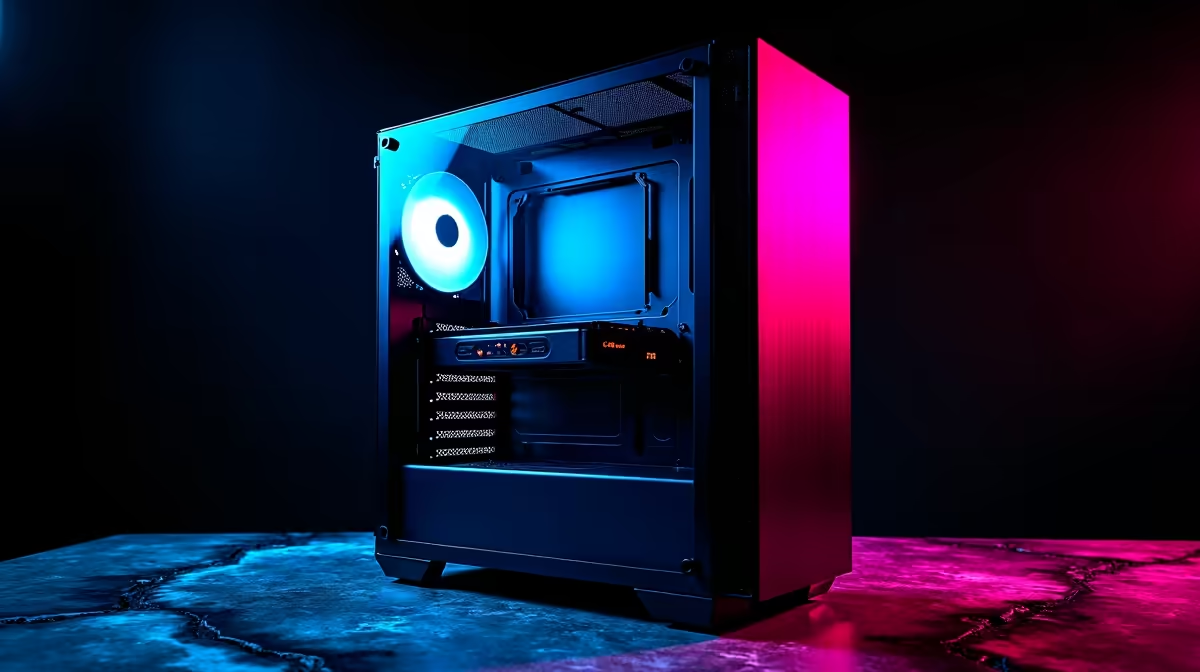
Quick Answer
The best gaming cases under R2,500 in South Africa in 2026 offer solid airflow, tempered glass panels, and enough space for mid-tower ATX builds. At this price point you can get a case that looks premium and performs well thermally without breaking your build budget.
A PC case is one of the most visible investments in any build, and it directly affects cooling performance and upgrade potential. In South Africa in 2026, the R2,500 ceiling is a sweet spot - it buys you well-engineered cases with good airflow designs, tempered glass side panels, and support for standard ATX components. Here's what to look for and which options stand out.
What to Expect Under R2,500
At this price point in the SA market, you should expect a mid-tower ATX form factor, support for standard ATX, Micro-ATX, and Mini-ITX motherboards, at least two pre-installed fans (usually 120mm or 140mm), a tempered glass left-side panel, and front panel USB 3.0 connectivity. Cases in this tier typically support 240mm or 360mm AIO liquid coolers in the front or top, GPU lengths up to 360mm or more, and include cable management channels behind the motherboard tray. Mesh front panels have become the norm at R2,000+ as manufacturers recognise that airflow beats aesthetics for gaming builds. ARGB fan support is increasingly standard, though included fans vary in quality - budget for fan upgrades if thermals matter to you.
Top Picks by Use Case
For budget gaming builds where every rand counts, cases with a mesh front panel and at least two included fans represent the best value. A three-fan front intake configuration makes a meaningful difference in GPU and CPU temperatures compared to single-fan or solid-panel designs. If you're running a high-end GPU that generates significant heat (RTX 4070 class and above), prioritising airflow over aesthetics pays dividends in sustained performance and component longevity - important in SA where summer ambient temperatures push already-warm builds harder. If cable management is a priority, look for cases that include a PSU shroud, multiple cable tie-down points, and at least 20mm of space behind the motherboard tray. These details separate frustrating builds from clean ones.
Sizing and Build Compatibility
Before committing to a case, verify your component dimensions. Measure your GPU length and compare it to the case's maximum GPU clearance - a common mistake that causes compatibility headaches. Check CPU cooler height clearance if you're running a large tower cooler like a 160mm+ design. If you plan to run a 360mm AIO, confirm the case supports a front or top 360mm radiator mount (not all sub-R2,500 cases do). Standard mid-towers accommodate dual 3.5" HDDs and two or more 2.5" SSD mounts - useful if you're running a hybrid storage setup with an NVMe boot drive and an HDD for mass storage. Cases with a removable drive cage provide more flexibility for component arrangement.
Airflow vs Aesthetics at This Budget
The perennial debate in PC building - airflow or looks - lands clearly on the side of airflow for gaming builds under R2,500. Mesh-front cases with positive pressure (more intake than exhaust) run 5-10 degrees Celsius cooler than equivalent solid-front cases with restricted airflow paths. In South African summers where ambient temperatures in Joburg and Pretoria can hit 35-38 degrees Celsius, those degrees matter. Tempered glass panels are standard at this price point and provide a good view of your components without compromising airflow from the side. The ideal configuration is mesh front with three 120mm or two 140mm intake fans, and one or two rear exhaust fans - a setup achievable in most sub-R2,500 cases with minor fan additions.
Frequently Asked Questions
Q: Is R2,500 enough for a good-quality gaming case in South Africa? A: Yes. R2,500 sits comfortably in the mid-range case market in SA and buys you a well-ventilated, visually appealing mid-tower with solid build quality. You won't need to spend more unless you want premium features like tool-free panel removal or high-end included fans.
Q: Do I need to buy additional fans for a sub-R2,500 case? A: Most cases in this range include two to three pre-installed fans. For light to moderate gaming builds this is adequate. If you're running a hot GPU or want optimal thermals, adding one or two additional 120mm fans at R150-R300 each makes a noticeable difference.
Q: What is the best ATX case for under R2,500 in terms of airflow? A: Look for cases with a full mesh or perforated front panel and at least two included intake fans. These consistently outperform solid-panel alternatives in thermal benchmarks.
Q: Can I fit a 360mm AIO liquid cooler in a case under R2,500? A: Some cases in this price range support 360mm AIOs in the front panel, but not all. Check the specifications carefully - 240mm AIO support is universal at this tier, while 360mm support is a feature to specifically look for.
Ready to Find Your Perfect Match? Browse gaming PC deals and find the right components to complete your South African build.











