


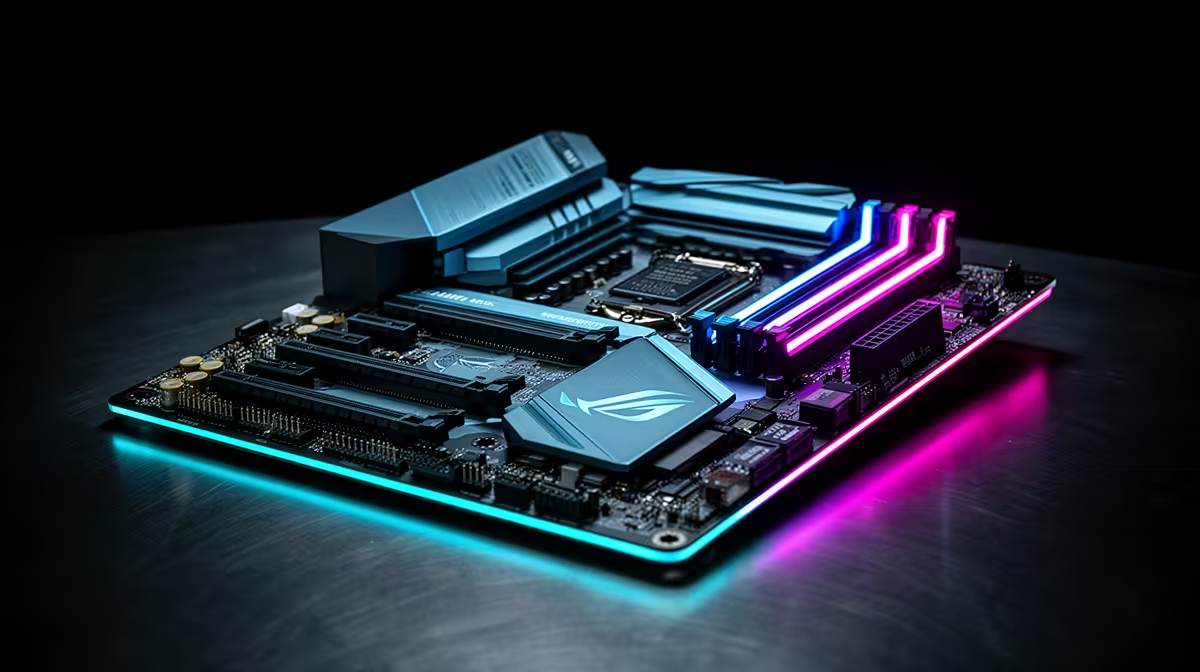
Chasing that final circle in Apex or clutching a 1v3 in Valorant? In South Africa's competitive esports scene, every millisecond counts. While your GPU gets all the glory, the real MVP is your motherboard… the silent commander ensuring your rig performs flawlessly under pressure. Choosing the right one is key to unlocking your true potential. Let's find the best gaming motherboard in South Africa for esports to power your next victory.
Why Your Motherboard is Critical for Esports Dominance
Think of your motherboard as the central nervous system of your gaming PC. It’s not just a circuit board; it’s the high-speed communications hub that connects your CPU, RAM, GPU, and storage. For esports, a cheap, unstable board can lead to stuttering, input lag, and even system crashes at the worst possible moments.
A quality gaming motherboard provides:
- Stable Power Delivery: Clean, consistent power to your CPU means no performance throttling during intense, long gaming sessions.
- High-Speed Connectivity: A fast LAN port (2.5GbE is the new standard) minimises network latency, giving you a crucial edge online.
- Robust Build Quality: Better components and cooling solutions ensure longevity and reliability, protecting your investment.
Even if you're building on a tight budget, you can find some great value on budget-friendly motherboards that deliver the stability you need to compete.
Choosing Your Platform: Key Features for Esports
The first big decision is your team: Intel or AMD? Both platforms offer incredible performance, but your choice will determine your motherboard chipset. Whether you're looking at the latest range of Intel motherboards with their Z790 or B760 chipsets, or leaning towards the AM5 socket on powerful AMD motherboards like the X670 or B650, there are specific features esports athletes should prioritise.
What to Look For in an Esports Motherboard
- VRMs (Voltage Regulator Modules): Look for boards with a decent number of power phases and good heatsinks. This ensures your CPU gets stable power for consistent frame rates. You don't need the most expensive board, just one that's well-built.
- LAN Port: A 2.5 Gigabit Ethernet port is a must-have. It provides a faster, more stable connection than standard 1GbE, reducing your ping and eliminating lag spikes.
- RAM Support: Look for motherboards that support high-speed DDR5 RAM with good overclocking profiles (like Intel XMP or AMD EXPO). Fast RAM can provide a noticeable FPS boost in CPU-bound esports titles.
- I/O Ports: Ensure you have enough high-speed USB ports for your mouse, keyboard, headset, and any other peripherals without needing a hub. ✨
Builder's Pro Tip 🔧
Before you buy, always double-check the motherboard's CPU support list on the manufacturer's website. A quick BIOS update might be needed for the latest processors, especially on older stock. It's a simple step that can save you a massive headache and a trip back to the store!
Finding the Best Gaming Motherboard in South Africa for Your Build
You don't need to spend R15,000 on a motherboard to get top-tier performance. The best gaming motherboards South Africa for esports are often the ones that offer the perfect balance of features and price, delivering everything you need without the expensive extras you don't.
The "Sweet Spot" for Competitive Gaming 🚀
For most gamers in South Africa, the B-series chipsets from both Intel (B760) and AMD (B650) hit the sweet spot. These boards offer a fantastic balance of performance and value. They typically include PCIe 4.0/5.0 support for modern GPUs and SSDs, 2.5GbE LAN, and robust power delivery capable of handling high-end CPUs. They are the smart choice for building a powerful esports rig that will last for years.
Ultimately, the goal is to build a balanced PC. Pair your chosen motherboard with a capable CPU and fast RAM, and you'll have a machine ready to climb the leaderboards.
Ready to Build Your Esports Rig? Choosing the best gaming motherboard in South Africa is the first step to victory. It's the foundation of a stable, high-performance machine that won't let you down. Explore our full range of motherboards and find the perfect backbone for your dream build today.









