

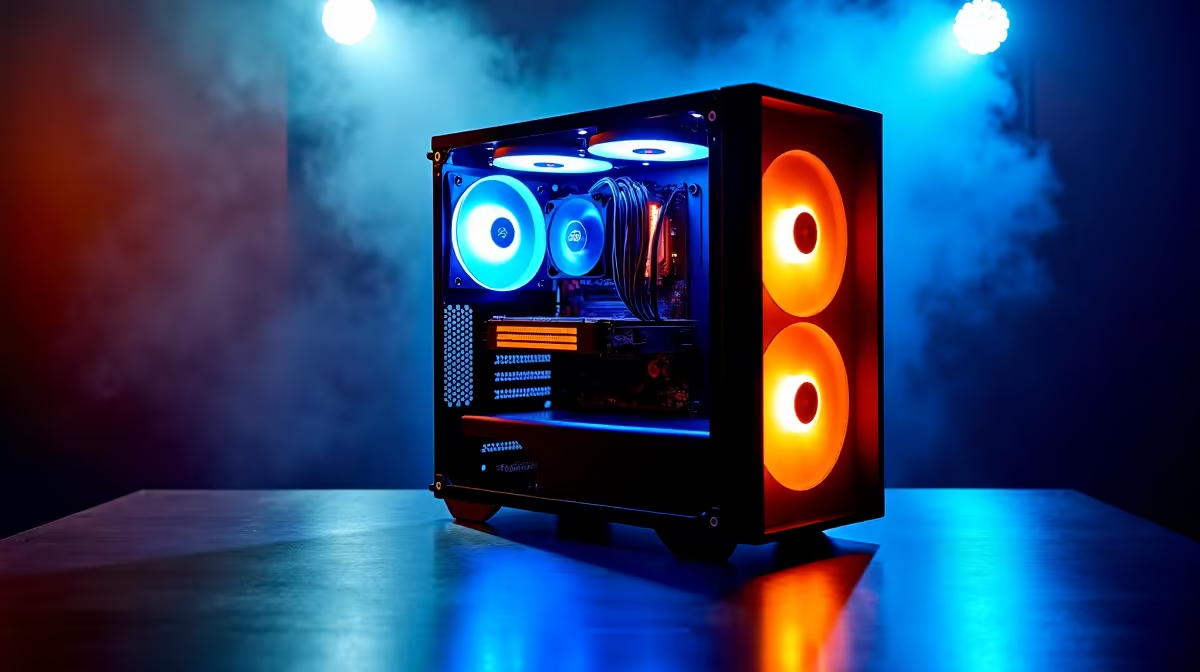
Building a capable productivity PC in South Africa without breaking the bank is entirely doable in 2026, and R8,000 is a solid budget if you spend it wisely. The trick is prioritising the components that actually affect day-to-day performance - fast storage, enough RAM, and a reliable processor - while skipping the parts that matter more for gaming.
Quick Answer
For under R8,000 you can build an AMD Ryzen 5 or Intel Core i5-based system with 16 GB of DDR4 RAM, a 500 GB NVMe SSD, and a B-series motherboard that handles office work, web browsing, video calls, and light creative tasks without compromise.
Choosing the Right CPU for Productivity 🔧
For general productivity - spreadsheets, documents, email, video conferencing, and browser-heavy workflows - you do not need a high-end processor. An AMD Ryzen 5 5600 or Intel Core i5-12400 comfortably handles all of those tasks. Both chips feature integrated graphics, which means you can skip a dedicated GPU entirely and redirect that budget elsewhere. At current South African pricing, either CPU lands between R1,800 and R2,400, leaving meaningful headroom for the rest of the build. You can browse the full range of desktop CPUs to compare current rand pricing before committing.
Pair the CPU with a compatible B-series motherboard - a B550 for AMD or B660/B760 for Intel. These boards support all the features a productivity user needs: multiple USB ports, M.2 NVMe slots, and reliable VRM performance for sustained workloads.
RAM and Storage: Where to Spend Smart 💡
16 GB of DDR4 RAM is the sweet spot for a productivity build in 2026. It is enough to keep a dozen browser tabs, a video call, and a few Office or LibreOffice documents open simultaneously without slowdown. Splashing out for DDR5 is unnecessary at this budget tier and would force you onto a more expensive platform. Grab a DDR4 RAM kit in a 2x8 GB dual-channel configuration for the best memory bandwidth.
Storage is arguably the single biggest performance upgrade a budget build can have. A 500 GB NVMe SSD will make the system feel dramatically faster than any spinning hard drive, cutting boot times and application load times by a factor of five or more. If your workflow involves large files - video, design assets, raw photos - pair it with a secondary 1 TB SATA SSD once you have the core build locked in.
Case, PSU, and Putting It Together ⚡
A quality 450–550 W 80+ Bronze power supply is essential. Do not cut corners here - a cheap PSU is a fire risk and can damage other components. Budget R700–R900 for a reputable unit. For the case, any mid-tower with decent airflow works fine; you do not need premium panels or RGB lighting at this price point. Spending R500–R700 on the enclosure leaves enough budget to cover everything else.
With careful part selection, a typical R8,000 productivity build in 2026 breaks down roughly as follows: R2,000–R2,400 on a CPU, R900–R1,100 on a motherboard, R800–R900 on RAM, R700–R900 on an NVMe SSD, R700–R900 on a PSU, and R500–R700 on a case. That totals R5,600–R6,900, leaving R1,100–R2,400 for a monitor or peripherals if you need them.
Frequently Asked Questions ❓
Q: Do I need a dedicated GPU for a productivity build under R8,000? A: No. For office work, web browsing, and video calls, integrated graphics on a Ryzen 5 or Core i5 processor is entirely sufficient. A dedicated GPU adds cost without meaningful benefit for these workloads.
Q: Is 16 GB of RAM enough for multitasking in 2026? A: Yes, for general productivity. Power users running virtual machines or very heavy browser sessions may want 32 GB, but 16 GB covers the vast majority of everyday SA office and student workflows comfortably.
Q: Can I upgrade this build later? A: Absolutely. A B550 or B760 board gives you upgrade paths for faster CPUs and more RAM. You can also add a dedicated GPU later if your needs shift toward creative or gaming workloads.
Q: Is it better to buy a prebuilt or build my own at R8,000? A: Building your own typically gets you more performance per rand because you are not paying assembly margins. That said, Evetech's prebuilt options are worth comparing for the convenience factor.
Compare Graphics Card Deals and Evetech Best Sellers at Evetech for the latest specs and SA deals.
Ready to Find Your Perfect Match? Explore relevant Evetech options, compare current South African pricing, and choose hardware that fits your setup. Shop now











