

Quick Answer
An R8,000 home office PC build in South Africa for 2026 is achievable with a Ryzen 5 or Core i5 processor, 16GB DDR4 RAM, a 500GB SSD, and a quality B-series motherboard. This budget comfortably covers a fast, reliable machine for remote work, video conferencing, document processing, and light creative tasks.
Component Breakdown for an R8,000 Office Build
At R8,000 in 2026, the SA PC component market allows a well-balanced home office machine. Here is a realistic component breakdown based on current local pricing:
- CPU: AMD Ryzen 5 5600 or Intel Core i5-12400 - both deliver excellent multi-threaded performance for office workloads, handling Teams/Zoom calls, Chrome with 20+ tabs, and Office 365 without strain (approximately R1,800-R2,200)
- Motherboard: B550 (for Ryzen 5 5600) or B660 (for i5-12400) - feature-rich boards with PCIe 4.0 support for future SSD upgrades (approximately R1,400-R1,800)
- RAM: 16GB DDR4 3200MHz in dual-channel configuration - the minimum for smooth multitasking in 2026; two 8GB sticks rather than one 16GB stick for dual-channel bandwidth (approximately R600-R900)
- Storage: 500GB NVMe SSD for the OS and applications, with an optional 1TB SATA SSD for document and file storage if budget allows (approximately R500-R800 for 500GB NVMe)
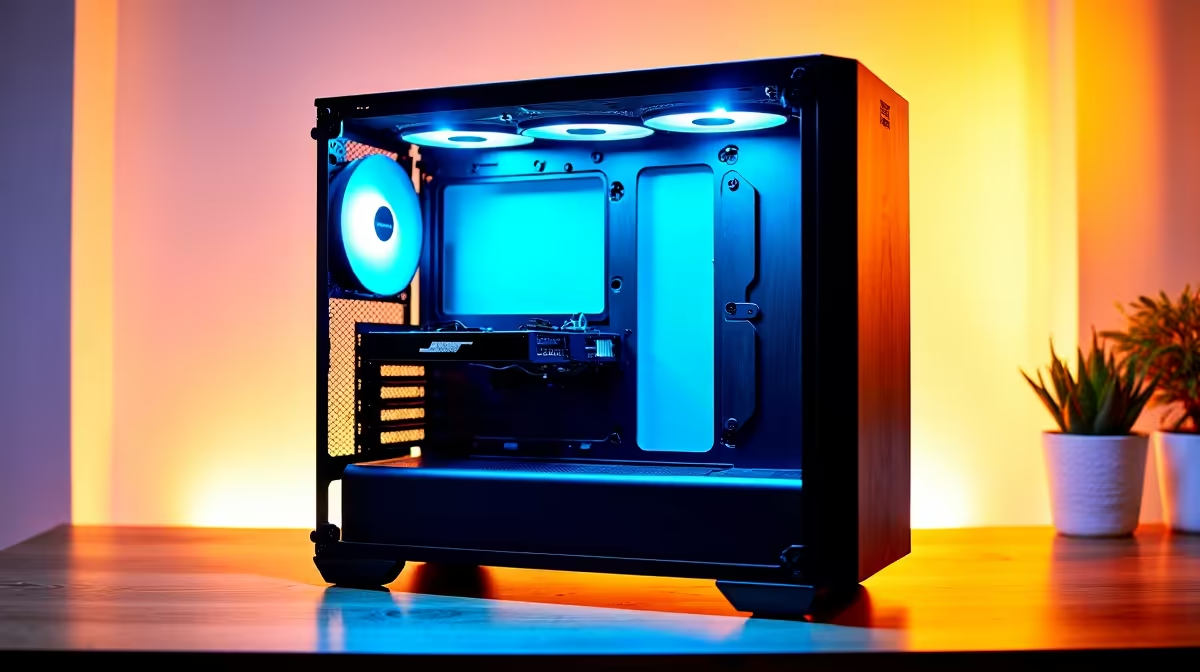
- Case: Mid-tower with decent airflow and two included fans - budget around R500-R700 for a case that looks professional in a home office environment
- PSU: 550W 80+ Bronze unit from a reputable brand - do not cut corners here; a poor PSU is the most common cause of component failure (approximately R700-R900)
- No dedicated GPU needed: Both CPUs above include integrated graphics sufficient for home office use, dual monitors at 1080p, and video conferencing
This totals R5,500-R7,300 for components, leaving R700-R2,500 for a keyboard, mouse, or monitor if needed. Browsing the Evetech gaming PC range for pre-built options around this price point is worth comparing against DIY costs - pre-built pricing is competitive in SA when factoring in warranty and assembly time.
Loadshedding and Home Office Continuity
For South African remote workers, load-shedding is a genuine productivity concern. A desktop PC cannot run on a laptop battery during an outage. Two practical options:
- UPS for the PC and monitor: A 1000VA UPS gives a home office desktop 30-60 minutes of runtime during load-shedding, enough to save work and gracefully shut down. The Evetech UPS range offers options suitable for desktop systems.
- Laptop instead of desktop: If your work requires mobility or loadshedding affects you heavily, a laptop under R8,000 runs on its own battery and is inherently loadshedding-proof during short outages.
Upgrade Path and Longevity
A 2026 build on a Ryzen 5 5600 or i5-12400 has a 3-5 year lifespan for home office tasks before meaningful upgrades are needed. RAM can be expanded to 32GB for under R800 when needed. Storage can be added with a second NVMe drive in the B550/B660 board's second M.2 slot. A discrete GPU can be added later if creative workloads like video editing or light 3D rendering become part of your workflow.
For SA workers who process large files, run databases, or do programming work, consider stretching to 32GB RAM from the start - the price difference between 16GB and 32GB has narrowed significantly in the 2026 SA market.
Frequently Asked Questions
Can I run dual monitors on an R8,000 home office build with no dedicated GPU? Yes. Both the Ryzen 5 5600 (requires a motherboard with DisplayPort/HDMI output and the 5600G variant for integrated graphics) and i5-12400 (has integrated UHD 730 graphics with display outputs) support dual monitors at 1080p natively. Use the i5-12400 for guaranteed integrated graphics without needing a discrete GPU.
Is 16GB RAM enough for video conferencing and multiple browser tabs? For typical home office use - Teams or Zoom, Chrome, Office 365, PDF readers - 16GB is comfortable. If you regularly run multiple video conferences simultaneously, use virtual machines, or work with large spreadsheets, 32GB is a better investment.
Should I buy a pre-built PC or build my own at this budget? At R8,000, pre-built options from local retailers are competitive and save the assembly and compatibility verification time. DIY gives you more control over component selection and potentially better individual components. Factor in your time and technical comfort level when deciding.
What monitor resolution is best for a home office at this budget? A 24-inch 1080p monitor is the most cost-effective choice and pairs well with integrated graphics. A 27-inch 1440p monitor is preferable for spreadsheet and document work but requires a discrete GPU for comfortable performance, which adds to the build cost.
Ready to Find Your Perfect Match? Browse Home Office PC Deals at Evetech











