

Quick Answer
A capable home server PC under R50,000 in South Africa can handle file storage, media streaming, self-hosted applications, and basic virtualisation. The key priorities are ECC or large-capacity RAM, multiple storage bays, a low-power CPU, and a reliable PSU that handles loadshedding stress well.
Building a home server in South Africa in 2026 is more compelling than ever. With streaming costs climbing and privacy concerns growing, self-hosting media libraries, cloud-replacement tools, smart home hubs, and personal backups gives you control and long-term savings. The R50,000 budget is generous enough to build something genuinely powerful without overspending on features you don''t need.
Defining Your Use Case Before You Buy
The single most important step before purchasing components is mapping exactly what the server will do. A NAS-style file server requires abundant storage bays, large-capacity drives, and modest compute. A media transcoding server needs a CPU or GPU capable of handling simultaneous streams without stuttering. A virtualisation host demands maximum RAM capacity and CPU core count. A home automation and self-hosted services box prioritises low idle power consumption above all. Most South African home server builders end up with a hybrid workload - shared files, Plex or Jellyfin media, a few containers, and maybe a Minecraft server for the household. This guide targets that realistic mixed-use scenario.
CPU and Motherboard: The Foundation
For mixed-use home servers, a mid-range platform with strong multi-threading, good PCIe lane counts, and low idle power draw is ideal. Avoid overkill workstation CPUs that consume hundreds of watts at idle - your electricity bill, already under pressure from loadshedding recovery costs, will thank you. Platforms with integrated graphics are preferred so you avoid dedicating a GPU slot to display output. Look for motherboards with multiple SATA ports (six or more), at least one M.2 NVMe slot for the OS drive, and dual-LAN or 2.5GbE connectivity. IPMI or remote management features are a bonus for headless operation.
RAM and Storage Strategy
For a mixed-use server, 32GB of RAM is a comfortable starting point that leaves room for growth. If virtualisation is a priority, configure for 64GB or leave slots open for future expansion. On the storage side, a fast NVMe SSD (250GB to 500GB) handles the OS and application data. For bulk storage, large-capacity 3.5-inch HDDs offer the best cost-per-gigabyte ratio. Within the R50,000 budget you can comfortably allocate for a solid OS drive plus multiple high-capacity data drives in a basic RAID configuration for redundancy. A RAID 1 or RAID 5 setup via software RAID or a dedicated HBA card protects against single drive failure without sacrificing too much usable capacity.
Chassis, Cooling, and Power: South Africa-Specific Considerations
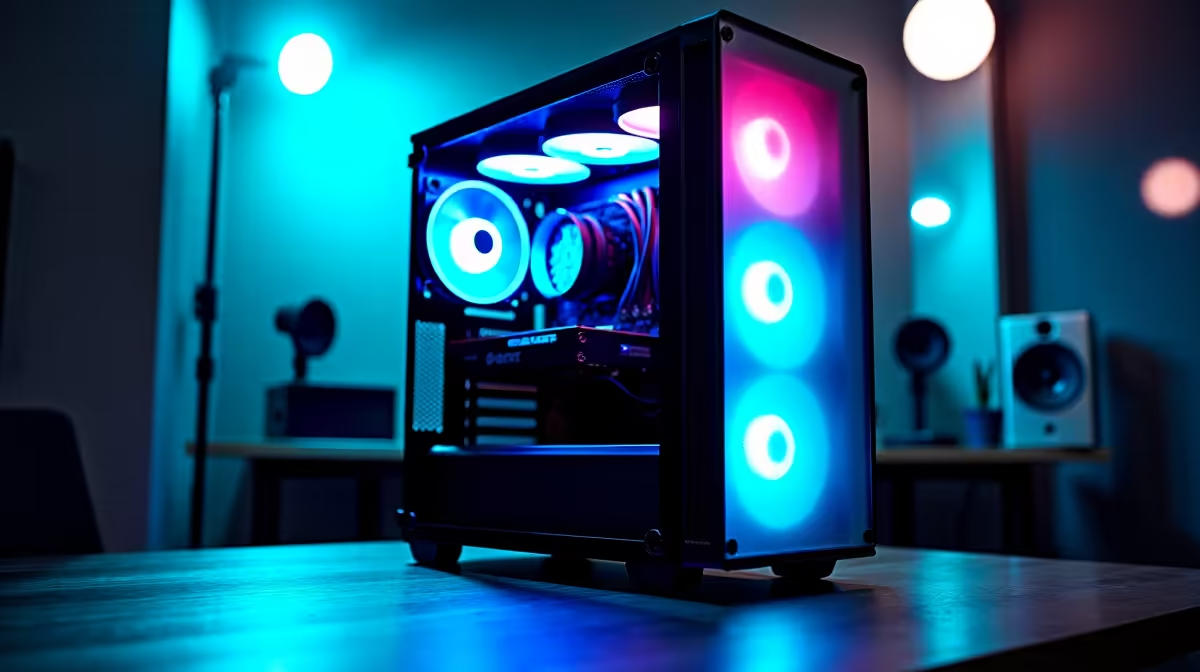
Choose a case with excellent airflow and multiple drive bays - tower cases designed for enthusiast builds often work well for home servers due to their expansion capacity. Since this machine runs 24/7, fan noise matters: look for large slow-spinning fans that keep temperatures in check without sounding like a wind tunnel. The PSU deserves particular attention for South African builders. Loadshedding creates repeated power cycles that stress PSUs over time. A quality 80+ Gold or 80+ Platinum unit with good capacitor ratings handles power fluctuations better than budget options. Pairing the server with a UPS that provides pure sine wave output is strongly recommended - it protects the drives from abrupt shutoffs that can corrupt file systems.
Frequently Asked Questions
Q: Do I need a dedicated GPU for a home server? A: Not for most home server use cases. A CPU with integrated graphics handles display output for initial setup. If you plan hardware-accelerated transcoding for high-volume media streaming, a low-power discrete GPU can help, but it is not essential for most households.
Q: How much noise will a 24/7 home server make? A: With a well-chosen case and slow-spinning fans, a home server can be near-silent at idle. HDD spin-up and seek noise is usually the dominant sound. Placing the server in a cupboard, study, or utility space solves most noise concerns.
Q: Is R50,000 enough to build a proper home server with ample storage? A: Yes. At 2026 component prices in South Africa, R50,000 comfortably covers a capable CPU platform, 32-64GB RAM, an NVMe OS drive, multiple multi-terabyte HDDs, a quality PSU, and a solid case with room to spare for a UPS contribution.
Q: Should I run Windows Server or Linux on a home server? A: Linux (Ubuntu Server or TrueNAS Scale) is the popular choice for home servers due to zero licensing cost, excellent container support, and strong community resources. Windows is viable if you are more comfortable in that environment and primarily serving Windows clients on the network.
Ready to Find Your Perfect Match? Shop at Evetech.











