

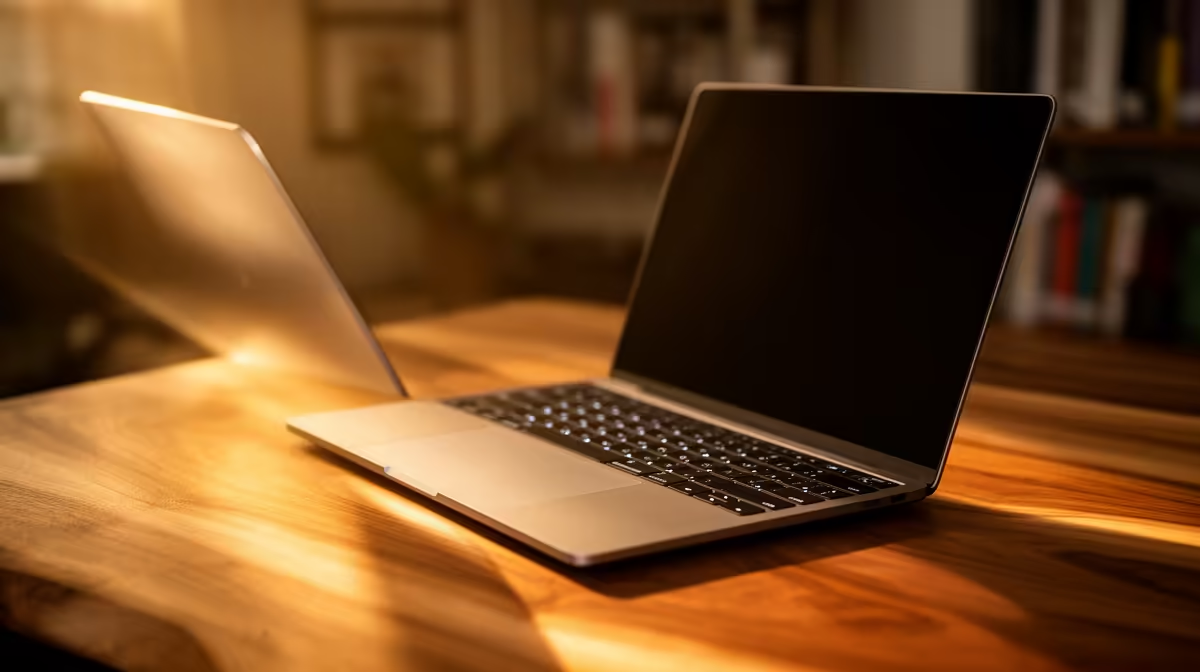
Studying through Unisa means your laptop is your entire campus. From downloading massive study guides on myUnisa to submitting assignments minutes before the deadline... you need a machine that won't freeze when it matters most. If you are hunting for the best laptop for Unisa students under R8000, you are in the right place. Let us explore how to stretch your ZAR without compromising on performance.
Essential Specs for Distance Learning 📚
To survive the academic year, you need speed and absolute reliability. A sluggish hard drive will only cause frustration when you are trying to open multiple PDF documents and Microsoft Teams simultaneously. Do not settle for older mechanical hard drives... they are simply too slow for modern applications. For a budget under R8000, you should aim for at least 8GB of RAM and a 256GB solid-state drive (SSD).
This combination ensures Windows boots up quickly and your browser tabs run smoothly without stuttering. If you are currently browsing through various reliable laptops, keep a close eye out for these baseline specifications. They are completely non-negotiable for a stress-free study experience. A comfortable keyboard is also vital... you will be typing thousands of words for those major assignments.
Maximising Your Student Budget
Distance learning often means working from coffee shops or pushing through evening study sessions during load-shedding. Battery life is absolutely crucial here. Look for energy-efficient processors like the Intel Core i3 or AMD Ryzen 3. These modern chips sip power while handling essays, research, and video lectures with total ease. Remember that a good screen panel also reduces eye strain during those late-night cramming sessions. An anti-glare display is a massive bonus for South African students dealing with bright afternoon sun.
You can often find incredible value by keeping a close watch on daily tech specials. Sometimes a slightly higher-tier machine drops right into your price bracket... giving you premium features for a fraction of the normal cost.
Battery Saving Pro Tip ⚡
When studying during stage 4 load-shedding, activate Windows Battery Saver mode and lower your screen brightness to 40%. This simple tweak can add up to an hour of extra reading time for your modules without needing a power bank.
What If You Study From Home? 🏠
If you rarely leave your desk and prefer studying from your bedroom, a portable device might not actually be your only option. Sometimes, a desktop offers better longevity, superior cooling, and a much larger screen for multitasking.
If you want to blow off some steam after tough exams, exploring gaming PC deals could yield a system that handles both your coursework and casual evening gaming. Alternatively, a reliable pre-built desktop gives you a fantastic permanent study station for well under your budget limit.
Future-Proofing Your Academic Tech 🚀
The true beauty of choosing the right tech is that it can grow alongside your academic journey. While finding the best laptop for Unisa students under R8000 usually means relying on integrated graphics, desktop alternatives allow for incredibly easy upgrades.
If your coursework suddenly shifts toward heavy video editing, coding, or 3D rendering later in your degree, you can easily slot in dedicated graphics cards to instantly boost your system performance. For now, focus on securing a solid CPU and enough RAM to help you get those distinctions. With a bit of savvy shopping, your ideal study companion is well within reach.
Ready to Ace Your Studies? Securing the right study companion shouldn't drain your bank account. Explore our massive range of laptop specials and find the perfect machine to conquer your Unisa degree today.











