

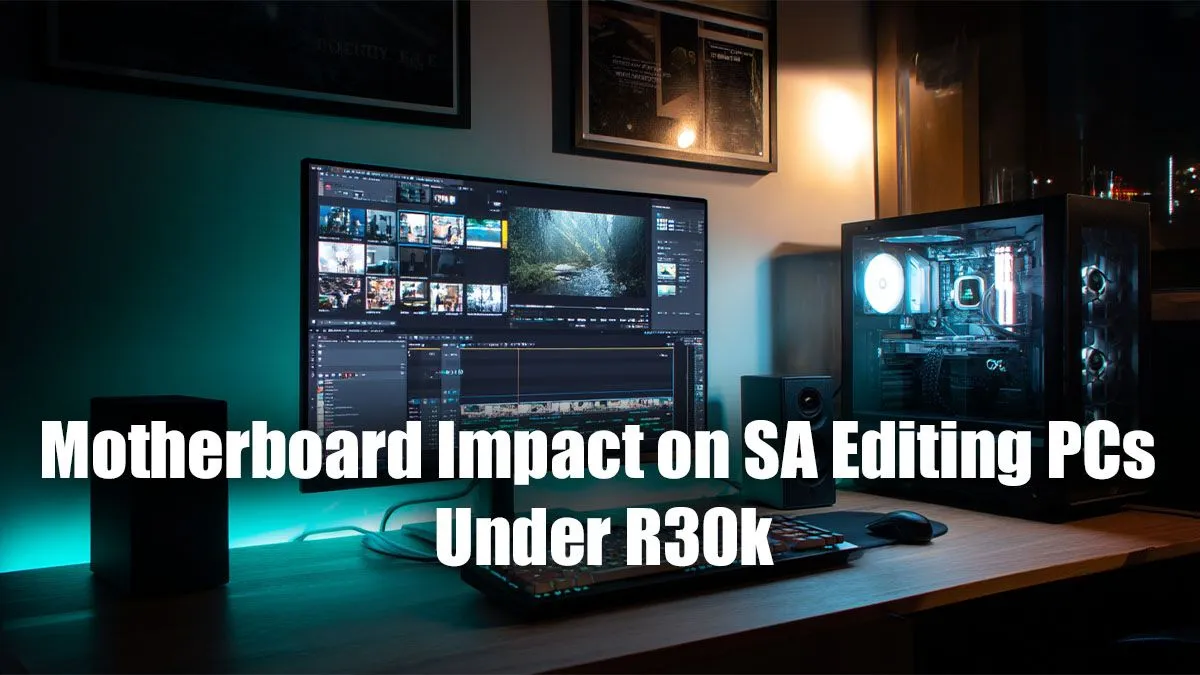
So, you're building a new editing rig in South Africa, and you've got a healthy R30,000 budget. You’ve probably spent hours comparing CPUs and GPUs, but what about the foundation of your entire system? A cheap motherboard can bottleneck your expensive components, leading to frustrating lag and slow exports. Finding the best motherboard for an editing PC isn't about flashy RGB; it's about stability, speed, and connectivity for a seamless creative workflow.
Why Your Motherboard is the Unsung Hero of Editing
While a powerful GPU gets all the glory, the motherboard is the central nervous system of your rig. For content creation, it dictates how well all your parts communicate, especially under the sustained load of 4K video rendering or complex Photoshop projects. A good board ensures your processor gets clean, stable power and that your high-speed drives can transfer massive files without a hiccup.
Unlike many gaming builds, where the focus is purely on the primary PCIe slot, an editing PC needs a more balanced approach. You need robust power delivery for long, intensive tasks and a rich selection of ports for all your peripherals, from cameras and card readers to external drives. This is where choosing the right motherboard for your editing PC truly makes a difference.
Core Features for the Best Editing PC Motherboard
When you're hunting for the perfect board within your R30k total build budget, certain features are non-negotiable. Don't get distracted by marketing fluff; focus on the specs that directly impact your editing speed and quality of life.
CPU Socket & Chipset: The Brain's Throne
Your first choice is Team Blue (Intel) or Team Red (AMD). Both offer fantastic CPUs for content creation. Your motherboard's chipset (like AMD's B650 or Intel's B760) determines compatibility and features. For an editing PC, look for chipsets that offer plenty of high-speed connectivity options like PCIe 4.0 or 5.0 for your graphics card and NVMe SSDs.
RAM Capacity & Speed: Your Creative Workspace
Video editing, especially with 4K footage and effects, is incredibly memory-hungry. Your motherboard should have four RAM slots, allowing you to start with 32GB (2x16GB) and easily upgrade to 64GB later. Running RAM in dual-channel mode (using two or four sticks) provides a significant performance boost.
Pro Tip for Peak Performance ⚡
Always install your RAM sticks in the correct slots to enable dual-channel mode. Check your motherboard's manual, but it's typically the second and fourth slots away from the CPU (often labelled A2 and B2). This simple step can give you a noticeable boost in timeline fluidity and rendering speeds.
Connectivity is King: The I/O Panel
Your motherboard's rear Input/Output (I/O) panel is your gateway to the outside world. For an editing rig, the more high-speed ports, the better. Look for:
- Multiple USB 3.2 Gen 2 or Type-C ports: For fast external SSDs and card readers.
- 2.5Gb Ethernet: For quicker transfers from a network-attached storage (NAS) device.
- Wi-Fi 6/6E: If a wired connection isn't an option.
- Thunderbolt Header: An internal header allows you to add a Thunderbolt 4 card later for blazing-fast external devices.
Storage Speed: M.2 NVMe Slots
Modern editing workflows rely on fast storage. Your project files, media cache, and operating system should all live on speedy NVMe SSDs. The best motherboard for an editing PC will have at least two or three M.2 slots, allowing you to separate your OS, active projects, and cache for optimal performance. ✨
Balancing Your R30k Editing PC Build in SA
With a total budget of R30,000, you shouldn't spend more than about R4,000-R6,000 on the motherboard. This leaves plenty of cash for the components that do the heavy lifting: the CPU and GPU. This price point gives you access to excellent mid-range boards that deliver 90% of the performance of high-end models without the unnecessary extras.
This philosophy is key across our range of powerful PCs over R20k, where we balance component choice for maximum value. While some principles apply to more entry-level systems, the demands of editing often push builds beyond what you'd find in solid builds under R20k.
It’s also important to distinguish editing needs from gaming. While there's overlap, many boards featured in the best gaming PC deals prioritise GPU bandwidth over the broad connectivity an editor needs. Similarly, the motherboards found in many budget gaming PCs may lack the robust power delivery (VRMs) required for marathon rendering sessions.
Ultimately, choosing the right foundation prevents headaches down the line and ensures your PC is a tool for creation, not a source of frustration. If you prefer to skip the hassle of building, exploring some of our great pre-built PC deals can get you a professionally assembled and optimised machine right out of the box. 🚀
Ready to Build Your Creative Powerhouse? Choosing the perfect motherboard is a great start, but building an entire editing rig can be complex. Skip the guesswork and get a professionally built, optimised machine delivered to your door. Explore our massive range of motherboards or let our experts build the perfect PC for your creative workflow.











