Quick Answer
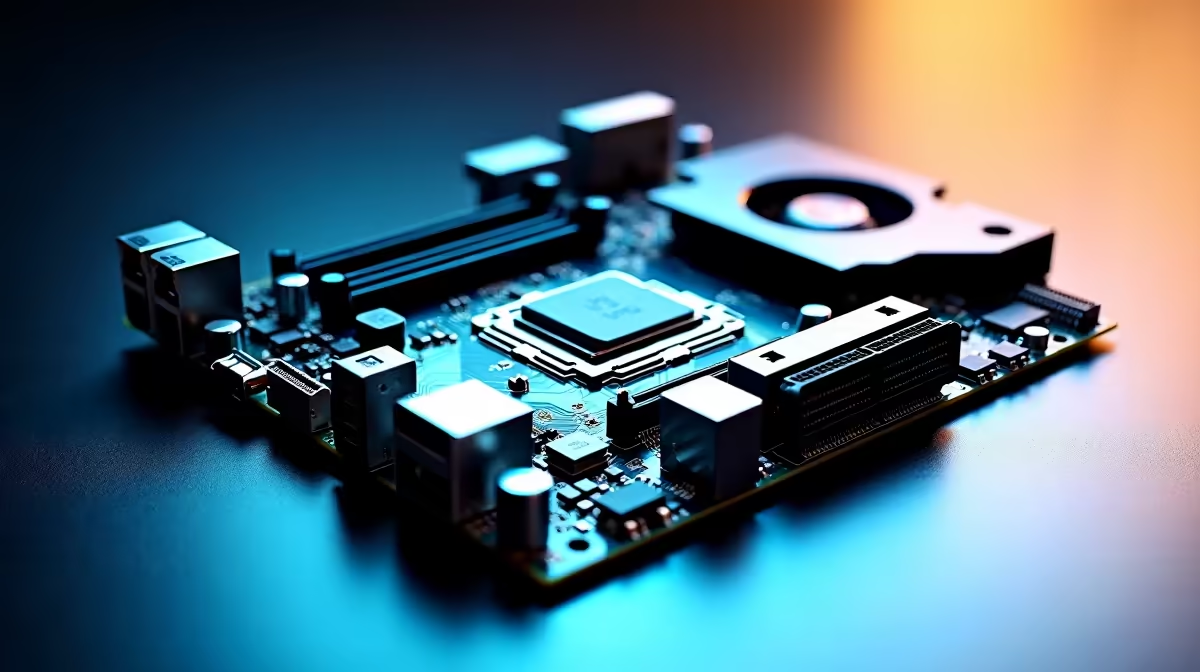
The best Nvidia-compatible motherboards under R3,000 in South Africa in 2026 are B650 or B760 platform boards that support PCIe 4.0 or 5.0 x16 slots, DDR5 or DDR4 memory, and deliver stable power delivery for mid-range Nvidia GPU pairing.
Understanding the R3,000 Motherboard Category in SA
The sub-R3,000 motherboard segment in South Africa is the most price-competitive in the market, catering to builders who want solid platform features without the premium of flagship X-series or Z-series boards. In 2026, this budget lands squarely in B-series territory - AMD's B650 chipset for AM5 builds and Intel's B760 chipset for LGA1700 or LGA1851 builds are the two dominant options, and both support the full range of Nvidia GPUs from entry-level to the RTX 4070 tier without any bottleneck at the PCIe interface.
An important clarification for SA buyers: there is no such thing as an "Nvidia motherboard" in the sense of a board made by Nvidia. Nvidia exited the motherboard business years ago. What SA gamers searching for this term actually want is a motherboard compatible with Nvidia GPUs - which means any modern motherboard with a PCIe x16 slot. Both AMD and Intel platform boards work perfectly with all current Nvidia RTX cards. This guide focuses on the best under-R3,000 options for pairing with an Nvidia GPU in a 2026 SA build.
The key platform decision comes first - AMD AM5 (Ryzen 7000 or 9000 series CPUs) or Intel LGA1700 (13th/14th gen) or the newer LGA1851 (Core Ultra 200 series). Each has genuine advantages at this price point, and the right choice depends on what CPU you are pairing with the board.
AMD B650 Under R3,000 - What to Expect
AMD's B650 chipset on the AM5 platform is a strong choice for future-proofed builds in South Africa. AM5 supports DDR5 memory and PCIe 5.0 for the primary GPU slot on most boards, and AMD has committed to CPU upgrade compatibility on the AM5 socket through the near future. For a R2,500 to R2,900 B650 board paired with a Ryzen 5 or Ryzen 7 processor, you get a platform that can receive CPU upgrades for years without changing the motherboard.
At this price, B650 boards typically offer four DDR5 DIMM slots supporting up to 96GB or 128GB of RAM, two or three M.2 NVMe slots (at least one at PCIe 4.0 speed), USB 3.2 Gen 2 rear ports, and 2.5 gigabit ethernet. VRM quality at this tier is adequate for stock-speed operation of Ryzen 5 and Ryzen 7 CPUs - do not expect aggressive overclocking headroom, but daily gaming workloads are handled comfortably without thermal throttling.
For SA gamers pairing a B650 board with an Nvidia RTX 4060 or RTX 4070, the PCIe 5.0 x16 slot ensures you are not bandwidth-limited at current or next-generation GPU performance levels. Even PCIe 4.0 x16, found on some sub-R3,000 boards, is not a limiting factor for any current Nvidia GPU.
Intel B760 Under R3,000 - The Alternative Platform
Intel's B760 chipset boards on LGA1700 offer a compelling option at under R3,000, particularly for SA buyers who find good deals on 13th or 14th generation Core i5 or Core i7 processors. The B760 platform supports both DDR4 and DDR5 memory depending on the specific board variant - DDR4 boards are typically cheaper and allow use of existing memory, while DDR5 boards offer a performance path upgrade.
B760 boards at this price point match AMD's B650 offerings feature-for-feature in most areas - similar M.2 slot counts, comparable rear I/O, and PCIe 4.0 x16 for GPU connectivity. Intel builds often hold a slight advantage in gaming performance at equivalent price points for specific CPU-sensitive titles, though the gap has narrowed. For Nvidia GPU pairing specifically, there is no meaningful difference between B650 and B760 - both feed your RTX card with the same PCIe bandwidth.
One consideration for SA buyers is the transition to Intel's newer LGA1851 platform with Arrow Lake and Lunar Lake CPUs. LGA1700 boards and 14th gen CPUs are mature, well-understood, and often better value now as the platform matures. However, LGA1700 is a dead-end socket - no future CPU generations will support it. If longevity matters, AM5 or the newer Intel LGA1851 are the forward-looking choices.
Key Features to Prioritise Under R3,000
Within the R3,000 budget, the features that matter most for a gaming build paired with an Nvidia GPU are VRM quality and cooling, M.2 slot count, rear I/O quality, and BIOS maturity. VRM quality directly affects CPU stability under gaming load and determines whether you can run higher-power CPUs without throttling. Look for boards with at least 10+2 power phases and heatsinks covering the VRM area.
M.2 slot count determines how many NVMe SSDs you can install without using SATA adapter cards. For a gaming PC in 2026, at least two M.2 slots is the recommended minimum - one for your OS drive and one for game storage. A third slot is useful if you plan to expand storage significantly over the board's lifespan.
BIOS quality is harder to assess from specifications alone, but boards from established manufacturers with regular firmware updates are safer choices. A well-maintained BIOS means better CPU compatibility when upgrading, better RAM overclocking support through XMP/EXPO profiles, and fixes for edge-case stability issues that affect gaming systems.
Frequently Asked Questions
Q: Is there such a thing as an Nvidia motherboard?
A: Not in the modern market. Nvidia does not manufacture motherboards for desktop PCs. The term "Nvidia motherboard" typically refers to any motherboard compatible with Nvidia GPUs, which covers all modern AMD and Intel platform boards with a standard PCIe x16 slot.
Q: Will a B650 or B760 motherboard limit my Nvidia GPU's performance?
A: No - B-series boards provide PCIe 4.0 or PCIe 5.0 x16 connectivity for the GPU, which is more than enough bandwidth for any current Nvidia GPU including the RTX 4080 and RTX 4090. The B versus Z or X chipset distinction does not affect GPU performance.
Q: Should I choose AMD or Intel platform for an Nvidia GPU build under R3,000?
A: Both platforms pair equally well with Nvidia GPUs. AMD AM5 (B650) offers better long-term upgrade potential as the socket has more CPU generations ahead of it. Intel LGA1700 (B760) offers mature pricing and strong 13th/14th gen CPU performance for current builds. The decision should be based on CPU price and availability in South Africa rather than GPU compatibility.
Q: What should I look for in a motherboard under R3,000 for gaming?
A: Prioritise solid VRM quality with heatsinks, at least two M.2 NVMe slots, PCIe 4.0 or 5.0 x16 for the GPU, USB 3.2 rear ports, 2.5 gigabit ethernet, and a manufacturer with active BIOS support. These features are achievable under R3,000 from reputable brands in South Africa.
Also at Evetech: All Motherboards | Graphics Card Deals