

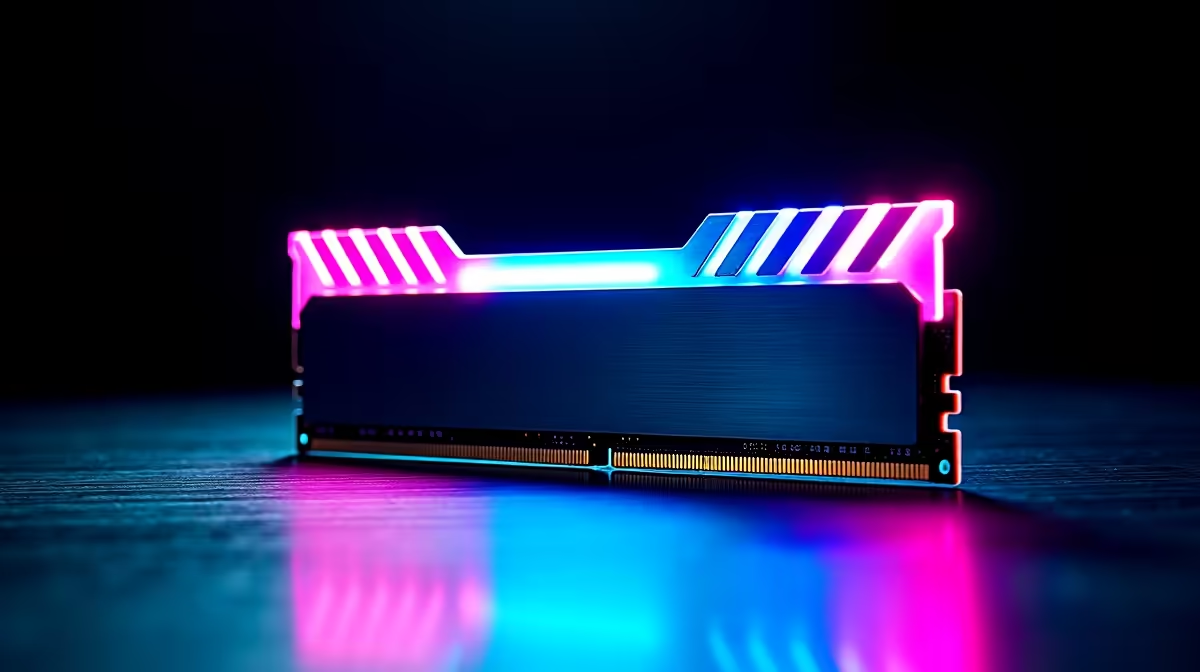
Upgrading your rig does not have to drain your wallet. If you want to boost your frame rates on a budget, finding the best NZXT RAM under R1000 in SA 2026 is your next mission. Whether you are pushing high settings in competitive shooters or multitasking heavily, solid memory is essential. Let's explore how to maximise your ZAR without compromising on performance or those clean aesthetics.
Why Upgrade Your Memory in 2026? 🚀
Modern gaming demands more from your system than ever before. Stuttering gameplay and slow load times are often signs of a severe memory bottleneck. When you browse top memory options, you want a kit that offers both speed and absolute reliability.
A simple RAM upgrade is the easiest way to breathe new life into an older rig. It is a highly cost-effective alternative to completely replacing your system... especially before you start hunting for new gaming PC deals. With R1000 in your pocket, you have plenty of room to find a high-quality 16GB kit that keeps your PC running smoothly.
Spotting the Best NZXT RAM Under R1000 in SA 2026
NZXT is famous for its clean and minimalist design language. Bringing that signature look to your memory modules means your motherboard will look incredibly sleek. For under a thousand Rand, you are primarily looking at high-speed DDR4 kits or entry-level DDR5 modules.
These kits pair beautifully with custom systems or pre-built desktop setups. Aim for speeds of at least 3200MHz to ensure your processor gets the data it needs instantly. Even without flashy RGB lighting, a matte black or white NZXT heat spreader adds a premium touch to your build.
Performance Pro Tip ⚡
Always enable XMP or EXPO in your BIOS after installing new RAM. Without this quick tweak, your memory will default to slower base speeds, leaving valuable performance on the table.
Ensuring Compatibility with Your Rig 🔧
Before you spend your hard-earned R1000, you need to check your motherboard specs. Not all motherboards support the latest memory standards. If your system is a few years old, you will likely need DDR4 memory. Newer processors and boards require DDR5.
Buying the best NZXT RAM under R1000 in SA 2026 means nothing if it does not fit your board. Always check your motherboard manual... or look up the manufacturer specifications online. You also need to consider CPU cooler clearance. Some high-profile memory sticks can block bulky air coolers. Fortunately, sleek modules usually feature low-profile heat spreaders that fit snugly under most cooling solutions.
Building Smart and Maximising Value ✨
When shopping for memory, always prioritise a dual-channel configuration. Buying two 8GB sticks is vastly superior to a single 16GB stick. This setup doubles your memory bandwidth... resulting in much smoother gameplay and faster application loading.
Of course, desktop upgrades are not for everyone. If you prefer portability over tinkering with motherboards, your upgrade path looks a bit different. You might want to explore the latest high-performance laptops for sale to get your gaming fix on the go.
For the dedicated desktop builders, patience and timing are everything. Keeping a close eye on weekly tech specials ensures you never miss a price drop on those sleek memory modules.
Ready to Boost Your System Performance? Upgrading your RAM is the smartest way to unlock your PC's true potential without breaking the bank. Explore our massive range of memory components and find the perfect kit to conquer your digital world today.











