

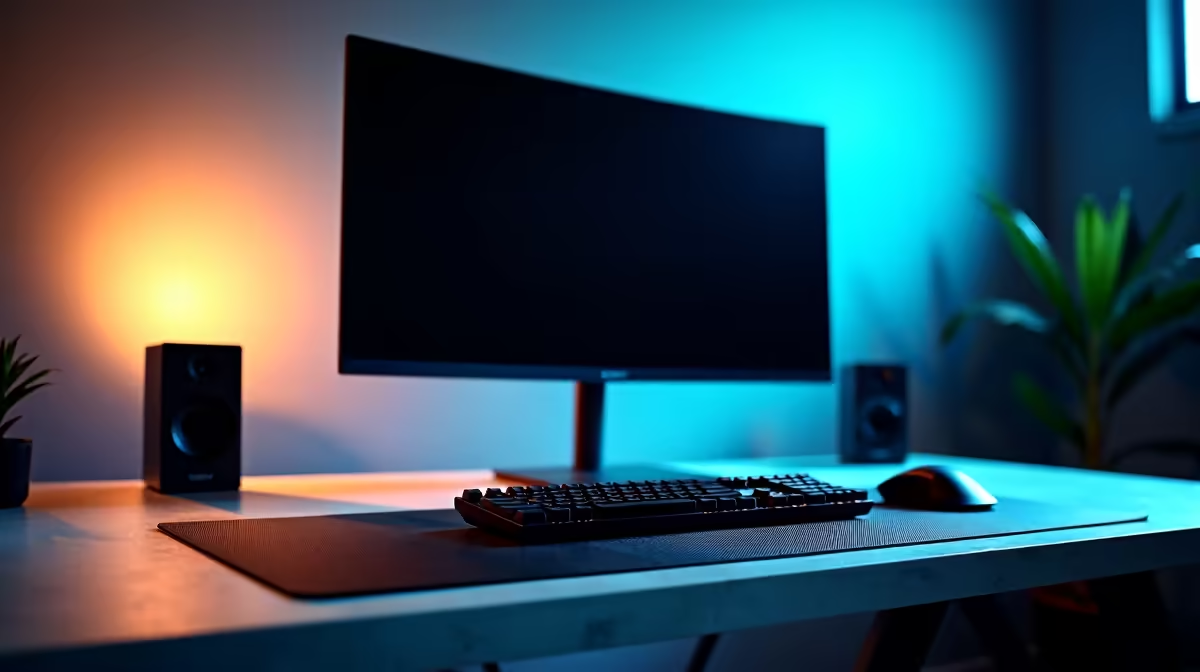
Building a complete professional office setup under R75,000 in South Africa is very achievable in 2026, and when done thoughtfully, the result is a workstation that outperforms many corporate-issued machines while lasting five or more years. This guide covers desktop PC, monitor, peripherals, and networking - everything you need from desk to wall socket.
Quick Answer
What is the best office setup under R75,000 in South Africa in 2026? A well-balanced setup allocates roughly R25,000-R30,000 to a mid-range desktop or laptop, R8,000-R12,000 to a quality 27-inch monitor, and the remainder to a quality keyboard, mouse, headset, UPS, and networking. The result is a setup built for all-day professional use with components that will not need replacing for several years.
🔧 Budget Allocation Framework
Here is a practical way to split R75,000 across a complete office setup:
| Component | Recommended Spend |
|---|---|
| Desktop PC or Laptop | R28,000 - R35,000 |
| Monitor (27" or 32") | R8,000 - R12,000 |
| Mechanical Keyboard | R1,500 - R3,000 |
| Mouse | R800 - R1,500 |
| Headset / Webcam | R1,500 - R3,000 |
| UPS (power backup) | R2,500 - R4,500 |
| Networking (router / access point) | R1,500 - R3,000 |
| Desk + Chair | R5,000 - R10,000 |
| Cables, surge protection, extras | R1,000 - R2,000 |
Spending more on the core PC and monitor pays dividends daily. Spending more on a chair pays dividends in back health over years.
📊 Desktop PC vs Laptop for Office Use
Desktop PC advantages under R75,000:
- More processing power per rand - the same CPU that costs R5,000 more in a laptop costs less in desktop form and runs faster without thermal throttling
- Easier to upgrade RAM and storage over time
- Larger monitors and multi-monitor setups are far more practical
- Better ergonomics - separate keyboard and monitor positioning
Laptop advantages for SA professionals:
- Portability between office, meetings, and home
- Built-in battery means brief power interruptions do not disrupt work
- Single device simplicity
For a fixed home office or primary work desk, a desktop build in the R28,000-R35,000 range will significantly outperform a laptop at the same price. For professionals who move between locations, a laptop paired with a docking station and external monitor delivers the best of both worlds.
🔧 Monitor Selection for Professional Work
The monitor is the component you interact with every minute of every working day. Do not underspend here.
For professional office use, look for:
- 27-inch IPS or VA panel at 1440p (2K) resolution - the pixel density at this size makes text and spreadsheets genuinely sharper than 1080p
- sRGB coverage above 95% - important for any work involving document design, presentations, or photo review
- USB-C or DisplayPort input - future-proofs your monitor connection options
- Ergonomic stand with height, tilt, and swivel adjustment - fixed stands are a hidden productivity killer
A quality 27-inch 1440p IPS monitor in the R8,000-R11,000 range from a reputable brand will outlast multiple PC generations.
💡 Peripherals Worth Spending On
Keyboard: A quality mechanical keyboard with linear or tactile switches reduces typing fatigue significantly over long workdays. Budget R1,500-R2,500 for a full-size or tenkeyless mechanical keyboard. The accountants and data entry professionals in the room will thank you for the numpad - the designers will thank you for the tenkeyless.
Mouse: An ergonomic mouse matters more than most people think. For office use, a wireless ergonomic mouse (vertical or traditional) reduces wrist strain. R800-R1,200 covers the quality range.
Headset or headphones + microphone: For video calls on Teams or Google Meet, a quality USB headset with noise cancellation at R1,200-R2,000 is more professional than laptop speakers and a built-in microphone.
UPS: A UPS (Uninterruptible Power Supply) is essential for South African office setups as a safeguard against power spikes and brief outages that can corrupt unsaved work or damage equipment. A 650VA-1000VA unit at R2,500-R4,500 protects your investment and gives you enough runtime to save work and shut down cleanly.
💡 Networking for Professional Use
If your office relies on video calls, cloud storage syncing, or remote desktop connections, a stable network connection is not optional. Wired Ethernet to your desk is always preferable to WiFi for video calls. If you are in a WiFi-only setup, a WiFi 6 router placed close to your desk makes a meaningful difference in call stability versus an older 802.11ac router at the far end of the house.
Fibre coverage through providers like Vumatel and Openserve is now extensive in major South African cities. If fibre is available at your address, it is the best foundation for a productive home office.
❓ Frequently Asked Questions
Should I buy a UPS for a home office in South Africa? Yes. Even with power infrastructure more stable in 2026 than in previous years, brief voltage spikes and micro-outages remain a real risk for electronics. A UPS protects your investment and provides peace of mind.
Is a 1440p monitor worth it over 1080p for office work? Absolutely for any work involving text, spreadsheets, or creative content. The sharpness difference on a 27-inch panel between 1080p and 1440p is immediately visible and reduces eye strain over long sessions.
How much should I budget for a quality office chair? For an all-day office chair, R3,000-R6,000 gets you into ergonomic territory with lumbar support and adjustable armrests. Do not use R600 general-purpose chairs for 8-hour workdays.
Evetech stocks Graphics Card Deals and Evetech Best Sellers — shop online with fast delivery across South Africa.
Ready to Find Your Perfect Match? Shop at Evetech











