

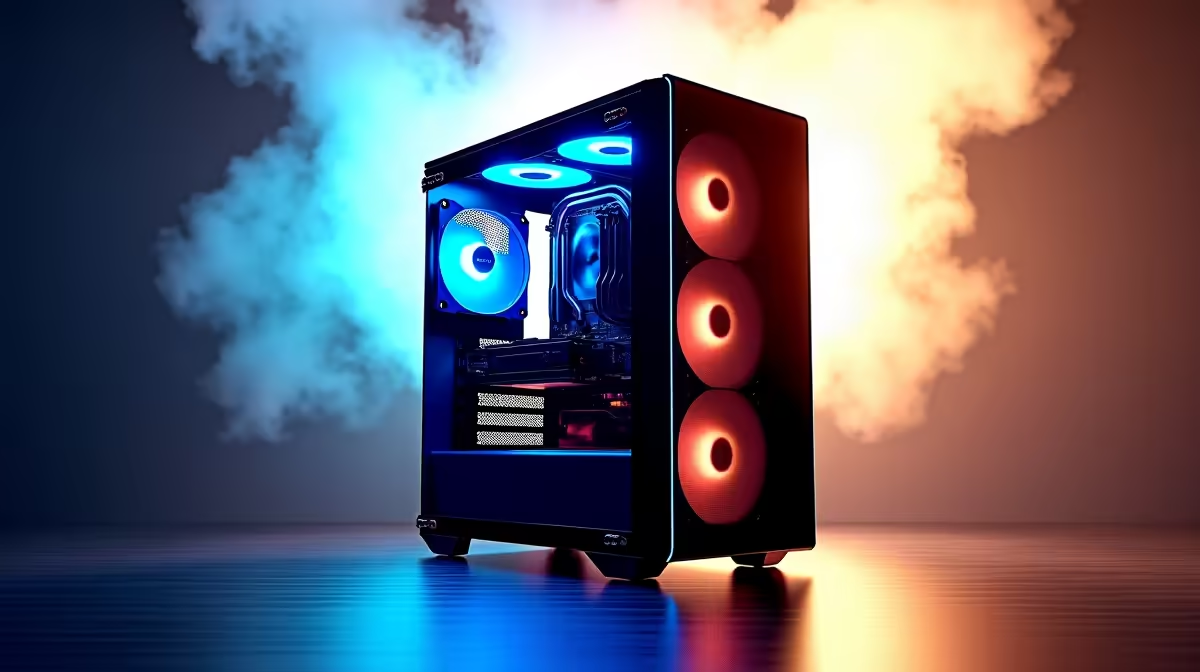
Rendering a 10-second 3D sequence shouldn't give you enough time to braai some boerewors. If your timeline stutters over simple effects... your hardware is failing you. Finding the best PC build for animators in South Africa 2026 is about balance. You need raw processing power and smart budget choices to keep rendering times low.
The Heart of Your Animation Workstation 🚀
When working in Cinema 4D or Blender, your workflow splits into two phases. First is active designing. This phase relies heavily on your CPU's single-core speed. Second is the final render. Modern rendering engines like Octane lean entirely on your GPU. Upgrading to the latest graphics cards is crucial. You need massive VRAM to handle complex textures and lighting without crashing.
Don't Ignore Your Processor Power
While graphics cards handle the heavy rendering... your CPU is still the brain. Software like After Effects relies heavily on processor clock speeds. It needs that power for calculating physics and particle simulations. A high-end processor ensures your interface remains snappy. You can navigate complex timelines without frustrating lag. Look for processors with high core counts to speed up background tasks. Intel and AMD both offer incredible processors for creators. They strike a brilliant balance for rendering tasks. You get excellent multi-core performance alongside rapid single-core speeds. Balancing a strong processor with a capable graphics card eliminates bottlenecks. This harmony keeps your creativity flowing smoothly.
Why RAM and Storage Speed Matter ⚡
After Effects is notoriously hungry for system memory. It caches preview frames directly into your RAM. If you want smooth playback, 64GB of DDR5 memory is the sweet spot for 2026. Many premium gaming PCs already pack this level of memory. Gamers and 3D creators share very similar hardware needs.
Pair this memory with a fast Gen 4 NVMe SSD. You want your project files loading instantly... not leaving you staring at a spinning wheel. Consider a two-drive setup for maximum efficiency. Keep your operating system and applications on one drive. Store your active project files and heavy video assets on a secondary drive. This prevents data traffic jams during intense editing sessions.
Optimise Your After Effects Cache ⚡
Always assign your Media & Disk Cache to a dedicated NVMe SSD separate from your OS. This prevents bottlenecking and drastically improves preview rendering speeds in complex motion graphics compositions.
Choosing Your Ideal Setup 🔧
Building a rig from scratch is highly rewarding. However, time is money in the freelance animation world. Opting for professionally assembled pre-built desktop solutions guarantees stability. Your components will play nicely together straight out of the box.
Need to present client pitches on the go? You might want to supplement your main rig. Consider investing in one of the incredibly capable high-performance laptops available right now. Modern mobile workstations pack desktop-tier graphics. You can render complex scenes from a coffee shop during load shedding. Just ensure the cooling system is robust enough for prolonged workloads.
Maximising Your Rand Value ✨
Tech prices fluctuate constantly. Smart builders know exactly how to stretch their ZAR. You do not always need the most expensive flagship parts. Keep an eye on weekly hardware specials to grab high-tier components at mid-tier prices. Power stability is also crucial for long renders. Always factor a reliable UPS into your total budget. You must protect those overnight renders from sudden grid failures. The best PC build for animators in South Africa 2026 fits your After Effects, Blender, and Cinema 4D needs perfectly.
Ready to Bring Your Renders to Life? Don't let outdated hardware throttle your creative potential. Whether you are dominating After Effects or mastering Blender, we have the hardware you need. Explore our massive range of desktop specials and find the perfect machine to conquer your creative world.











