

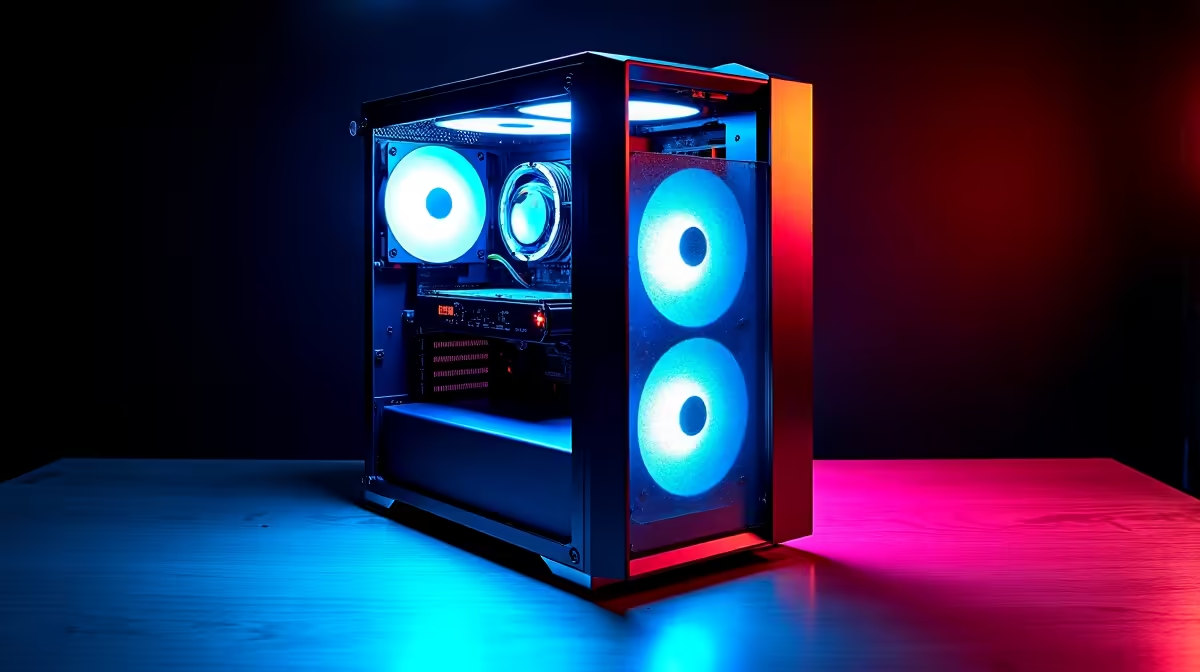
Waiting for a massive Jupyter notebook to execute while your CPU screams is a nightmare... especially when load-shedding looms. If you crunch massive datasets or train local models, you need hardware that keeps up. Let us explore the best PC build for data scientists in South Africa 2026. Forget hardware bottlenecks... it is time to optimise your Python workflows and reclaim your productivity. 🚀
The Brains of the Operation: CPU and RAM
Data science is incredibly hungry for system resources. When you parse millions of rows in Pandas, your processor does all the heavy lifting. You need a processor with high core counts and serious multi-threading capabilities.
However, a strong CPU is useless without enough memory. We recommend an absolute minimum of 32GB of RAM... though 64GB is the true sweet spot for the best PC build for data scientists in South Africa 2026. This ensures your system will not crash when handling huge arrays. If you want to skip the complex assembly process, exploring pre-built desktop rigs is a smart move. They come thoroughly tested and ready for immediate deployment.
Fast Storage is Non-Negotiable ⚡
When you load gigabytes of raw data into your Python environment, traditional hard drives will cripple your speed. NVMe SSDs are absolutely essential. They drastically reduce read and write times... meaning less time staring at loading screens. Aim for at least 2TB of Gen4 storage to house your massive datasets securely.
Deep Learning Demands Serious GPU Power 🧠
Machine learning and local LLM training have shifted the computing landscape. Relying solely on your processor for these tasks will waste hours of your valuable time. You need thousands of CUDA cores to accelerate your PyTorch and TensorFlow workflows.
Investing in dedicated graphics cards from NVIDIA is non-negotiable for modern AI tasks. Interestingly, many premium gaming setups double as incredible data workstations. This is because they already pack the high-end GPUs required for deep learning.
Productivity Pro Tip 🔧
Use WSL2 (Windows Subsystem for Linux) to run your Python environments natively on Windows. It gives you the seamless Linux terminal experience required for Docker and Jupyter, without sacrificing the hardware compatibility of a dedicated Windows machine.
Desktop Power vs Mobile Flexibility
Sometimes you need to code on the go... or present visualisations directly at a client office. While a desktop offers maximum raw performance, modern mobile hardware has closed the performance gap significantly. If mobility is crucial for your daily workflow, browsing high-performance notebooks might be the better play. Just ensure the laptop cooling system can handle sustained loads during model training.
Maximising Your ZAR Budget
Building a professional workstation is a serious financial investment. Every Rand counts when you are speccing out premium components. To stretch your budget further without compromising on processing quality, keep a close eye on the latest tech specials. Snagging a discount on your storage or power supply frees up vital cash for a better graphics card.
Ready to Crunch Data Faster? Building a workstation for complex Python scripts and large datasets does not have to drain your budget. Explore our massive range of PC deals and find the perfect machine to conquer your next data science project.











