

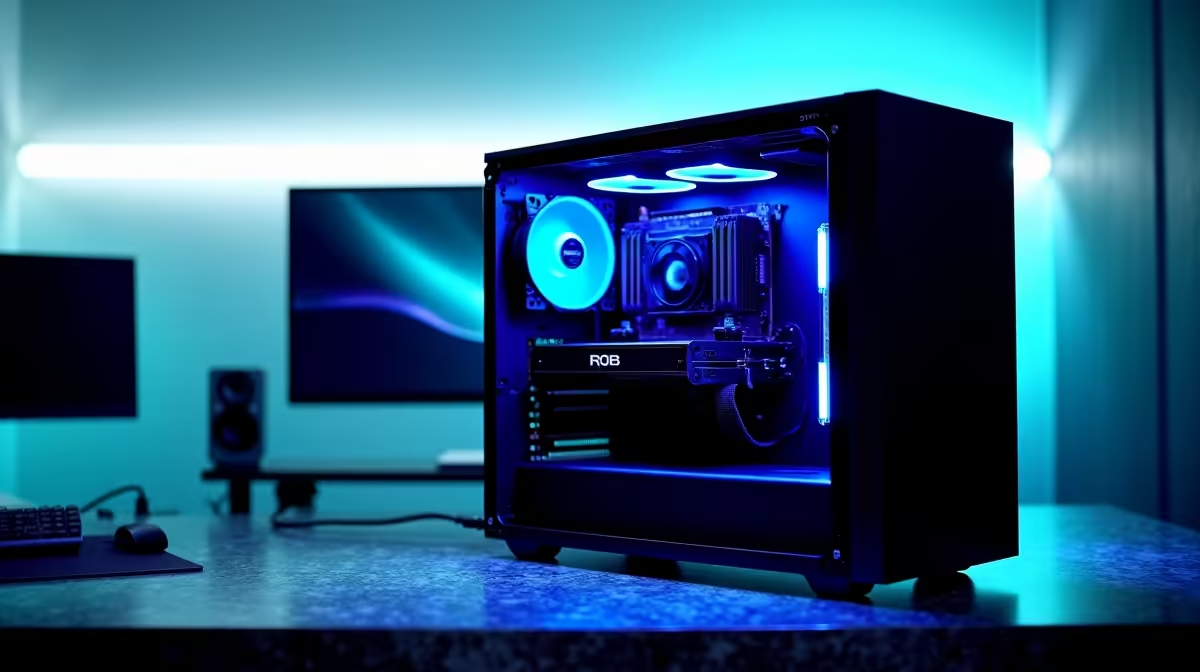
Tired of watching your timeline stutter while scrubbing through 4K footage? We know the feeling. Dropped frames and endless rendering bars kill creativity... especially when deadlines loom. If you want the Best PC Build for Video Editors in South Africa 2026, you need serious hardware. Let us explore exactly what it takes to run DaVinci Resolve and Premiere Pro flawlessly this year. 🚀
Processing Power and Memory Needs
Your processor is the beating heart of your workstation. Premiere Pro loves high clock speeds... while DaVinci Resolve thrives on multi-core performance. You should aim for at least an Intel Core i7 or AMD Ryzen 7 processor. Memory is just as vital. Do not settle for less than 32GB of RAM. If you handle heavy 4K or 8K projects, 64GB is the sweet spot.
Building from scratch can be daunting. Sometimes it is easier to look at pre-built PC deals that already balance these high-end components perfectly.
GPU Acceleration for DaVinci Resolve
While Premiere leans heavily on your CPU, DaVinci Resolve is notoriously GPU-hungry. It uses your graphics card for colour grading... effects... and exporting. You need a dedicated GPU with plenty of VRAM. An NVIDIA RTX 4070 or higher will drastically reduce your export times.
When you buy graphics cards, prioritise models with at least 12GB of VRAM. This ensures your timeline remains buttery smooth even when stacking heavy colour nodes. ⚡
Storage Solutions and Mobile Editing
Never underestimate your storage speed. A standard hard drive will bottleneck even the most expensive processor. You must use NVMe SSDs. Keep your operating system and software on one drive. Use a secondary NVMe drive strictly for active project files.
Interestingly, the hardware required for editing mirrors high-end gaming rigs. Browsing the best gaming PC deals is often a brilliant shortcut to finding a capable editing workstation.
Need to edit on set or during load shedding? A desktop is not your only option. Modern mobile processors pack incredible power. You can easily find premium notebooks for sale in South Africa that handle 4K timelines without breaking a sweat.
Storage Pro Tip 🔧
Always use a proxy workflow for 4K or 8K footage. Even on the Best PC Build for Video Editors in South Africa 2026, generating 1080p proxies in Premiere Pro or Resolve saves massive CPU overhead. It keeps your playback smooth while you edit... and uses your full-resolution files only for the final export.
Maximising Your ZAR Budget
High-end hardware comes with a premium price tag. However... you do not have to empty your bank account to get professional performance. The trick is knowing where to allocate your budget. Spend heavily on your CPU and GPU. You can always add more storage later.
Always keep an eye out for seasonal specials to stretch your Rands further. Upgrading your rig piece by piece is a smart way to build the ultimate workstation over time. ✨
Ready to Build Your Editing Powerhouse? Stop losing hours to slow render times. For maximum performance and value in South Africa, our custom workstations are hard to beat. Explore our massive range of PC deals and find the perfect machine to conquer your creative workflow.











