

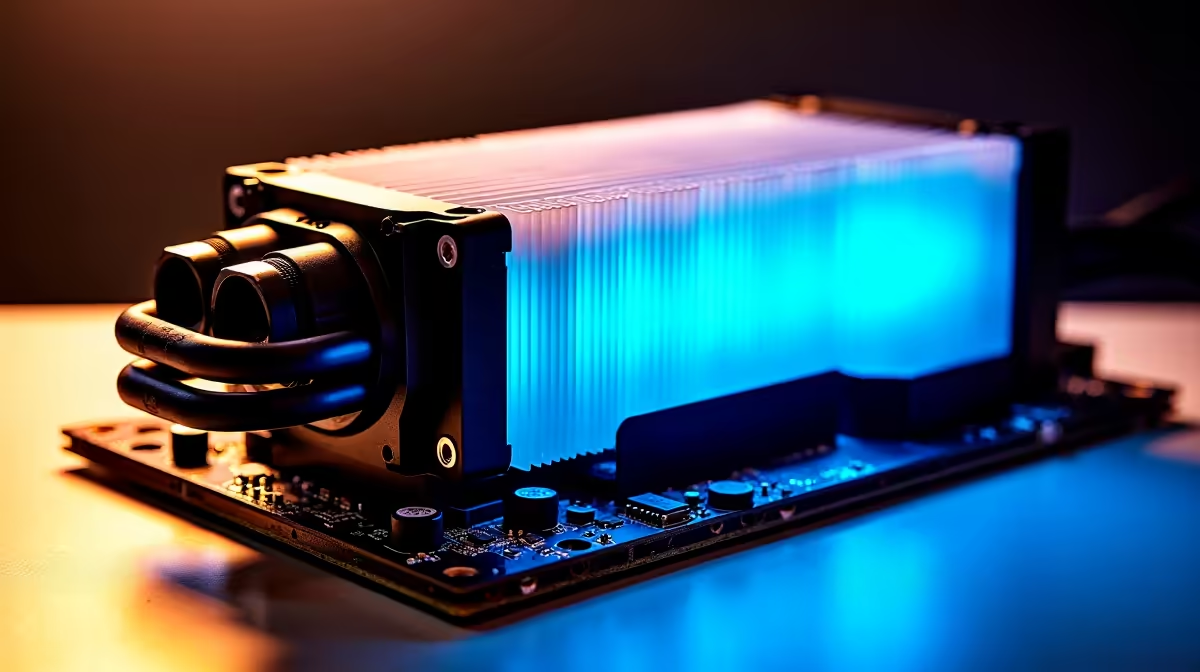
That familiar summer heatwave hits, the braai is sizzling, and inside, your gaming PC sounds like it's preparing for takeoff. In South Africa, keeping your PC cool isn't just a luxury… it's essential for survival. High ambient temperatures can throttle performance and shorten the lifespan of your prized components. So, what's the secret to finding the best PC cooling for South Africa's demanding climate? Let's dive in and find the right solution for your rig.
Why Your PC Hates a South African Summer
Ever noticed your frame rates dropping during a December gaming session? That's likely thermal throttling. When your CPU or GPU gets too hot, it automatically reduces its performance to prevent damage. Our high ambient temperatures mean your PC's cooling system has to work much harder just to stay at a baseline, let alone cool down high-performance parts under load.
This constant battle against heat doesn't just hurt your in-game performance; it can reduce the lifespan of your hardware. Investing in proper PC cooling, even on budget-friendly gaming PCs, is one of the smartest upgrades you can make for long-term stability.
Air vs. Liquid: Choosing Your Cooling Champion
The core of any PC cooling solution is how you handle the CPU. The two main contenders are traditional air coolers and modern All-in-One (AIO) liquid coolers. Neither is outright better; the best choice depends on your build, budget, and performance goals.
The Case for Air Cooling 🌬️
Air coolers use a heatsink with fins to draw heat away from the CPU, which is then dissipated by a fan. They are the workhorses of PC cooling.
- Pros: Highly reliable with fewer points of failure, generally more affordable, and easy to install.
- Cons: Can be bulky, potentially interfering with tall RAM sticks or case side panels. High-end models can be just as expensive as AIOs.
For most gamers, a quality air cooler from a reputable brand offers a fantastic balance of price and performance, making it a perfect fit for many powerful PCs under R20,000.
The Power of Liquid Cooling (AIOs) 💧
AIO coolers use a closed loop of liquid to transfer heat from the CPU to a radiator, where fans cool it down. They were once a niche, high-end option but are now common in modern gaming rigs.
- Pros: Superior thermal performance, especially for overclocked CPUs. They often run quieter under load and offer a clean, minimalist aesthetic.
- Cons: More complex and expensive, with a theoretical risk of leaks (though extremely rare with modern units).
If you're pushing your hardware to the limits with overclocking or running a top-tier CPU, an AIO is often the best way to keep temperatures in check, which is why you'll see them in many premium systems over R20,000.
It's Not Just the CPU: Mastering Case Airflow
The most powerful CPU cooler in the world won't help if it's just circulating hot air inside your case. Proper case airflow is the foundation of an effective cooling setup. The goal is simple: get cool air in, get hot air out.
Most modern cases are designed for this, often with mesh front panels that allow for maximum air intake. A standard setup involves two or three intake fans at the front pulling cool air in, and one exhaust fan at the back (and sometimes the top) pushing hot air out. This creates a clear path for air to travel over your components. When you browse our expertly assembled pre-built PC deals, you'll notice they are all built with this optimised airflow in mind.
Quick Airflow Check 🔧
Not sure which way your fans are blowing? The side of the fan with the plastic frame or 'cage' is almost always the exhaust side—the direction the air blows. You can also hold a small piece of paper near it; if it's pulled towards the fan, it's an intake. If it's pushed away, it's an exhaust.
Final Touches for an Ice-Cold Rig ✨
Choosing the right CPU cooler and ensuring good case airflow are the biggest steps. But a few final details can make a real difference in finding the best PC cooling for South Africa's hot climate:
- Thermal Paste: Don't skimp on it. A high-quality thermal compound ensures efficient heat transfer from your CPU to your cooler.
- Cable Management: Messy cables can obstruct airflow. Tucking them away neatly doesn't just look good; it improves cooling performance.
- Regular Cleaning: Dust is a great insulator, which is bad news for a PC. A quick clean with compressed air every few months keeps your heatsinks and fans running efficiently.
Considering all these factors is key to building or buying a PC that lasts. It's why we focus on balanced component selection in all of the best gaming PC deals we offer.
Ready to Beat the Heat? Choosing the best PC cooling for South Africa is crucial. Don't let thermal throttling ruin your game. Explore our massive range of custom and pre-built gaming PCs, all optimised to conquer the South African climate.











