

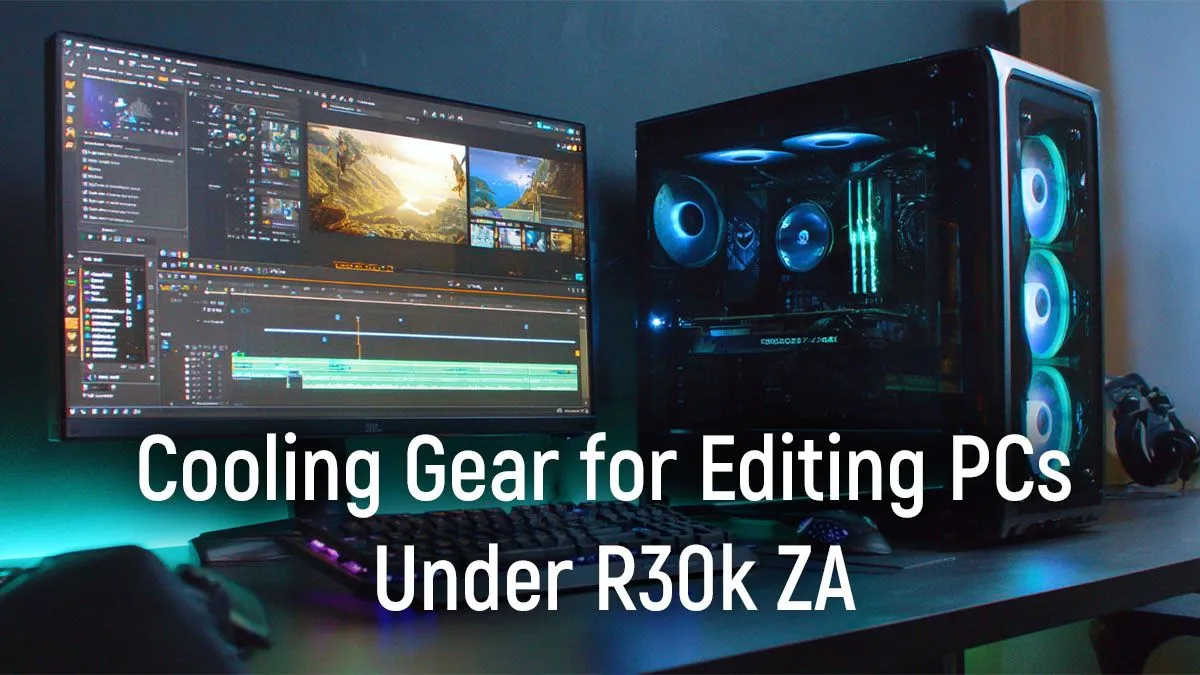
You’ve just dropped R30,000 on a beastly new video editing rig. The CPU is a monster, the GPU slices through 4K timelines, and everything feels snappy… until you hit ‘Export’. Suddenly, your fans scream, performance tanks, and that 10-minute render stretches into 30. Sound familiar? In our warm climate, effective PC cooling for video editing in SA isn’t a luxury; it’s the key to unlocking the performance you paid for.
The Real Cost of Bad Cooling: Performance Throttling
When your CPU gets too hot under a heavy load like rendering video, it automatically slows itself down to prevent damage. This is called thermal throttling. It's the silent killer of productivity, turning your high-end processor into a sluggish disappointment right when you need it most. You lose performance, time, and patience. 😩
Modern processors, especially the powerful CPUs found in most high-performance PCs above the R20k mark, are designed to boost to high clock speeds as long as they have "thermal headroom." Better cooling means more headroom, which translates directly to faster exports and a smoother editing experience. Investing in good cooling is investing in your workflow.
Air vs. Liquid: The Great Cooling Debate for R30k Rigs
When it comes to high-performance PC cooling, you have two main choices: traditional air coolers or All-In-One (AIO) liquid coolers.
Air Coolers: The Reliable Workhorse
An air cooler uses a block of metal fins (a heatsink) and fans to draw heat away from the CPU.
- Pros: Highly reliable with fewer points of failure, often more affordable, and modern high-end models offer incredible performance.
- Cons: Can be bulky, potentially interfering with tall RAM modules or case side panels.
For most R30k builds, a solid air cooler is often the smarter, more reliable choice, similar to the balanced builds you'll find in our best gaming PC deals.
AIO Liquid Coolers: The Sleek Performer
An AIO uses a closed loop of liquid to transfer heat from the CPU to a radiator, where it's expelled by fans.
- Pros: Can offer superior cooling performance (especially in larger 280mm or 360mm sizes), provides a cleaner look inside your case, and keeps heat localised to the radiator.
- Cons: More expensive, more complex, and has more potential (though rare) failure points like the pump.
Airflow Pro Tip 🔧
Don't just plug in your case fans and forget them. Dive into your motherboard's BIOS UEFI to set a custom fan curve. You can tell your fans to spin faster based on CPU temperature. This keeps your PC quiet during light tasks but ramps up the cooling automatically when you hit 'Render', preventing thermal throttling without you lifting a finger.
Smart Choices for Your R30k Video Editing PC Cooling
So, what should you actually buy? For a build in the R30,000 range, you're looking for the sweet spot of performance and value.
- Your CPU Cooler: You don't need to break the bank. A high-performance dual-tower air cooler or a quality 240mm AIO liquid cooler is more than enough for the CPUs typically found in this budget. This level of cooling for video editing ensures your chip can maintain its maximum boost clocks during long renders.
- Your PC Case: The best cooler in the world can't work miracles in a sealed hotbox. Prioritise a case with a mesh front panel and good airflow. While the stock coolers in many budget gaming PCs are fine for 1080p gaming, a sustained video editing workload generates far more heat.
- Case Fans: Ensure you have at least two intake fans at the front and one exhaust fan at the rear. This creates positive or neutral air pressure, constantly cycling fresh, cool air over your components. Even on systems under R20k, a case with good airflow makes a world of difference. ✨
Ultimately, choosing the right PC cooling in South Africa is about creating a balanced system. If you'd rather skip the guesswork, exploring our pre-built PC deals is a great option, as they are configured by experts for optimal thermal performance from the get-go.
Stop Throttling, Start Creating. 🚀 A powerful PC is only as fast as its cooling. Don't let heat sabotage your video editing workflow. Whether you're upgrading or starting fresh, we'll help you build a perfectly balanced system that stays cool under pressure. Design your ultimate video editing PC with our Custom PC Builder and find your cool, calm, creative powerhouse today.











