

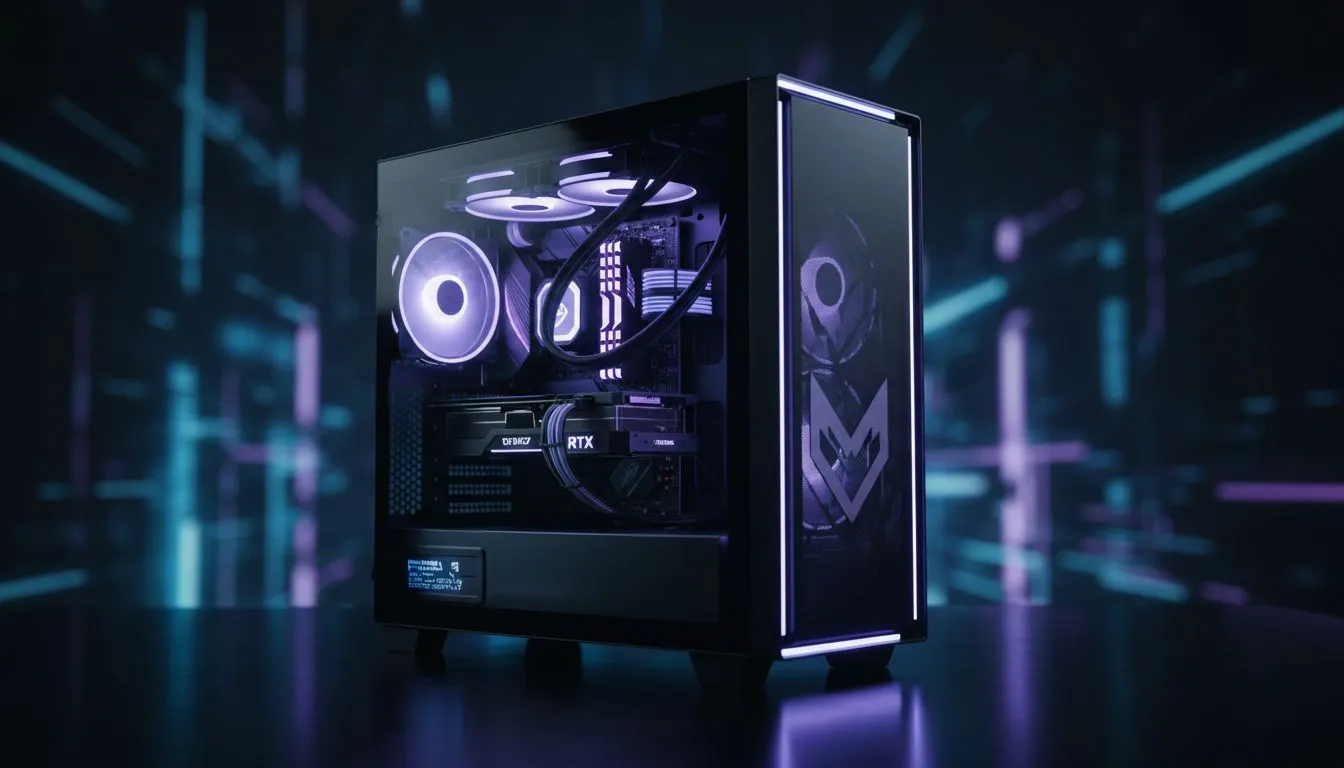
Understanding the Best PC for UEFN Requirements
Unreal Editor for Fortnite (UEFN) has opened doors for South African creators to build worlds that millions can play. But if you are still trying to render complex landscapes on an old office rig... you are going to have a hard time. Finding the Best PC for UEFN means balancing high-speed rendering with smooth multitasking. Whether you are building custom maps or complex mechanics... your hardware matters. 🔧
To create professional-grade content, your system needs to handle the heavy lifting of Unreal Engine 5. If you are just starting out with creative maps, exploring budget gaming PCs is a great way to enter the ecosystem without breaking the bank. These entry-level systems provide a solid foundation for learning the ropes of Verse and basic asset placement.
Choosing the Right GPU for Unreal Editor
The graphics card is the most critical component for any creator. UEFN relies heavily on VRAM to load high-resolution textures and manage real-time lighting. While a standard gaming card works, you want something with at least 8GB of VRAM to avoid stuttering during the editing process. For those looking for a solid mid-tier experience, we recommend checking out PC builds under R20k that offer enough graphical horsepower for stable editing. ⚡
Optimising Your Viewport ⚡
When working in UEFN, try lowering the engine scalability settings in the viewport while you are building. This reduces the load on your GPU and keeps your framerate high, allowing you to place objects and script Verse code without any lag. You can always crank the settings back up to Epic when you want to see your final lighting pass.
CPU and RAM: The Engine Room
While the GPU handles the visuals, your CPU and RAM handle the logic and shader compilation. Shader compilation can take ages on a weak processor, which is why we suggest a modern 6-core or 8-core CPU. Serious developers working on high-fidelity assets will require the power found in workstations above R20k to ensure Unreal Engine 5 features like Lumen and Nanite run smoothly.
Don't skimp on memory either... 16GB is the bare minimum, but 32GB is the sweet spot for the Best PC for UEFN. This allows you to keep UEFN, a browser for tutorials, and Discord open simultaneously without your system crawling to a halt.
Storage and Cooling for South African Creators
UEFN projects can grow to massive sizes very quickly. An NVMe SSD is non-negotiable for fast loading times. Furthermore, the South African climate can be tough on hardware during long rendering sessions. Choosing from our curated pre-built PC deals ensures that all your components are compatible and paired with adequate cooling to prevent thermal throttling. 🚀
Keep an eye on our best gaming PC deals to snag high-performance hardware at the most competitive prices in ZAR. Whether you are a hobbyist or an aspiring pro, the right hardware is the first step toward seeing your map on the Fortnite Discovery page. ✨
Ready to Build Your Digital World? Finding the Best PC for UEFN is the first step toward becoming a top-tier Fortnite creator. From budget-friendly rigs to powerhouse workstations, we have the perfect setup for your creative journey. Explore our massive range of PC specials and start building your legacy today.











