

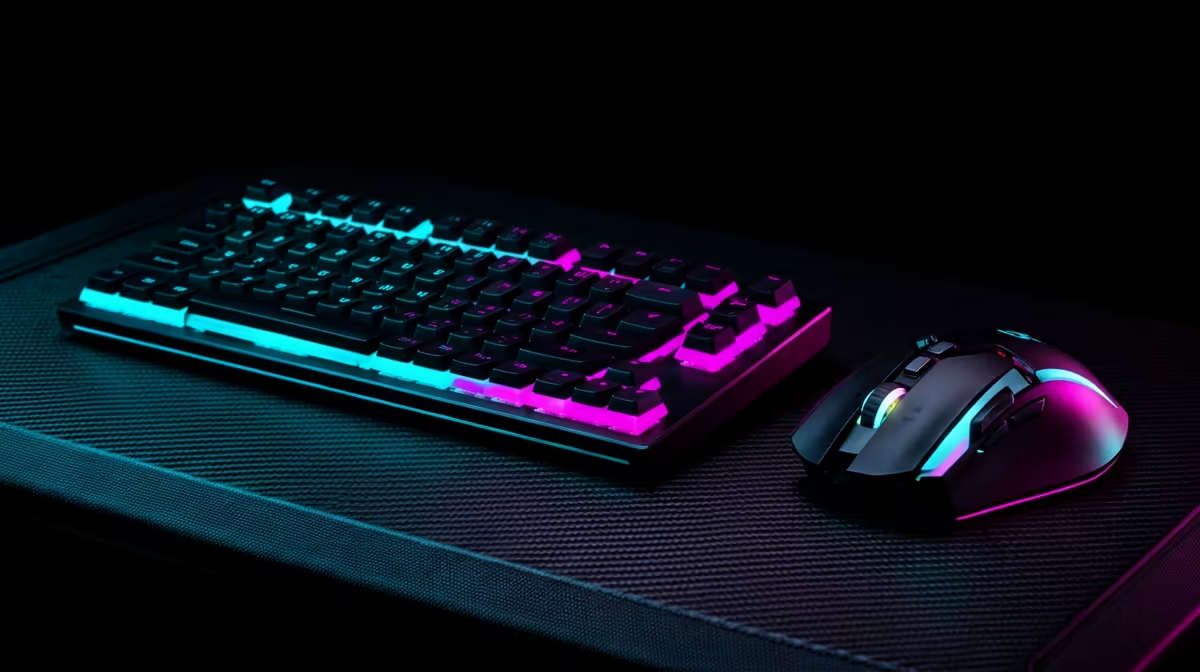
So, you've invested in a powerful editing PC... awesome! But if you're still using that old mouse and monitor from your varsity days, you're leaving performance on the table. The right gear isn't just about comfort; it's about speed, accuracy, and unlocking your creative potential. This guide will walk you through choosing the best peripherals for editing PCs under R30k in SA, ensuring every rand you spend directly improves your workflow. 🎨
Your Monitor: The Window to Your Creative World
Let's be clear: your monitor is the single most important peripheral for any visual editing work. It's your only reference for colour, detail, and composition. A cheap, uncalibrated screen can make your perfectly graded footage look disastrous on another device.
For a modern editing PC, you should be looking for three key things:
- Colour Accuracy: Aim for a monitor with at least 99% sRGB coverage. If you work with print, look for high Adobe RGB or DCI-P3 coverage too. This ensures the colours you see are the colours everyone else will.
- Resolution: 1440p (QHD) is the new sweet spot. It offers a significant jump in screen real estate over 1080p without needing a top-tier graphics card to run smoothly, making it perfect for pairing with a wide range of PCs under R20k.
- Panel Type: An IPS (In-Plane Switching) panel is non-negotiable for its superior colour reproduction and viewing angles.
Think of your monitor not as an accessory, but as a core component of your rig. A great display makes the difference between guesswork and precision.
Keyboards & Mice: The Tools of Your Trade ⌨️
While often associated with gaming, the right keyboard and mouse can drastically speed up your editing process. It's all about ergonomics and efficiency. Many of the features found in rigs from our selection of the best gaming PC deals are incredibly beneficial for creative professionals.
The Right Keyboard for Shortcuts
Scrubbing through timelines and hitting complex keyboard shortcuts is a daily reality for an editor. A mechanical keyboard offers tactile feedback that improves typing accuracy and speed. More importantly, many come with programmable macro keys. Imagine binding a multi-step Photoshop action or a complex Premiere Pro export setting to a single keypress. That's a real time-saver.
Productivity Pro Tip ⚡
On Windows, use the PowerToys FancyZones utility to create custom snap layouts for your windows. It's a lifesaver for managing multiple apps on an ultrawide monitor, letting you organise your timeline, preview window, and asset folders perfectly for video editing.
A Mouse Built for Precision
For editing, a mouse needs to be two things: precise and comfortable. A high-DPI (Dots Per Inch) sensor allows for smooth, accurate cursor movements, which is essential for tasks like masking or detailed photo retouching. Look for an ergonomic design that fits your hand to reduce strain during long editing sessions. Extra programmable buttons are also a huge plus, allowing you to map tools like the zoom or hand tool for quick access. This level of customisation is vital whether you're working on a budget gaming PC or a high-end workstation.
Putting It All Together for a Balanced Setup
Creating the ultimate editing station is about synergy. Your peripherals should complement the power of your PC, not bottleneck it. While we've focused on setups where the PC itself might be under R30k, these principles apply across the board. The same high-quality peripherals would be an excellent match for one of our more powerful PCs above R20k, ensuring your entire ecosystem is optimised for performance.
Ultimately, the best peripherals for your editing PC are the ones that fit your specific workflow. Whether you're a photographer, a YouTuber, or a 3D artist, investing in your monitor, keyboard, and mouse is an investment in your own efficiency and the quality of your final product. If you're starting from scratch, exploring some pre-built PC deals can provide a fantastic, powerful base to build your dream setup upon. ✨
Ready to Build Your Ultimate Editing Station? Your PC is only half the battle. The right peripherals unlock speed, precision, and comfort. Explore our massive range of PC components and peripherals and find the perfect gear to bring your creative vision to life.











