

Quick Answer
A well-balanced productivity PC build under R25,000 in South Africa for 2026 should pair a Ryzen 5 or Core i5 processor with 32GB of DDR5 RAM, a fast NVMe SSD, and a reliable PSU with at least an 80 Plus Gold rating. This combination covers office work, content creation, video conferencing, and light development without breaking budget.
What Makes a Good Productivity Build in 2026?
A productivity PC differs from a gaming rig in a few important ways. You need more RAM, faster storage, and strong single-core performance for snappy application response times. GPU power is secondary unless your work involves video rendering or 3D modelling. In 2026, DDR5 has matured and is now price-competitive with DDR4 on compatible platforms, making it the smart choice for new builds targeting longevity.
For South African professionals and content creators, the R25,000 budget is a practical sweet spot. It gets you components that will remain relevant for four to five years without overspending on features that do not help productivity.
Recommended Component Breakdown Under R25,000
Here is a practical allocation for this budget:
CPU (R3,000-R4,500): AMD Ryzen 5 7600 or Intel Core i5-13600K. Both deliver excellent single-core performance for snappy application load times and handle multi-threaded workloads like compiling or batch exporting well. The Ryzen 5 7600 on AM5 future-proofs your platform for upcoming Ryzen upgrades.
Motherboard (R2,500-R3,500): A mid-range B650 (for AMD) or B760 (for Intel) board. Look for at least two M.2 slots, USB-C on the rear panel, and solid VRM quality for stable CPU boost performance.
RAM (R2,000-R3,000): 32GB DDR5-5200 in a dual-channel kit. 32GB is the productivity sweet spot in 2026, handling dozens of browser tabs, virtual machines, and creative software simultaneously.
Storage (R1,800-R2,500): A 1TB PCIe 4.0 NVMe SSD as your primary drive. Application load times and file operations are dramatically faster than SATA SSDs. Add a secondary 2TB SATA SSD for file storage if budget allows.
GPU (R2,000-R3,500): For pure productivity without video rendering, a mid-range card like an RX 6600 or RTX 3060 handles multi-monitor setups and accelerates hardware-accelerated export in Premiere Pro and DaVinci Resolve. Skip discrete GPU entirely if you only run office software and use CPU-integrated graphics instead.
PSU (R1,500-R2,000): 650W 80 Plus Gold. This rating matters in South Africa where power quality can fluctuate. A Gold-rated unit runs cooler, wastes less electricity, and typically comes with better protection circuitry.
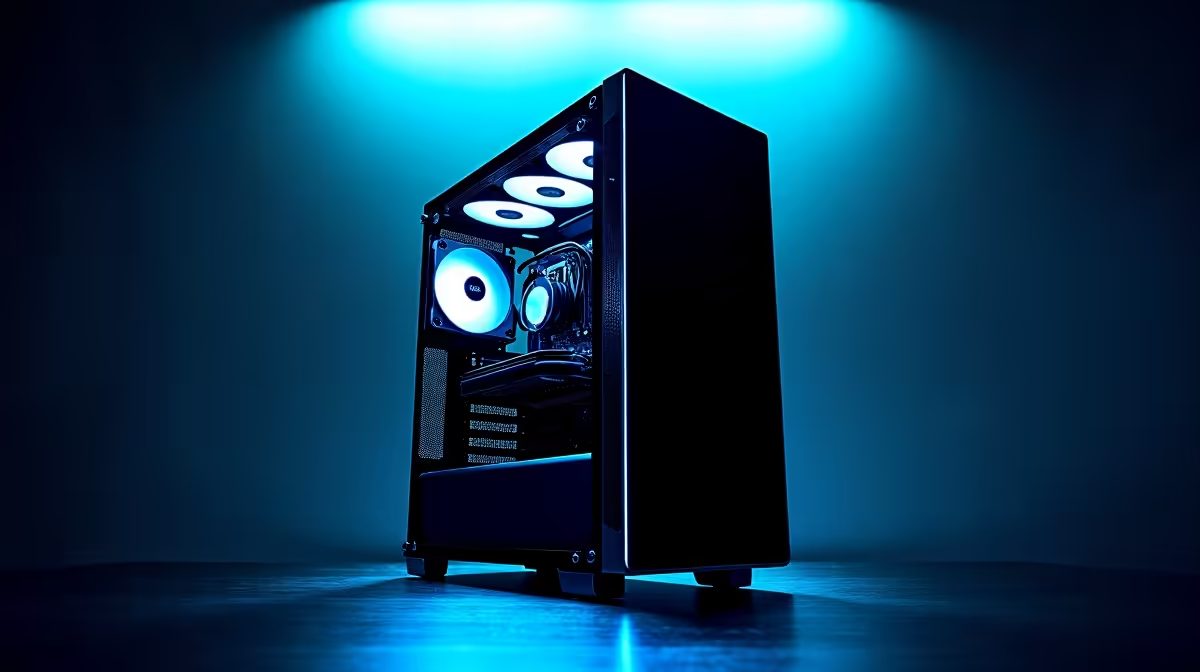
Case and Cooling (R1,500-R2,500): A mid-tower with good airflow and a 120mm or 240mm AIO cooler. Ryzen 7600 runs cool with a decent tower cooler, which saves budget.
Loadshedding Considerations for South African Builds
Loadshedding remains a reality for South African PC users. A quality PSU with active power factor correction handles voltage fluctuations better than cheap units. Pairing your productivity PC with a 600-1000VA UPS protects components from surges during stage transitions and gives you enough runtime to save work and shut down properly. This is not optional for anyone relying on their PC professionally.
Upgradeability and Future-Proofing
Building on the AM5 platform gives you CPU upgrade headroom through at least 2027-2028 as AMD has committed to the socket. DDR5 performance will improve with future CPU generations that take better advantage of its bandwidth. Start with 32GB and leave your second M.2 slot and remaining RAM slots open for expansion. This build can grow with your needs without requiring a full platform replacement.
Frequently Asked Questions
Is R25,000 enough for a professional-grade productivity PC in SA in 2026? Yes. R25,000 builds a genuinely capable workstation that handles office productivity, content creation, software development, and light video work. You will not need to compromise on the components that matter most.
Should I choose AMD or Intel for a productivity build in 2026? Both are strong choices. AMD Ryzen on AM5 offers longer platform longevity. Intel Core i5/i7 13th and 14th generation offer strong single-core speed at competitive prices. Choose based on current pricing at the time of purchase.
Do I need a dedicated GPU for productivity work? Only if your software benefits from GPU acceleration. Video editing in DaVinci Resolve and 3D rendering in Blender benefit significantly. Pure office and development workloads do not require a discrete GPU.
How do I protect my productivity PC from loadshedding damage? Invest in a UPS (Uninterruptible Power Supply) sized for your system's wattage. A 600-1000VA UPS provides surge protection and several minutes of runtime to shut down safely during power cuts.
Also at Evetech: Graphics Card Deals | Evetech Best Sellers
Ready to Find Your Perfect Match? Shop Productivity PC Deals at Evetech











