

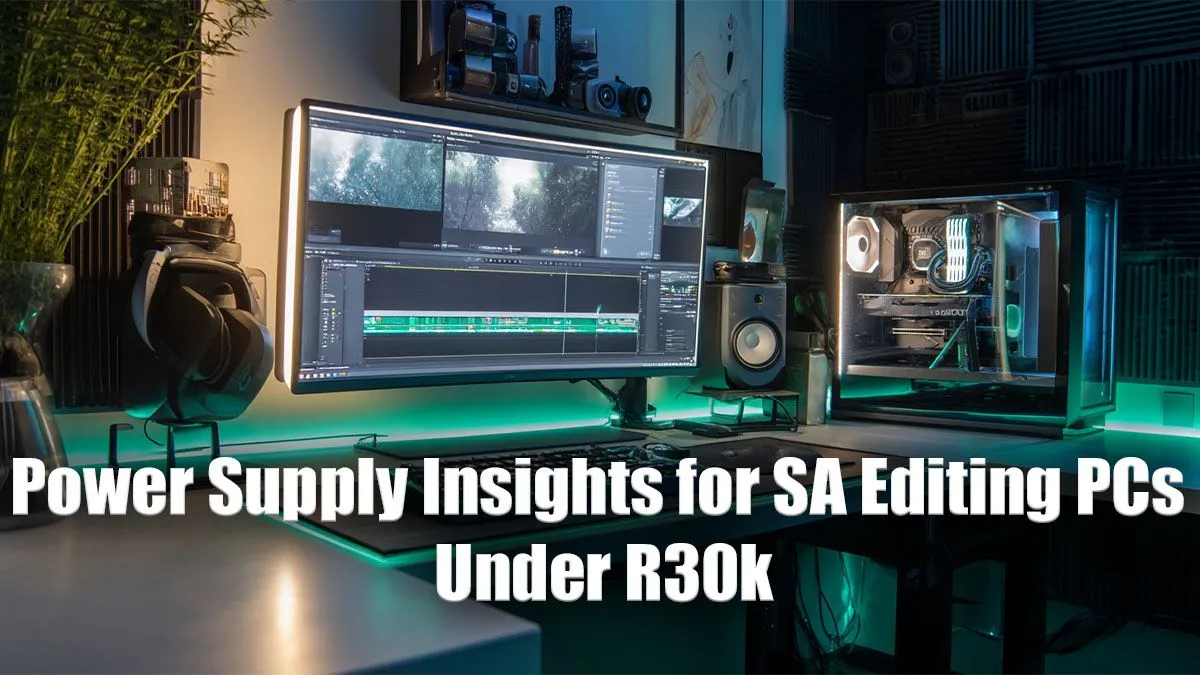
So, you’ve meticulously picked out a powerful CPU and a graphics card that can handle 4K timelines for your new R30,000 editing rig. Awesome! But hold on… what about the power supply? For many South African builders, the PSU is an afterthought, a final box to tick. This is a massive mistake. Skimping on the heart of your PC is the fastest way to instability, random crashes during a crucial render, and even component damage.
Let's find the best PSU for your budget editing PC and ensure your creative powerhouse gets the clean, stable power it deserves. 🔧
Why Your PSU is a Big Deal for Video Editing
Think of a Power Supply Unit (PSU) as your PC's heart and circulatory system. It doesn't just pump electricity; it delivers precise, stable voltages to sensitive components like your CPU, GPU, and motherboard. For content creation, this is non-negotiable.
Video editing and rendering place sustained, heavy loads on your system. A cheap, low-quality PSU might buckle under this pressure, leading to voltage drops that cause software to crash or your entire PC to shut down. It’s the kind of problem that can corrupt a project file you’ve spent hours on. A reliable power supply, like those found in quality pre-built PC deals, is designed to handle this stress flawlessly.
Key Specs to Understand for an Editing Rig
Choosing a PSU can feel like alphabet soup with all the ratings and specs. For an R30k editing build, you only need to focus on three key things to find the best PSU for your budget editing PC.
Wattage: More Isn't Always Better
For a typical R30k build (think Ryzen 5/Core i5 paired with an RTX 4060), you don’t need a 1000W monster. A high-quality 650W to 750W unit is the sweet spot. This provides more than enough power for your components with plenty of headroom for future upgrades, ensuring the PSU runs efficiently without being stressed. Many excellent PCs under R20k use this exact principle to deliver stable performance without wasted cost.
Efficiency Rating: 80 Plus is Your Friend ⚡
The "80 Plus" sticker indicates efficiency. A PSU rated "80 Plus Bronze" is at least 82% efficient, meaning very little energy is wasted as heat. This saves you money on your electricity bill over time. While Gold and Platinum ratings are even better, 80 Plus Bronze offers the perfect balance of performance and price for a budget-conscious build.
Modularity: Tidy Cables, Happy PC
- Non-Modular: All cables are permanently attached. Cheap, but messy.
- Fully-Modular: All cables are detachable. Great for clean builds, but pricier.
- Semi-Modular: Essential cables (like for the motherboard) are attached, while others (for drives/GPUs) are optional. This is the ideal choice for most builds, offering easy cable management at a great price.
PSU Calculator Pro Tip ✨
Unsure about your wattage needs? Use an online PSU calculator like the one from Cooler Master or be quiet!. Just plug in your components (CPU, GPU, RAM, drives), and it will give you a recommended wattage. Always add about 100-150W on top of its recommendation for future-proofing and peak efficiency.
Must-Have Features for a Reliable Editing PSU
Beyond the basics, a few features separate a good PSU from a great one. When you're looking at more powerful systems, like many of the PCs above R20k, these features become standard for a reason.
- Solid Warranty: A manufacturer's warranty of 5 years or more is a huge vote of confidence in the product's quality and longevity.
- Essential Protections: Look for acronyms like OVP (Over Voltage Protection), SCP (Short Circuit Protection), and OPP (Over Power Protection). These are crucial safety nets that protect your expensive components from electrical faults.
- Reputable Brands: Stick with trusted names in the industry. Brands like Cooler Master, Antec, Corsair, and Super Flower have a proven track record of reliability.
This focus on quality is just as important for creative work as it is for gaming, which is why you'll see these same principles applied in the best gaming PC deals. A stable system is a stable system, no matter the task. Ultimately, even in our most popular budget gaming PCs, we never compromise on the power supply, and neither should you.
Choosing the right power supply isn't about spending a fortune; it's about making a smart investment in your PC's stability and longevity. By focusing on a quality 650W-750W, 80 Plus Bronze unit from a reputable brand, you'll be giving your R30k editing rig the solid foundation it needs to perform for years to come.
Ready to Power Up Your Creativity? A stable PC starts with a quality power supply. Whether you're building from scratch or choosing a pre-built rig, we've got the components and systems to bring your vision to life. Explore our massive range of custom and pre-built PCs and find the perfect machine for your editing workflow.











